What is ClassParrot?
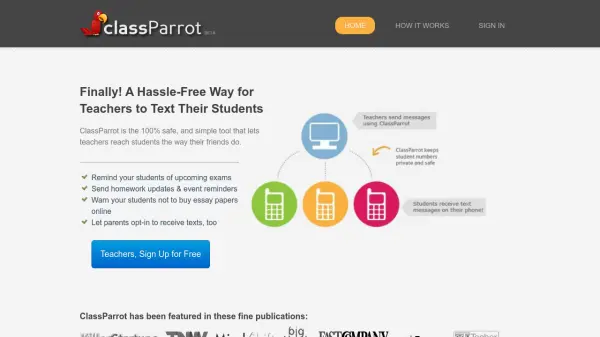
ClassParrot offers educators a hassle-free solution to communicate with students and parents via text messages while ensuring privacy and safety. Teachers can send updates, reminders, and warnings from the ClassParrot website, eliminating the need to use personal phones or exchange contact information. Parents can also opt in to receive important class notifications, making classroom communication streamlined and accessible for everyone.
With its easy signup process and affordable plans, ClassParrot is used by thousands of teachers to efficiently remind students about upcoming exams, homework, and other crucial updates. The service guarantees a safe communication environment, catering specially to the needs of schools and teachers seeking secure two-way messaging solutions.
Features
- Private Messaging: Teachers communicate without revealing their phone numbers.
- Web-Based Platform: All communication takes place via the ClassParrot website.
- Parental Opt-In: Parents can receive class updates by opting in.
- Event and Homework Reminders: Easily remind students about exams or assignments.
- Safe Sign-Up Process: Students join communication lists by sending a message.
Use Cases
- Reminding students of upcoming exams and deadlines
- Sending real-time homework updates to students
- Notifying students and parents about school events
- Alerting about academic warnings or safeguarding announcements
- Facilitating classroom communication without exchanging personal numbers
FAQs
-
How do students and parents sign up to receive messages?
Students and parents can sign up to receive messages by sending a message to the designated ClassParrot sign-up number as instructed by their teacher. -
Do teachers or students need to share personal phone numbers?
No, ClassParrot allows communication without the need to share personal phone numbers. -
Is there a free trial available for new users?
Yes, new users can try ClassParrot for free before choosing an affordable plan.