What is CI Dashboard: IntelliJ Plugin?
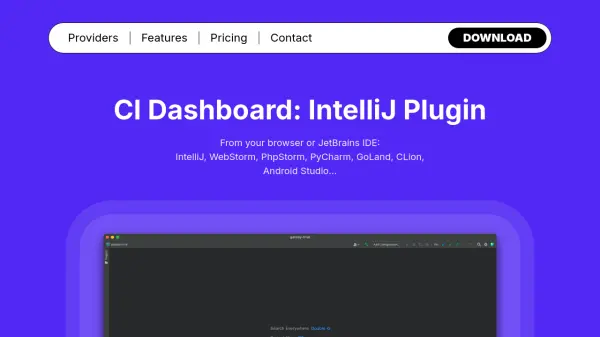
CI Dashboard: IntelliJ Plugin is designed to simplify and enhance continuous integration management by bringing powerful CI features directly into JetBrains IDEs, including IntelliJ, WebStorm, PhpStorm, PyCharm, and others. Users can effortlessly search and access both personal and public repositories, monitor pipelines, and view detailed job information without leaving their development environment.
This plugin enables developers to trigger, abort, or retry CI pipelines and jobs, review build logs, and conveniently manage project or group variables in one location. It offers seamless integration with popular providers such as GitLab, GitHub, and others, as well as in-IDE browsing of CI documentation and Docker resources. The solution further supports CI configuration validation, artifact downloads, and instant access to variables and secure files, making continuous integration workflows more efficient and manageable.
Features
- Repository Search: Search personal and public repositories for CI integration.
- Pipeline Monitoring: Keep track of ongoing pipelines and view job details directly in IDE.
- Job Control: Trigger, abort, and retry pipelines or jobs from the interface.
- Build Log Display: View detailed build logs within the IDE.
- Artifact Download: Download CI job artifacts seamlessly.
- Variable Management: Manage project and group variables efficiently in one place.
- Integrated Documentation: Browse CI documentation without switching contexts.
- Docker Integration: Search Docker images and tags for CI setups.
- CI Configuration Validation: Validate CI Yaml files with a simple right-click in the IDE.
Use Cases
- Monitor and manage CI pipelines directly from JetBrains IDE for increased developer productivity.
- Efficiently troubleshoot and re-run failed CI jobs during the software development cycle.
- Quickly access and edit project variables and secure files for CI/CD processes.
- Download and review build artifacts without switching between multiple platforms.
- Validate CI configuration files within IDE before committing changes.
- Browse and reference CI provider documentation alongside code editing.
FAQs
-
Which JetBrains IDEs are supported?
The plugin supports IntelliJ, WebStorm, PhpStorm, PyCharm, GoLand, CLion, and Android Studio. -
What CI providers can be integrated with the plugin?
Supported providers include GitLab, GitHub, Circle CI, Bitrise, and Travis CI. -
Can I validate CI configuration files using the plugin?
Yes, you can validate CI Yaml configuration files directly within the IDE.