

What is Checklist?
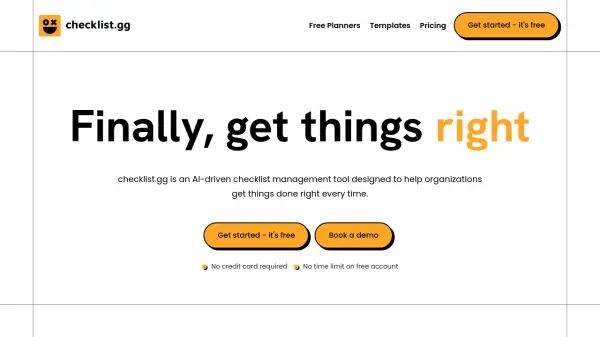
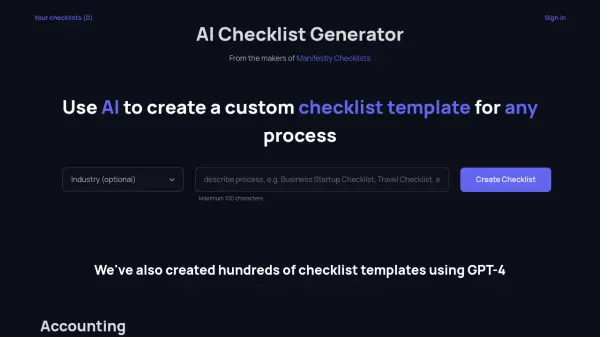
Checklist provides a versatile platform for organizing tasks through structured checklists that can be used across various aspects of life and work. The tool offers ready-to-use templates for common scenarios such as business planning, travel, events, and daily routines, allowing users to get started quickly without building from scratch.
Users can create custom checklists with features like subtasks, priorities, reminders, attachments, and notes. The platform supports collaboration through task assignment, guest sharing, and team workflows, making it suitable for both individual use and organizational processes like standard operating procedures (SOPs). With cloud sync and mobile apps, checklists remain accessible across devices for seamless productivity management.
Features
- Templates: Use ready-made or customizable templates for various personal and business scenarios
- Collaboration: Share checklists, assign tasks, and work with teams through guest access and user roles
- Automation: Set reminders and scheduled automations to ensure timely task completion
- Mobile Access: Sync checklists across web, Android, and iOS apps for on-the-go productivity
- Organization Tools: Use folders, dashboards, filters, and search to manage and prioritize tasks effectively
Use Cases
- Creating daily to-do lists and personal routines
- Managing business projects with step-by-step checklists
- Standardizing employee onboarding and training processes
- Planning travel itineraries and packing lists
- Organizing events like weddings or parties with detailed checklists
FAQs
-
What is the difference between a checklist and a to-do list?
A checklist is a more detailed and structured list used to ensure every step of a process is completed, often with sub-tasks, categories, or specific order. A to-do list is usually a simpler list of tasks without strict order or detailed steps, best for repeatable processes like onboarding or safety checks. -
How can businesses benefit from using checklists?
Businesses use checklists to make work more consistent, efficient, and error-free. Standard checklists ensure critical steps are not skipped in onboarding, audits, safety, and daily operations, making it easier to train new staff and prove compliance. -
What types of checklists are available?
Common types include task checklists for daily routines, project checklists for tracking steps, packing checklists for travel or events, maintenance and safety checklists for equipment, and training and onboarding checklists for new staff. -
How does the free trial work?
Users can try Checklist Pro or Enterprise on a 14-day free trial without a credit card. After the trial, unless upgraded, the account rolls back to the Free plan. During the trial, all Pro features are accessible except increased quotas like storage. -
How can I cancel my subscription?
To cancel, go to the Organization page, click 'Manage Subscription', and cancel billing. This can be done anytime with no further charges, and the account continues on the paid plan until the end of the current billing cycle.