What is Check Mark Symbols?
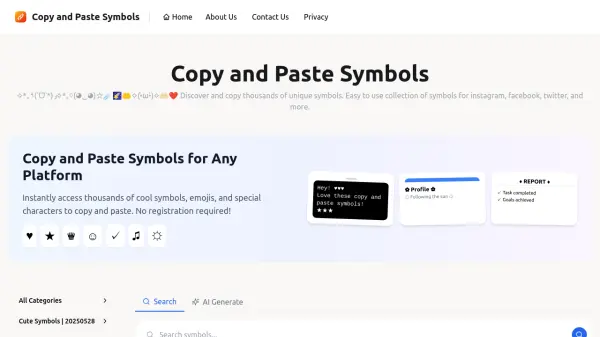
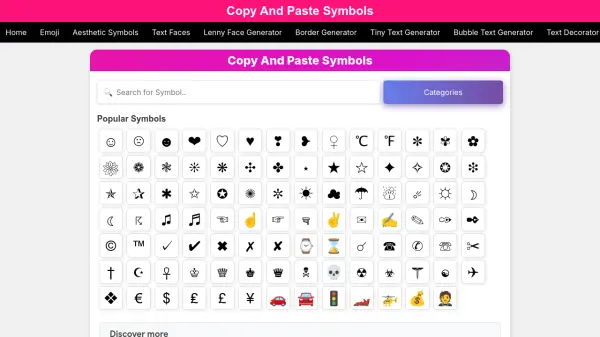
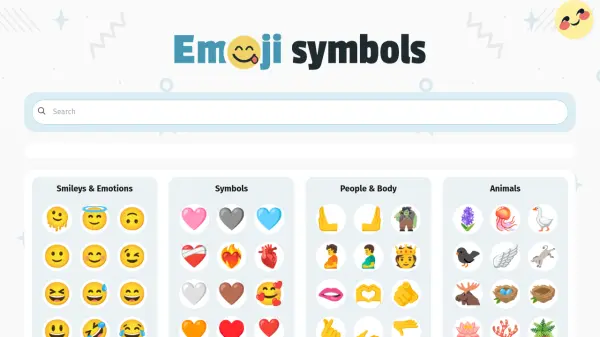
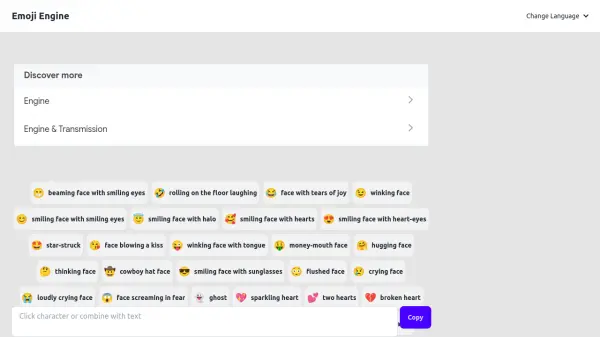
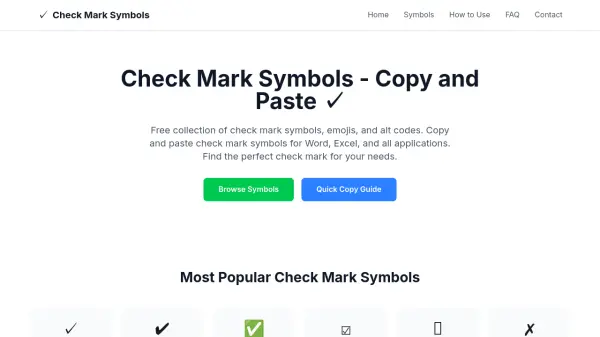
Check Mark Symbols is a free online tool that provides a comprehensive collection of check mark symbols, emojis, and alt codes. Users can browse and copy symbols like check mark ✓, heavy check mark ✔, green check mark ✅, blue check mark 🔵, ballot box with check ☑, cross marks, and checkbox symbols with a single click. The tool is designed for quick access, mobile-friendly, and works across all applications and platforms with full Unicode support. No registration is required, making it easy to insert check marks into documents, spreadsheets, messaging apps, and more.
Features
- 500+ Check Mark Symbols: Comprehensive collection including green check mark, blue check mark, and check mark icon variations.
- One-Click Copy and Paste: Instantly copy and paste check mark symbols with a single click.
- Works in All Applications: Use check mark in Word, Excel, and any other application.
- Mobile-Friendly Design: Copy and paste check mark symbols on mobile devices with ease.
- Free to Use: No registration required.
- Unicode Support: Ensures correct display across all platforms and devices.
Use Cases
- Inserting check marks in Word documents and Excel spreadsheets.
- Adding check mark symbols to bullet lists and forms.
- Using green check marks for success indicators in reports.
- Using blue check marks for verification badges in social media or websites.
- Indicating completion in to-do lists and checklists.
- Creating custom checkbox symbols for interactive elements.
FAQs
-
How do I copy a check mark symbol?
Simply click on any check mark symbol above, and it will automatically copy to your clipboard. You can then paste it anywhere using Ctrl+V (Windows) or Cmd+V (Mac). This check mark copy paste method works in all applications. -
What is the alt code for check mark?
The most common check mark alt code is Alt+251 for ✓ and Alt+252 for ✔. Hold the Alt key and type the numbers on your numeric keypad to insert the check mark symbol. -
Can I use these check mark symbols commercially?
Yes, all check mark symbols are Unicode standard characters and can be used freely in commercial and personal projects. There are no licensing restrictions on these check mark emoji and symbols. -
Why doesn't my check mark display correctly?
Check mark symbols require Unicode support. Ensure your application and font support Unicode characters. Most modern applications support check mark symbols natively. -
What's the difference between green check mark and blue check mark?
Green check mark (✅) typically indicates success or completion, while blue check mark (🔵) is often used for verification or official status. The choice depends on your specific context and design needs.