Emoji Engine favicon

Emoji Engine
Your comprehensive emoji keyboard and meaning reference

What is Emoji Engine?

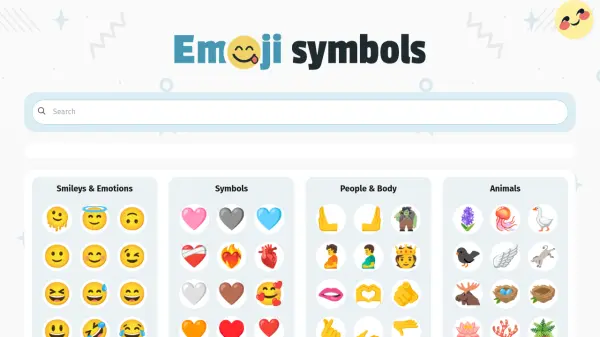
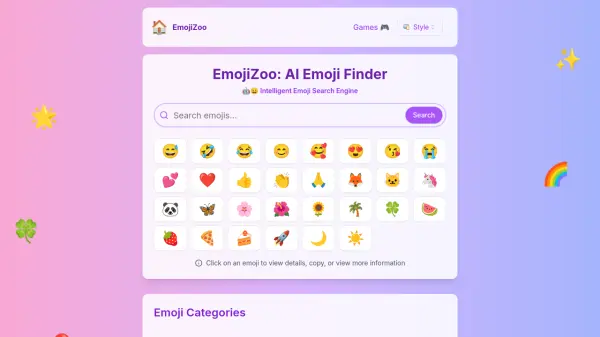
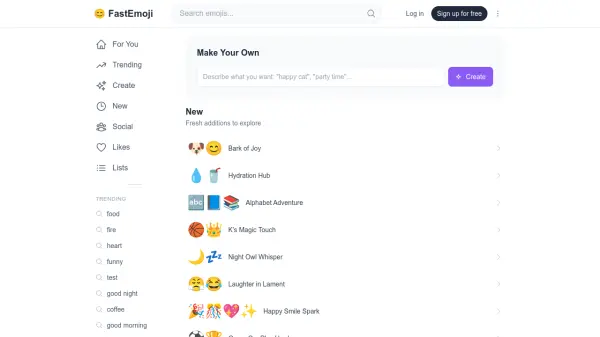
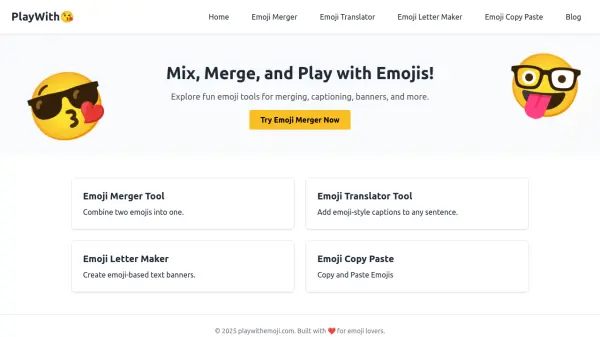
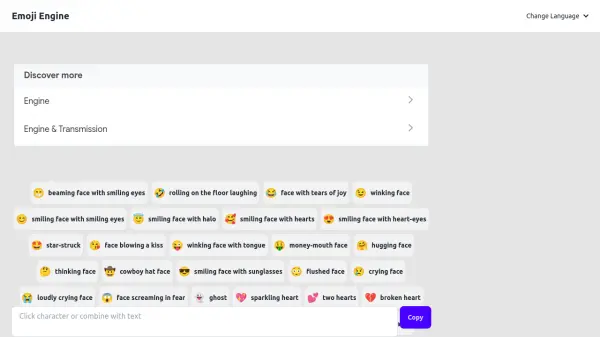
Emoji Engine is a comprehensive online tool that serves as both an emoji keyboard and a detailed reference guide for emoji meanings. The platform offers users access to a wide variety of emoji symbols organized into intuitive categories for easy navigation and selection.

The tool features extensive categorization including popular emoji, aesthetic collections, emotion-based groupings, and thematic categories like animals, food, celebrations, and objects. Each emoji is presented with its visual representation and descriptive name, making it simple for users to find and understand the appropriate symbols for their communication needs.

Features

  • Emoji Keyboard: Comprehensive collection of emoji symbols organized for easy access
  • Emoji Meanings: Detailed descriptions and interpretations for each emoji symbol
  • Categorized Browsing: Intuitive organization by popularity, emotions, themes, and categories
  • Search Functionality: Ability to find specific emoji through categorized browsing
  • Copy Function: Easy copying of emoji symbols for use in various applications

Use Cases

  • Enhancing digital communication with appropriate emoji symbols
  • Learning emoji meanings and proper usage contexts
  • Finding specific emoji for social media posts and messages
  • Improving visual expression in text-based communications
  • Educational reference for understanding emoji symbolism

Related Tools:

Blogs:

  • Best text to speech AI tools

    Best text to speech AI tools

    Text-to-speech (TTS) AI tools are designed to convert written or text-based content into natural-sounding spoken audio. These tools utilize various deep learning and neural network architectures to generate human-like speech from textual input.

  • Top 6 AI note-taking tools for 2026: in-person, online, and hybrid use cases

    Top 6 AI note-taking tools for 2026: in-person, online, and hybrid use cases

    Most AI note-taking lists are really lists of meeting bots, which join your video call and transcribe it. That's useful, but it's half the picture. Decisions happen in hallway conversations, client dinners, on-site visits, and hybrid rooms where nobody is on a video link. This guide covers different parts of the note-taking workflow: hardware capture for in-person settings, platform-native tools for online calls, and AI layers for organizing and synthesizing what you've captured. It compares six tools by capture context, workflow fit, pricing, and limitations.

  • Top AI tools for Teachers

    Top AI tools for Teachers

    Explore the top AI tools designed for teachers, revolutionizing the education landscape. These innovative tools leverage artificial intelligence to enhance teaching efficiency, personalize learning experiences, automate administrative tasks, and provide valuable insights, empowering educators to create engaging and effective educational environments.

Didn't find tool you were looking for?

Be as detailed as possible for better results