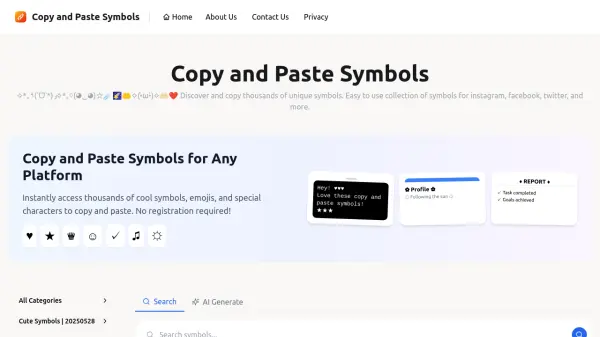
What is Copy and Paste Symbols?
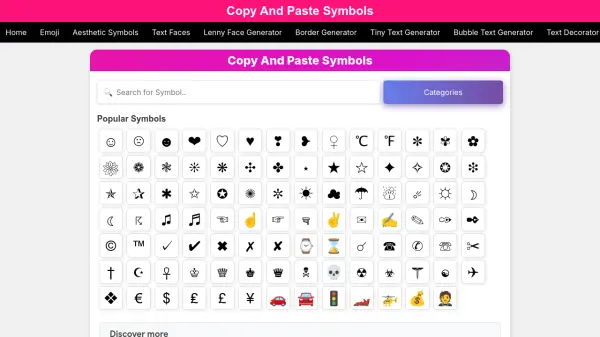
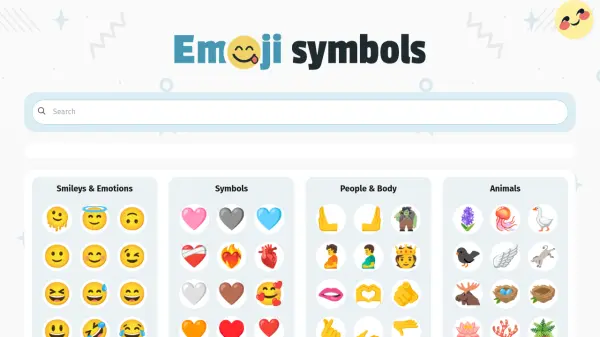
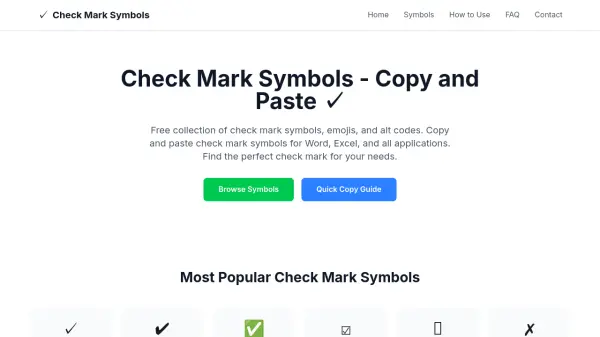
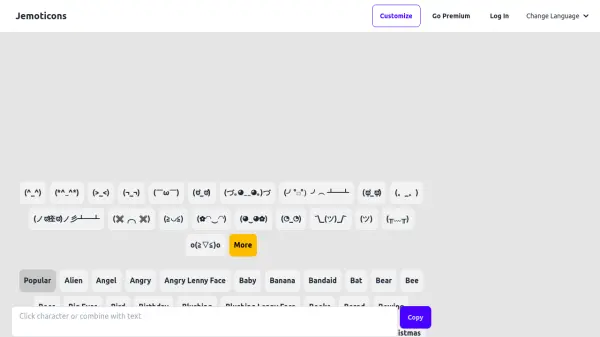
Copy and Paste Symbols provides a comprehensive library of symbols, emojis, and special characters that users can instantly copy and paste into various digital platforms. The tool features a user-friendly interface with categorized symbols, including cute symbols, arrow symbols, heart symbols, and more, ensuring quick access to the desired content. It operates without requiring registration, making it accessible for immediate use.
The platform is designed to enhance digital communication by allowing users to personalize social media profiles, messages, and documents with unique symbols. All symbols are Unicode standard compliant, ensuring compatibility across different devices and applications. The collection is regularly updated with new symbols and categories to keep the content fresh and relevant.
Features
- Symbol Collection: Thousands of unique symbols, emojis, and special characters organized into categories
- One-Click Copy: Instantly copy any symbol to the clipboard with a single click
- Platform Compatibility: All symbols are Unicode standard compliant and work across devices and applications
- No Registration Required: Free access without the need for signing up or logging in
- Regular Updates: New symbols and categories are added frequently to expand the collection
Use Cases
- Enhancing social media profiles with decorative symbols
- Adding personality to text messages and online chats
- Decorating documents and presentations with special characters
- Creating aesthetic captions for photos and posts
- Personalizing usernames and bios on digital platforms