
What is CF Card Recovery?
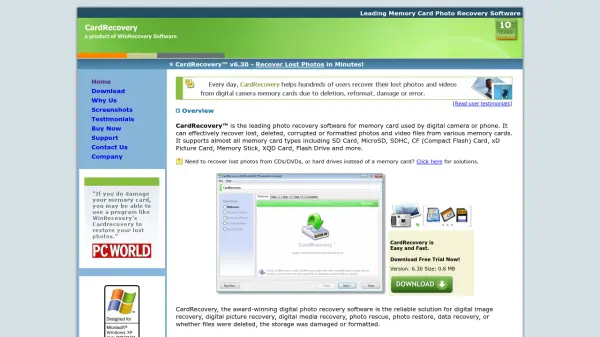
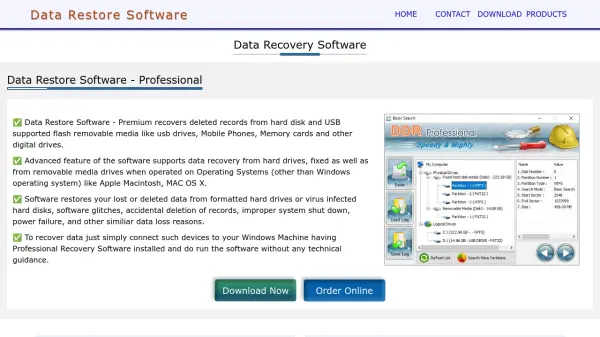
CF Card Recovery is a comprehensive data recovery solution designed to retrieve photos, videos, audio, documents, and other files from CompactFlash cards and various memory storage devices. The software supports recovery from digital cameras, drones, USB drives, and other media, handling multiple file formats including RAW images, HD videos, and office documents. It operates through a simple three-step process: installation, device selection, and scanning, ensuring user-friendly operation without requiring technical expertise.
The tool features a secure, non-destructive recovery method that only reads data without writing to the storage media, preventing data loss. Additional functionalities include creating backup images for deferred recovery, previewing files before restoration, and offering a secure data erase option. It is compatible with all versions of macOS and Windows, supports over 20 languages, and works with numerous brands and device types, making it a versatile choice for data recovery needs.
Features
- File Recovery: Recovers deleted, formatted, lost, or corrupted photos, videos, audio, and documents from memory cards and digital storage devices
- Device Compatibility: Works with CF cards, SD cards, USB drives, digital cameras, drones, and other media devices from brands like Nikon, Canon, GoPro, and SanDisk
- File Format Support: Handles multiple formats including RAW images, HD videos, MP3 audio, and office documents like PDF and DOCX
- Secure Recovery: Uses non-destructive methods that only read data without writing to storage media to prevent data loss
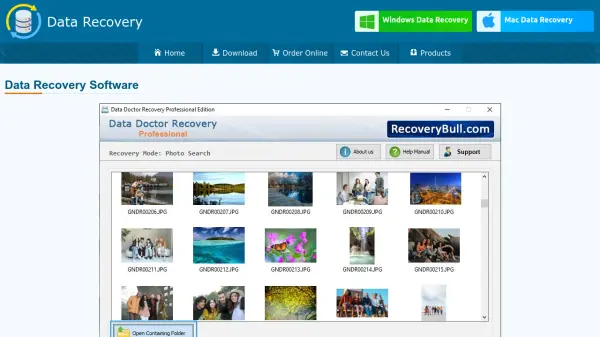
- Preview Functionality: Allows previewing of photos and files in thumbnails before recovery to assess quality
- Backup Creation: Enables creation of backup images for deferred recovery from damaged or inaccessible storage
- Multi-Platform Support: Fully compatible with all versions of macOS and Windows, including the latest releases
- Language Options: Offers over 20 different languages including English, German, French, Spanish, and Japanese
- Data Erasure: Includes a secure data erase solution to permanently wipe data from storage devices
- Simple Interface: Features an easy-to-use, wizard-driven user interface requiring no technical skills
Use Cases
- Recovering deleted photos from a formatted CF card used in a digital SLR camera
- Restoring lost videos from a GoPro camera or DJI drone after accidental deletion
- Retrieving corrupted audio files from a USB flash drive or memory stick
- Recovering documents and spreadsheets from a damaged SD card
- Previewing and restoring RAW image files from professional DSLR cameras
- Creating backup images of logical drives for future recovery from inaccessible storage
- Permanently erasing sensitive data from CompactFlash cards to prevent recovery
- Scanning and recovering files from various memory card types after system crashes
FAQs
-
What types of memory cards does CF Card Recovery support?
It supports CF cards (types I, II, III, IV, Ultra I, Ultra II, Standard, CFast), SD cards, microSD, miniSD, SDHC, XD, XQD, SmartMedia, MMC, and more. -
Can CF Card Recovery restore files from corrupted storage devices?
Yes, it can recover files from corrupted, damaged, or inaccessible memory cards and storage devices. -
Is technical expertise required to use CF Card Recovery?
No, the software features a simple, wizard-driven interface that requires no technical skills for operation. -
Does CF Card Recovery support RAW image files from DSLR cameras?
Yes, it is specially optimized for RAW photo recovery and supports formats like CR2, NEF, DNG, and others from professional DSLR cameras. -
Can I preview files before recovering them with CF Card Recovery?
Yes, it allows previewing of photos and files in thumbnails to check quality and evaluate recovery chances in advance.