What is Boomerang for Outlook?
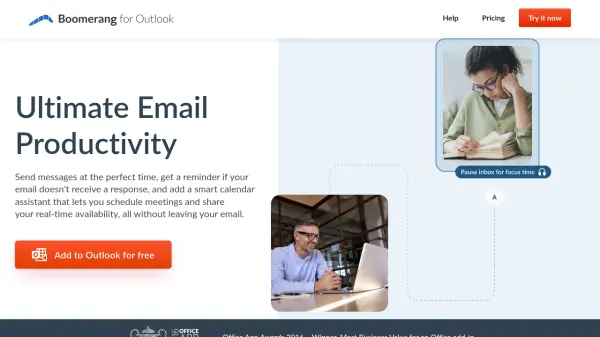
Boomerang for Outlook is a comprehensive productivity enhancement tool designed specifically for Microsoft Outlook users. It integrates seamlessly with the email client to provide advanced scheduling capabilities, email management features, and AI-powered writing assistance. The tool helps users send messages at optimal times, track email responses, and schedule meetings efficiently without leaving their email interface.
The platform includes a smart calendar assistant that enables users to share real-time availability, schedule group meetings through voting features, and eliminate scheduling errors. With AI-powered Respondable functionality, users receive real-time suggestions to improve email effectiveness based on data analysis from millions of messages. Additional features include inbox pausing for focused work periods, read receipts with privacy protection, and recurring email automation for repetitive communication tasks.
Features
- Send Later: Schedule emails to be delivered at optimal times for higher read rates
- Respondable: AI-powered assistant that provides real-time suggestions for writing more effective emails
- Meeting Poll: Group scheduling feature that allows participants to vote on meeting times
- Inbox Pause: Temporarily pause incoming emails to reduce distractions and increase focus
- Read Receipts: Track when emails are opened and links are clicked with privacy protection
- Calendar Integration: Share real-time availability and schedule meetings without leaving email
- Recurring Messages: Automate sending of repetitive emails on scheduled intervals
- Team Scheduling: Enterprise-grade scheduling features for organizational alignment
Use Cases
- Scheduling group meetings with multiple participants through voting
- Optimizing email send times for higher open and response rates
- Automating follow-up reminders for unanswered emails
- Improving email writing effectiveness with AI suggestions
- Managing inbox distractions with scheduled pause periods
- Tracking email engagement with read receipts
- Automating recurring business communications
- Sharing calendar availability without compromising privacy
FAQs
-
How does Boomerang's AI-powered Respondable feature work?
Respondable uses artificial intelligence to analyze email content in real-time and provides suggestions based on data from millions of messages to help users write more effective, actionable emails that are more likely to receive responses. -
Can Boomerang schedule meetings with participants using different email systems?
Yes, Boomerang's Magic Live Calendar works across different email and calendar applications, allowing users to schedule meetings with participants regardless of what email systems they use. -
How does the Inbox Pause feature help with productivity?
Inbox Pause temporarily stops new emails from appearing in your inbox, which has been proven to reduce distractions, lower stress, and increase focus on important tasks. -
Does Boomerang support recurring email automation?
Yes, Boomerang includes a recurring messages feature that allows users to automate sending of repetitive emails on scheduled intervals, such as weekly timekeeping emails or monthly reminders. -
How does Boomerang protect privacy with its read receipt feature?
Boomerang's read receipts are designed with privacy protection in mind, reducing the chance of emails being marked as spam while still providing notification when recipients open emails or click links.