What is Bluetooth Battery Monitor?
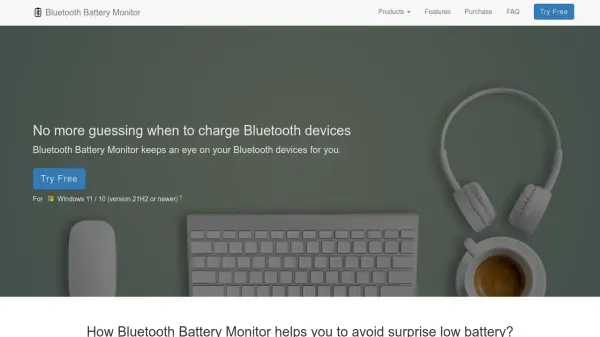
Bluetooth Battery Monitor provides real-time battery level monitoring for a wide range of Bluetooth devices connected to Windows 11 or 10. By aggregating device information in a single dialog box, it allows users to check the power status of headphones, keyboards, mice, pens, and controllers without manual inspection. The application supports numerous devices, including those using vendor-specific protocols such as AirPods, Apple peripherals, and gaming accessories from major brands.
Built-in alert features notify users when battery levels are low, complemented by a color-coded system tray icon indicating which connected device has the lowest charge. If available, the software shows detailed per-component battery data, such as each pod and case for true wireless headphones, ensuring comprehensive awareness of device readiness.
Features
- Broad Device Support: Compatible with Bluetooth headphones, keyboards, mice, digitizer pens, and game controllers.
- Vendor-Specific Protocols: Supports a variety of proprietary device protocols including AirPods and peripherals from Apple, Logitech, Razer, HyperX, Corsair, and SteelSeries.
- Compact Overview: Presents all connected devices' battery statuses in a single, easy-to-read dialog window.
- Low Battery Alerts: Sends desktop notifications when any device requires charging.
- System Tray Indicator: Uses icon color to reflect the lowest battery level among connected devices.
- Detailed Battery Data: Shows granular battery levels, such as for each earbud and charging case, when available.
Use Cases
- Monitor battery status of Bluetooth headphones to avoid audio interruptions.
- Track keyboard and mouse battery levels for uninterrupted workflow.
- Manage gaming controllers' power to prevent gameplay disruptions.
- Check battery statistics of digitizer pens for continuous creative sessions.
- Oversee multiple Bluetooth device batteries from a single dashboard for home or office setups.