What is Blog Boost?
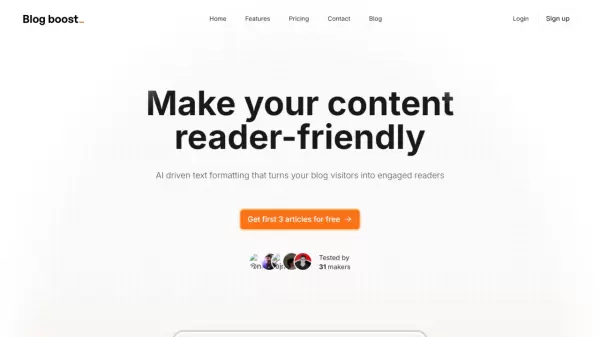
Blog Boost is an innovative AI-driven text formatting platform designed to enhance the readability and engagement of blog content. The tool automatically structures and formats text to create more appealing and accessible blog posts, helping writers optimize their content for better reader engagement.
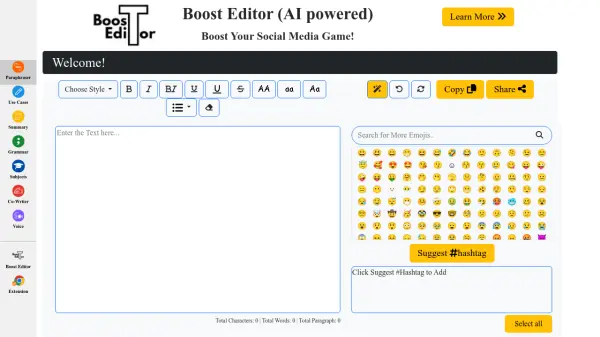
The platform offers various formatting options, including emoji integration, custom preferences, and multiple export formats such as Markdown and Medium. With its intuitive interface and smart formatting capabilities, Blog Boost streamlines the process of creating well-structured, professional-looking blog content while maintaining the writer's original message and tone.
Features
- Customizable Formatting: Select preferences for text structure and emoji usage
- Multiple Export Options: Support for Markdown, Medium, and other popular formats
- Title Generation: AI-powered relevant title suggestions
- Instant Formatting: Transform text into reader-friendly content in seconds
- Preview and Adjust: Real-time formatting preview with adjustment options
Use Cases
- Blog post formatting and structure optimization
- Content readability improvement
- Professional article formatting
- Medium article preparation
- Content restructuring for better engagement
FAQs
-
How many credits do I get with each plan?
The Starter plan includes 50 credits, while the Creator plan offers 200 credits. Each credit equals one article or one AI edit. -
Can I try the tool before purchasing?
Yes, you can try Blog Boost for free with the first 3 articles at no cost.