What is BestCreator?
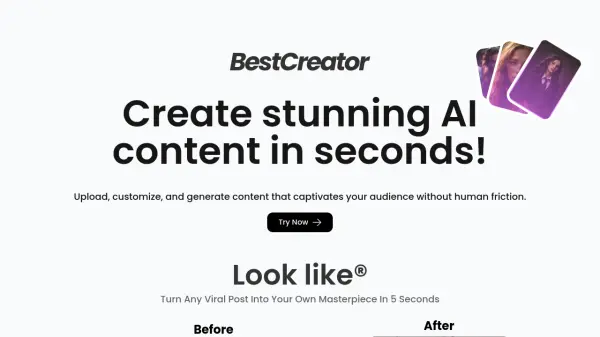
BestCreator provides a suite of AI tools designed to empower users in creating compelling digital content quickly and efficiently. The platform allows individuals to upload their inputs, customize settings, and generate unique visuals without significant human intervention.
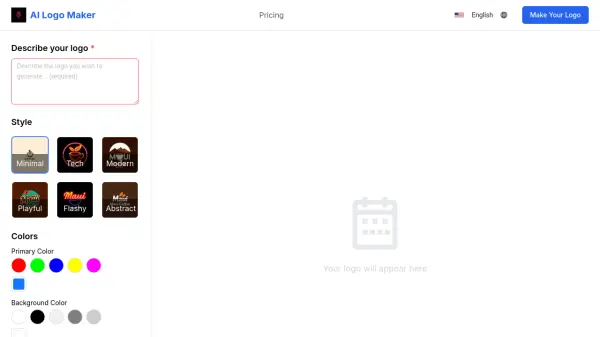
It specializes in logo creation, offering multiple approaches such as generating logos from text prompts (Text to logo), redesigning existing logos based on text input (Logo to logo), and transforming rough sketches into polished designs using AI refinement (Sketch to logo). Additionally, BestCreator includes features like turning static images into dynamic video Reels (Image To Video) and potentially modifying existing posts (Look like®), aiming to help users enhance their online presence and audience engagement.
It specializes in logo creation, offering multiple approaches such as generating logos from text prompts (Text to logo), redesigning existing logos based on text input (Logo to logo), and transforming rough sketches into polished designs using AI refinement (Sketch to logo). Additionally, BestCreator includes features like turning static images into dynamic video Reels (Image To Video) and potentially modifying existing posts (Look like®), aiming to help users enhance their online presence and audience engagement.
Features
- Text to Logo: Generate unique logo options instantly from text prompts.
- Logo to Logo: Redesign existing logos using text-based creative ideas.
- Sketch to Logo: Transform rough sketches into polished logo designs with AI refinement.
- Image To Video: Convert static pictures into dynamic video Reels.
- Look like®: Integrate your image into existing viral posts.
- AI Content Generation: Create various AI-powered visuals for audience engagement.
Use Cases
- Creating unique logos for brands or projects.
- Refreshing or redesigning existing company logos.
- Visualizing logo ideas from simple sketches.
- Transforming static images into engaging video content for social media.
- Generating personalized content by inserting oneself into popular posts.
- Developing captivating visuals for online influence and audience growth.