What is Axosoft?
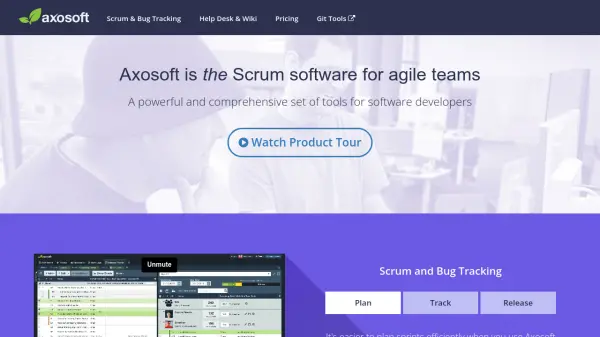
Axosoft provides software development teams with a comprehensive solution for managing scrum projects, tracking bugs, and handling support requests. The platform features visual tools such as kanban boards and custom dashboards to help teams plan, track, and release projects effectively. With capacity management, daily standup tools, velocity tracking, and real-time metrics, teams can make data-driven decisions and maintain on-time delivery.
In addition to project management, Axosoft includes a help desk module that converts emails into support tickets, enables ticket tracking from initial response to resolution, and offers a customizable self-service portal for clients. The integrated wiki supports unlimited documentation and collaboration, keeping all project and support information organized and accessible within one unified system.
Features
- Scrum Planning: Organize and manage sprints with detailed capacity and release planning tools.
- Kanban Visualization: Interactive card-based kanban board for tracking work in progress.
- Bug and Issue Tracking: Manage user stories, bugs, tasks, and epics with customizable workflows.
- Custom Dashboards: Visualize project metrics, velocity, and release dates through configurable dashboards.
- Help Desk Ticketing: Convert emails into support tickets and manage customer conversations efficiently.
- Integrated Wiki: Create unlimited documentation pages linked directly to projects and tickets.
- Custom Security Roles: Set granular permissions by project, user, or workflow.
- Self-Service Customer Portal: Allow external users to create and edit support tickets via a branded portal.
Use Cases
- Planning and tracking agile software development projects
- Managing and resolving bug reports and feature requests
- Automating help desk ticketing from customer emails
- Collaborating on internal project documentation
- Providing customers with a self-service support portal
- Visualizing team workload using kanban and dashboards
- Customizing security and workflows for different teams or projects