


What is Avanset?
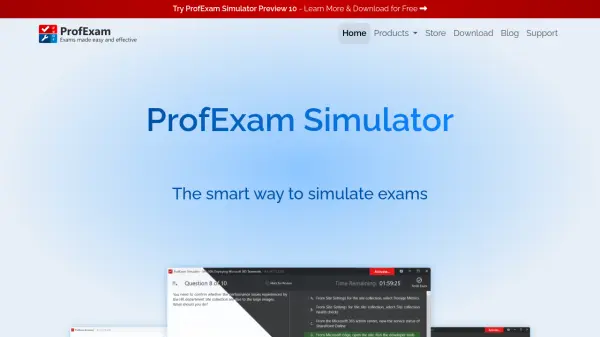
Avanset offers a sophisticated exam simulation environment designed to replicate actual testing conditions with support for various question types including drag-and-drop and multiple choice formats. The platform generates detailed score reports at the end of each practice session to help users identify areas for improvement and track their progress over time.
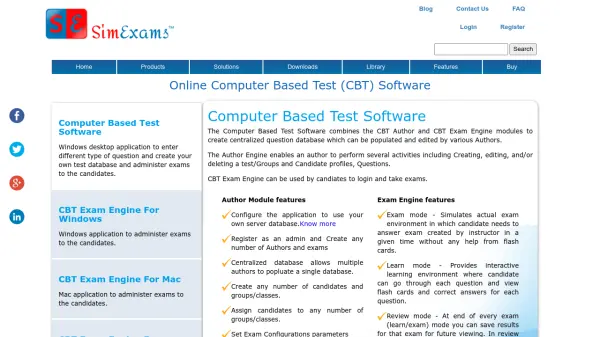
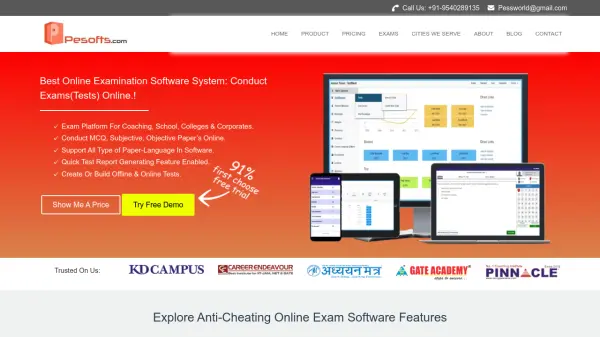
With customizable exam settings and the ability to create and edit exam files, Avanset serves both individual learners and organizational users such as training institutes, businesses, and HR teams. The tool provides tailored testing solutions that enhance exam preparation, streamline assessment creation, and support data-driven hiring decisions through role-specific evaluations.
Features
- Realistic Exam Simulation: Replicates actual testing conditions with drag-and-drop and multiple choice questions
- Custom Exam Creation: Allows users to create and edit their own exam files with the PRO add-on
- Detailed Score Reports: Provides comprehensive test results and performance insights after each exam
- Multi-Device Access: Supports use on up to two Windows devices per subscription
- Customizable Settings: Enables adjustment of exam parameters to match specific testing requirements
Use Cases
- Preparing for IT certification exams with realistic practice tests
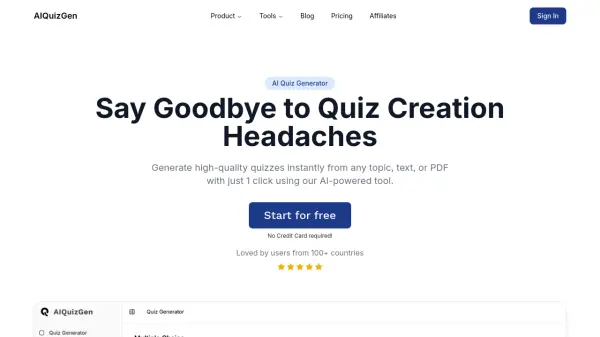
- Creating customized assessments for students in educational institutions
- Upskilling IT teams through tailored training and evaluation
- Streamlining hiring processes with role-specific candidate assessments
- Monitoring learning progress through detailed performance analytics