What is ASDIP Structural Software?
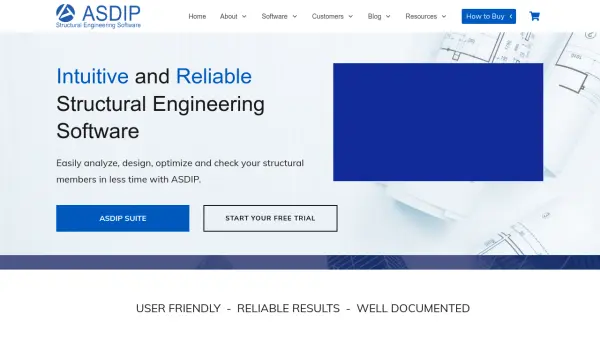
ASDIP Structural Software provides a comprehensive suite of engineering tools designed specifically for structural and civil engineers. The platform offers specialized modules for concrete design, foundation analysis, retaining wall design, steel structures, wood construction, and general structural analysis, all integrated into a user-friendly graphical interface.
The software generates detailed reports with exposed formulas and code references, ensuring compliance with current design standards. With support for multiple unit systems and regular updates, ASDIP helps engineers optimize designs while reducing manual calculation time through automated analysis capabilities.
Features
- Concrete Design Modules: Includes 6 modules for continuous beams, biaxial columns, one-way slabs, shear walls, two-way slabs, and bearing walls
- Foundation Design Modules: Includes 6 modules for spread footings, combined irregular footings, strap footings, wall footings, pile caps, and non-linear pile analysis
- Retaining Wall Design Modules: Includes 5 modules for cantilever retaining walls, restrained basement walls, sheet piling, counterfort walls, and gravity walls
- Steel Design Modules: Includes 6 modules for base plates, anchor rods, shear lugs, biaxial columns, beams, web openings, and connections
- Wood Design Modules: Includes 4 modules for continuous beams, biaxial columns, bearing walls, and multistory shear walls
- Structural Analysis Modules: Includes 4 modules for beam analysis and load generation including seismic, snow, and wind loads
- Detailed Reporting: Generates both condensed and detailed reports with exposed formulas and code references
- Multiple Unit Systems: Supports US (kip, ft, in, ksi), SI (KN, m, cm, MPa), and MKS (Tn, m, cm, kg/cm2) units
Use Cases
- Designing concrete structural elements for buildings and infrastructure
- Analyzing and designing foundation systems for various structures
- Creating retaining wall designs for earth retention applications
- Designing steel structures including connections and base plates
- Analyzing wood construction elements for residential and commercial projects
- Performing structural analysis for beams and load calculations
- Optimizing structural designs through what-if analyses
- Generating detailed engineering reports with code compliance documentation