
Appinall favicon

Appinall
Collaboration & Integration Platform for Team Communication

What is Appinall?

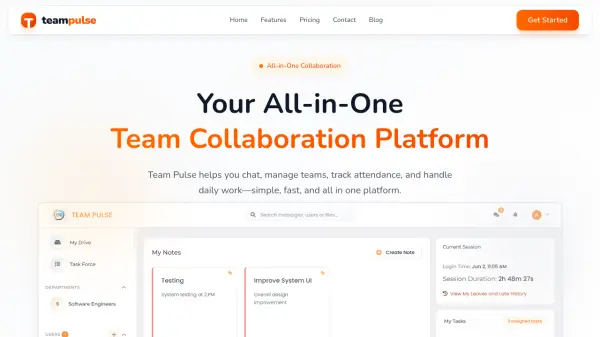
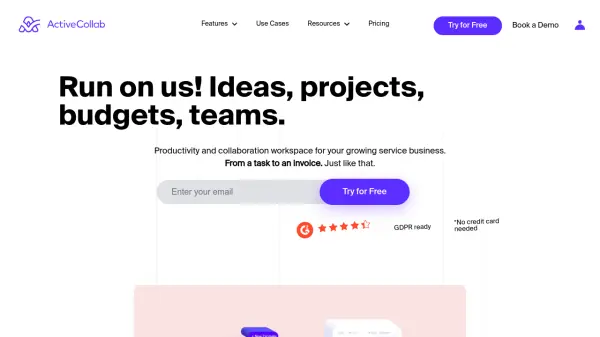
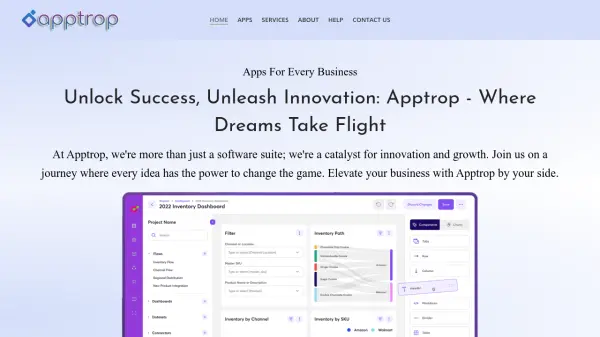
Appinall provides a versatile platform for team collaboration and communication through structured group management and messaging capabilities. The platform allows organizations to create multi-level group structures for branches, departments, regions, or teams, giving administrators control over visibility and access permissions.

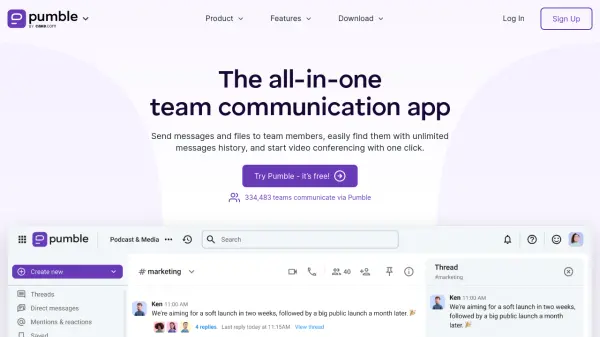
The system includes various communication methods including open channels for project discussions, private channels for restricted conversations, and secure direct messaging for individual communication. Beyond messaging, Appinall supports unlimited file sharing with archiving capabilities, enabling users to upload documents, spreadsheets, images, and PDFs for team access and collaboration.

Features

  • Group Management: Create multi-level group structures for branches, departments, regions, or teams with controlled visibility
  • Team Communication: Multiple messaging options including open channels, private channels, and secure direct messages
  • File Sharing: Upload and share documents, spreadsheets, images, and PDFs with archiving and search capabilities
  • Event Management: Tools for organizing and managing team events and activities
  • Payment Processing: Integrated payment processing capabilities for organizational needs

Use Cases

  • Organizing team communications across multiple departments or locations
  • Managing project discussions through dedicated channels
  • Sharing and collaborating on documents within secure team environments
  • Coordinating events and activities for organizational teams
  • Processing payments for team-related expenses or services

Related Tools:

Blogs:

  • Best text to speech AI tools

    Best text to speech AI tools

    Text-to-speech (TTS) AI tools are designed to convert written or text-based content into natural-sounding spoken audio. These tools utilize various deep learning and neural network architectures to generate human-like speech from textual input.

  • Chat with PDF AI Tools

    Chat with PDF AI Tools

    Easily interact with your PDF documents using our advanced AI-powered tool. Whether you're reading lengthy reports, research papers, contracts, or eBooks, our platform lets you chat directly with your PDF files, ask questions, extract insights, and get summaries in real-time.

  • Top 6 AI note-taking tools for 2026: in-person, online, and hybrid use cases

    Top 6 AI note-taking tools for 2026: in-person, online, and hybrid use cases

    Most AI note-taking lists are really lists of meeting bots, which join your video call and transcribe it. That's useful, but it's half the picture. Decisions happen in hallway conversations, client dinners, on-site visits, and hybrid rooms where nobody is on a video link. This guide covers different parts of the note-taking workflow: hardware capture for in-person settings, platform-native tools for online calls, and AI layers for organizing and synthesizing what you've captured. It compares six tools by capture context, workflow fit, pricing, and limitations.

  • Best AI Tools For Startups

    Best AI Tools For Startups

    we've compiled a straightforward list of user-friendly AI tools designed to give startups a boost. Discover practical solutions to streamline everyday tasks, enhance productivity, and gain valuable insights without the need for a tech expert. Learn where and how these tools can be applied in your startup journey, from automating repetitive tasks to unlocking powerful data analysis. Join us as we explore the features that make these AI tools accessible and beneficial for startups in various industries. Elevate your business with technology that works for you!

Didn't find tool you were looking for?

Be as detailed as possible for better results