What is ANYTOM?
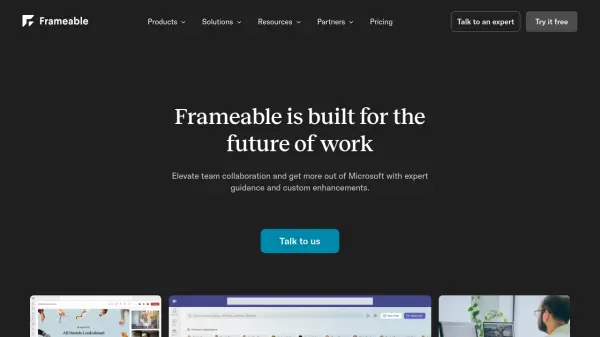
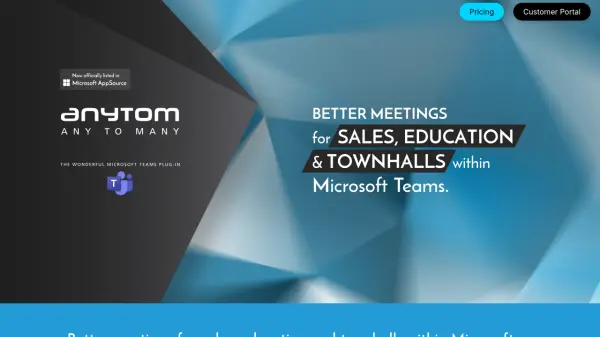
ANYTOM is a specialized plug-in designed for Microsoft Teams that revolutionizes how web content is shared during virtual meetings. This tool allows presenters to display any frameable website directly within the Teams interface, eliminating the need for traditional screen sharing methods. Participants can interact with the shared websites in real-time, completing forms, exploring 3D models, engaging with polls, and watching embedded videos without performance issues.
The plug-in features a presenter-first design where only the presenter needs to install the tool, with automatic distribution to participants for seamless integration. Users can bookmark multiple websites in advance and switch between them effortlessly during presentations. This solution is particularly valuable for software training sessions, workshops, and collaborative meetings where interactive engagement with web content enhances productivity and learning outcomes.
Features
- Website Sharing: Presenters can display any frameable URL within Microsoft Teams meetings for all participants to view
- Full Interaction: Participants can interact directly with shared websites, including form completion, 3D model exploration, and poll engagement
- Smooth Video Playback: Embedded videos play without lag or stuttering for professional presentations
- Easy Bookmarking: Save multiple website addresses in advance and switch between them effortlessly during meetings
- Presenter-First Design: Only the presenter needs the plug-in, with automatic distribution to participants
Use Cases
- Software training sessions within Microsoft Teams
- Interactive workshops with web-based tools
- Sales presentations with embedded demos
- Educational sessions with online resources
- Town hall meetings with interactive content
- 3D model presentations and demonstrations
- Poll-based engagement during meetings