What is Frameable?
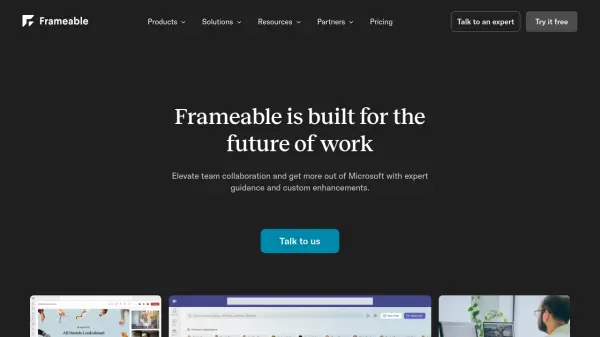
Frameable is a comprehensive collaboration platform that seamlessly integrates with Microsoft Teams to enhance team productivity and communication. The platform offers a suite of tools including a digital whiteboard for real-time ideation, multiple screen sharing capabilities, and an all-access dashboard for streamlined navigation.
Built with enterprise-level security and scalability in mind, Frameable enables organizations to improve their virtual collaboration while maintaining the familiar Microsoft Teams environment. The platform includes features for training, all-hands meetings, incident response, and software development, making it suitable for various organizational needs.
Features
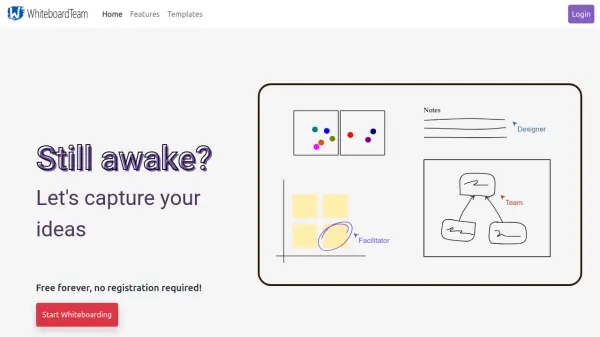
- Digital Whiteboard: Real-time visual collaboration canvas within Teams calls
- MultiShare: Simultaneous screen sharing from multiple participants
- Overview Dashboard: Quick access to meetings, chats, files, and schedules
- Teams Integration: Seamless functionality within existing Microsoft Teams environment
- Enterprise Security: Built-in compliance and security features
Use Cases
- Training and onboarding sessions
- All-hands meetings
- Incident response coordination
- Employee resource group management
- Software development collaboration
- Virtual team engagement
- Remote workforce management
FAQs
-
What products are included in Frameable?
Frameable includes Whiteboard for digital workspace, MultiShare for multiple screen sharing, Overview for all-access dashboard, and Anagrams for team building activities. -
Is Frameable secure for enterprise use?
Yes, Frameable is designed with enterprise-level security and includes compliance features that integrate with Microsoft Teams' existing security infrastructure. -
What type of support is available?
Pro plans include email support, while Enterprise plans (Core) offer a dedicated account manager and professional services.