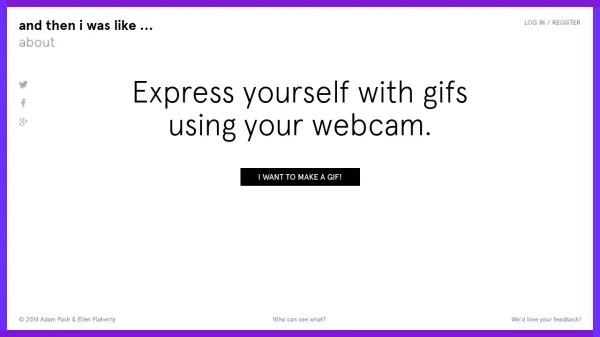
What is And then I was like?
And then I was like is a web-based platform that enables users to create personalized animated gifs directly through their webcam. The tool provides a straightforward recording process where users can capture three-second clips and then edit them by adjusting start and end points using intuitive sliders. It emphasizes creating seamless loops and offers various sharing options, including embedding gifs via HTML code.
The platform incorporates social features such as hashtag-based curation, allowing users to organize gifs with friends, and a follow system to track others' creations. It supports anonymous gif creation or login via social media accounts for managing collections. The interface guides users through recording, editing with time warp effects, and sharing across platforms like Tumblr or in blog comments.
Features
- Webcam Recording: Capture three-second gif clips directly through your webcam
- Gif Editing: Adjust start and end points with sliders to create perfect loops
- Social Sharing: Embed gifs anywhere with HTML code and share on platforms like Tumblr
- Hashtag Curation: Organize gifs with friends using #hashtags for collaborative pages
- Time Warp Effects: Use back-and-forth button to create unconventional spacetime animations
Use Cases
- Creating reaction gifs for social media comments
- Making personalized animated avatars or profile pictures
- Producing short promotional clips for blogs or websites
- Recording pet or family moments as shareable animations
- Generating creative content for hashtag-based online events or parties
FAQs
-
How do I record a gif with this tool?
Click the record button, allow webcam access, and capture a three-second clip on the count of three. -
Can I edit my gif after recording?
Yes, use the sliders to adjust start and end points for perfect looping before saving. -
How can I share my gifs?
Embed them anywhere with provided HTML code or share directly on social platforms like Tumblr. -
What is the purpose of hashtags in this tool?
Hashtags allow you to curate pages of gifs with friends by tagging creations for collaborative viewing. -
Do I need to log in to use the tool?
No, you can create gifs anonymously, but logging in helps manage and collect your gifs.