What is Reaction GIFs?
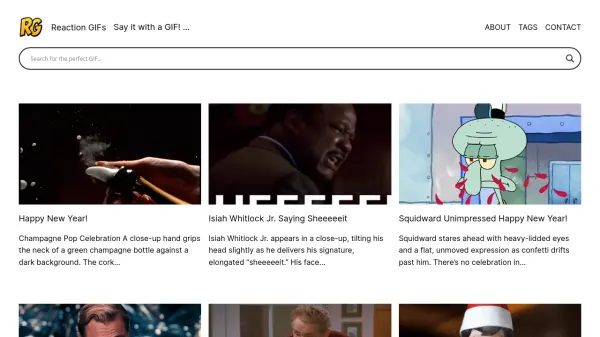
Reaction GIFs provides a comprehensive library of animated GIFs designed to enhance digital conversations by allowing users to express emotions, reactions, and sentiments visually. The platform leverages AI to curate and organize GIFs into searchable categories, making it easy to find the perfect reaction for any situation. Users can browse through various tags and content types to discover GIFs from popular culture, movies, TV shows, and internet memes.
The tool simplifies the process of selecting and sharing GIFs by offering intuitive navigation and a user-friendly interface. It supports seamless integration into messaging apps, social media platforms, and other digital communication tools, enabling users to convey their feelings effectively without relying solely on text. Reaction GIFs focuses on improving engagement and adding a dynamic element to online interactions through its curated collection.
Features
- GIF Library: Extensive collection of animated GIFs for various emotions and reactions
- Tag-Based Search: Organizes GIFs with tags for easy discovery and navigation
- Content Curation: Features GIFs from movies, TV shows, and internet culture
- User-Friendly Interface: Simplifies browsing and sharing of GIFs in digital conversations
Use Cases
- Enhancing text messages with visual reactions
- Adding humor or emotion to social media posts
- Improving engagement in online chats and forums
- Creating dynamic content for digital marketing campaigns