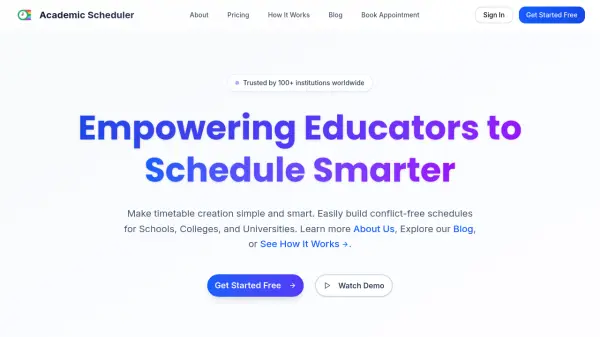
What is Academic Scheduler?
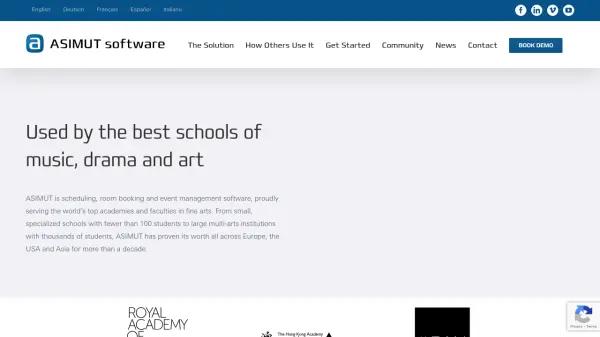
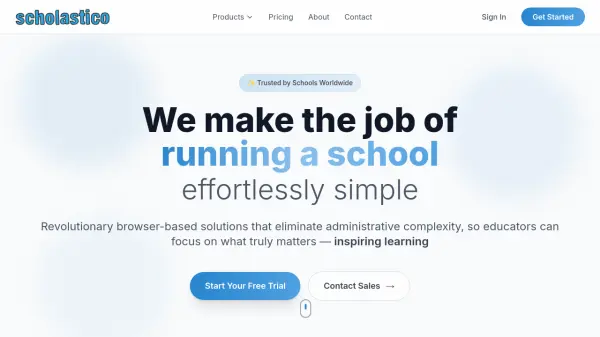
Academic Scheduler is an advanced scheduling platform designed specifically for educational institutions. This AI-powered tool simplifies timetable creation by automating the process while respecting teacher availability, room capacity, and curriculum constraints. Educational administrators can generate complete school timetables automatically in seconds, preventing double-booking and scheduling overlaps with real-time validation.
The platform offers comprehensive schedule management capabilities including daily, weekly, and monthly calendar views, export functionality to multiple formats, and collaborative features for multiple administrators. With intelligent resource allocation and capacity planning tools, Academic Scheduler helps institutions maximize classroom utilization and optimize teacher workload distribution while maintaining class continuity through AI-powered substitute allocation.
Features
- Automated Timetable Generator: Create complete school timetables automatically in seconds while respecting teacher availability, room capacity, and curriculum constraints
- Automatic Conflict Detection: Prevent double-booking and scheduling overlaps with real-time validation that catches teacher conflicts, room clashes, and timing errors instantly
- Teacher Substitution Management System: Manage teacher absences efficiently with AI-powered substitute allocation that prevents scheduling conflicts and maintains class continuity
- Exam Timetable Scheduler: Design examination schedules effortlessly with intelligent date distribution, subject grouping logic, and automated conflict-free exam slot allocation
- Collaborative Timetable Management: Enable multiple administrators to build schedules together with role-based access control, live synchronization, and change tracking
Use Cases
- Creating conflict-free class schedules for schools and universities
- Managing teacher substitutions during absences without disrupting classes
- Designing examination timetables with automated clash prevention
- Optimizing classroom resource utilization and teacher workload distribution
- Collaborative schedule building among multiple administrators
- Exporting timetables to multiple formats for printing and digital sharing
- Monitoring schedule engagement metrics and timetable usage patterns
FAQs
-
How quickly can I generate a complete timetable?
Academic Scheduler can generate complete school timetables automatically in seconds while respecting teacher availability, room capacity, and curriculum constraints. -
What makes Academic Scheduler better than Excel or manual methods?
Academic Scheduler offers automated conflict detection, AI-powered substitution management, collaborative features, and real-time validation that prevent scheduling errors common in Excel or manual methods. -
Can students and parents access their timetables online?
Yes, Academic Scheduler includes secure timetable sharing with password-protected access controls and role-based permissions for administrators, teachers, and staff. -
How does conflict detection work in Academic Scheduler?
The system uses real-time validation to catch teacher conflicts, room clashes, and timing errors instantly, preventing double-booking and scheduling overlaps. -
What calendar views are available in Academic Scheduler?
Users can switch between daily class schedules, weekly timetable layouts, and monthly calendar views for flexible schedule planning.