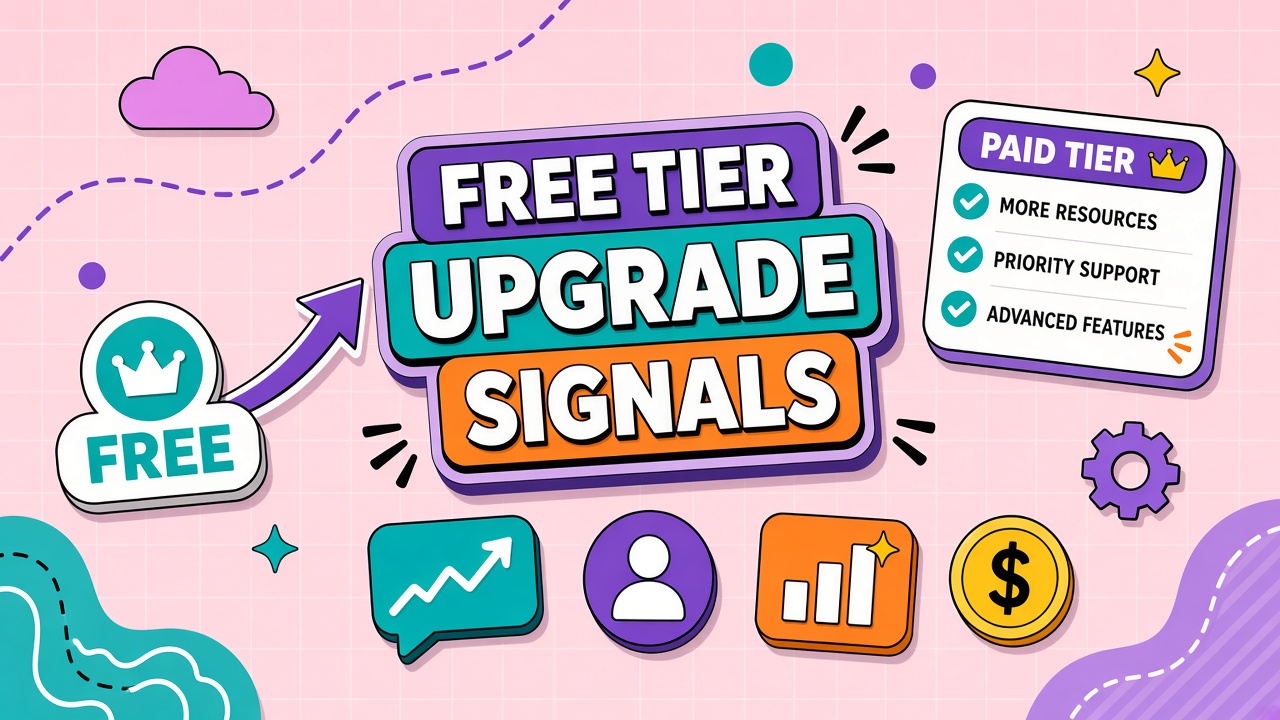
Free AI tiers feel generous on day one. You run drafts, generate images, and share links with teammates. Then a rate limit blocks a deadline export, the model downgrades mid-task, or collaboration requires a paid workspace. The question is no longer whether the tool works. It is when to upgrade from a free AI tool without paying too early or waiting too long.
This guide lists common free tier limits, quality and model gaps, rate limits vs hard caps, team triggers, and a simple cost comparison framework. Evaluate AI chatbot and AI image generator plans with these signals before you bake free tiers into client workflows.
Common Free Tier Limit Types
Free tiers usually cap something: messages, generations, resolution, file size, or features. Limits may reset daily, monthly, or never replenish without payment. Knowing which cap you hit first predicts upgrade timing better than calendar date.
- Message or generation counts: Fixed daily or monthly quotas.
- Context and file size: Small upload limits block long PDFs and codebases.
- Output quality: Watermarks, lower resolution, shorter video length.
- Model access: Older or smaller models only on free paths.
- Commercial rights: Personal-use licenses on free output.
- Support and SLA: No priority queue, no uptime commitment.
Quality and Model Access Differences
Paid plans often unlock newer models, faster queues, and higher fidelity outputs. Free users may see more refusals, slower responses during peak hours, or automatic downgrades after soft thresholds. If your workflow depends on a specific model tier for accuracy or brand voice, free access is a demo, not production.
Upgrade signal: you repeatedly retry the same task because free model output fails review. The labor cost of rework exceeds the subscription price.
Rate Limits vs Hard Caps
Rate limits throttle speed; hard caps stop usage entirely until reset or payment. Rate limits feel like "try again in an hour." Hard caps feel like "upgrade to continue." Teams confuse the two and mis-schedule launches around daily resets.
| Limit type | User experience | Upgrade urgency |
|---|---|---|
| Soft rate limit | Temporary slowdown or wait message | Medium: tolerable for hobby, risky for deadlines |
| Hard monthly cap | Feature blocked until next cycle or payment | High for any revenue-facing workflow |
| Feature gate | Export, API, or team sharing unavailable | High when gate blocks core deliverable |
Team Collaboration Triggers
Free tiers are usually single-user with no admin, SSO, or shared billing. Upgrade signals include sharing one login (policy risk), copying outputs manually into shared drives, needing approval workflows, or legal requiring business terms. Any of these mean free tier stopped being a fit regardless of remaining message quota.
Cost of Staying Free vs Upgrading
Compare subscription cost to rework, delay, and compliance risk, not just cash outlay. A twenty-dollar plan that saves four hours of retries monthly pays for itself at modest hourly rates. Staying free while missing client deadlines or using personal accounts for work data carries hidden cost.
- Log hours lost to limits, retries, and manual workarounds for two weeks.
- Multiply by loaded labor cost.
- Add risk cost if using consumer terms for client data (non-zero for many teams).
- Compare total to paid tier plus realistic overage buffer.
AI tool paid plan signals checklist
Treat these as upgrade triggers: two hard cap blocks in one week, commercial license required for client deliverables, repeated model downgrade during business hours, export format missing from free tier, or security review blocking consumer terms. AI free tier limits are designed to convert; plan budget before signals become deadline crises. Upgrade from free AI tool paths with a named owner and thirty-day usage forecast attached to the purchase request.
Frequently Asked Questions
Can we downgrade if paid usage drops?
Many vendors allow downgrade at renewal; some restrict mid-cycle downgrades on annual plans. Check whether unused credits forfeiture applies. Pilot monthly before annual commit if usage is uncertain.
Do grandfathered free limits still exist?
Vendors occasionally tighten free tiers for new accounts while legacy accounts keep old limits until policy change. Do not build strategy on grandfathering; assume limits will shrink over time.
How do we avoid upgrading too early?
Upgrade when a limit blocks a recurring deliverable twice, not after one frustrating afternoon. Track which cap you hit and whether workflow changes (batching, shorter prompts) avoid it without payment.
The Bottom Line
Free AI tiers are marketing entry points with caps on usage, models, collaboration, and commercial rights. Upgrade when hard caps, feature gates, or team needs block production, when rework exceeds subscription cost, or when consumer terms fail compliance. Time the move with measured usage, not frustration alone. Browse chatbot and image categories on EliteAI.tools to compare paid tiers once your signals are clear.