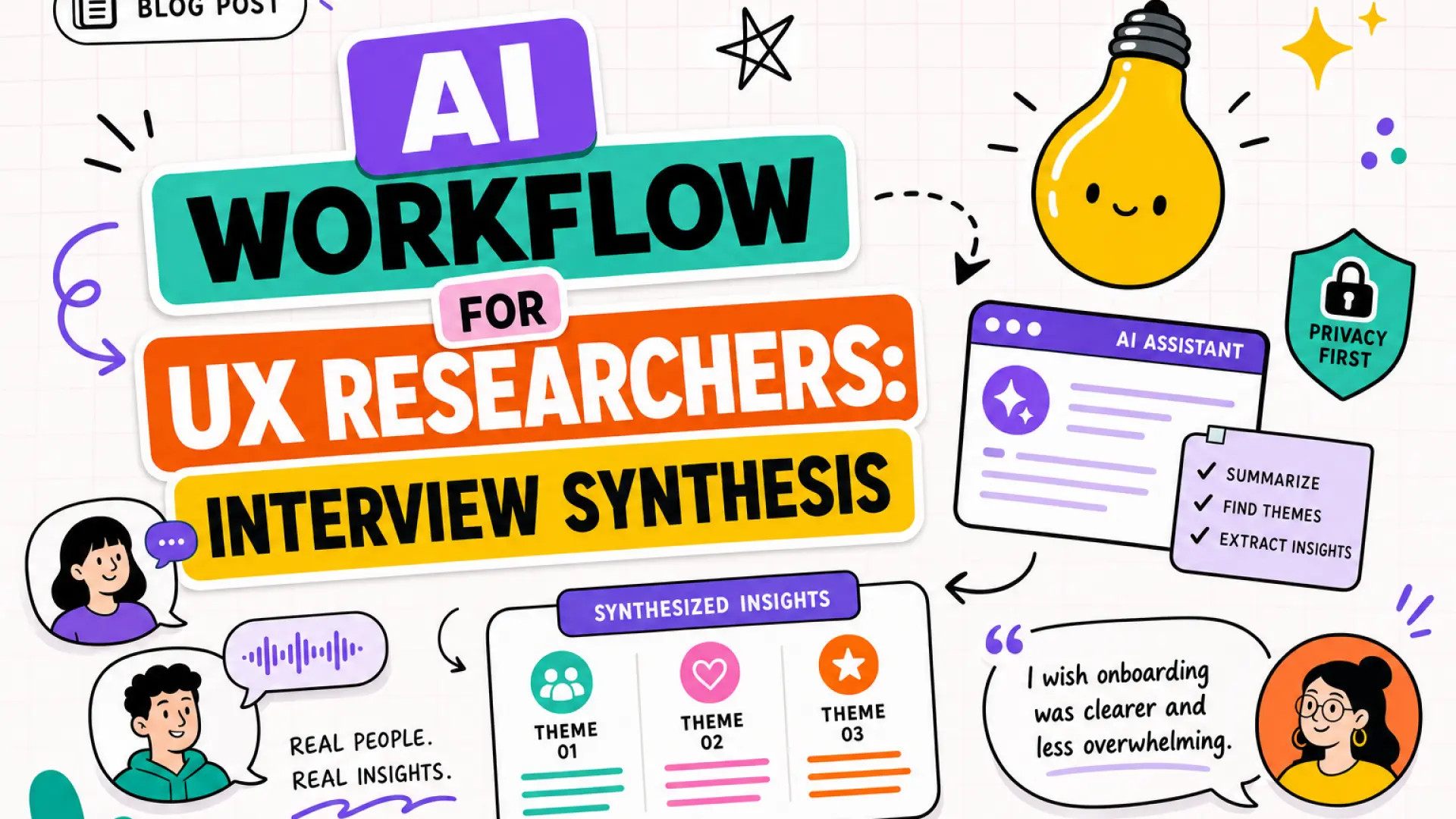
UX researchers spend days turning interview transcripts into themes that product teams trust. AI can cluster quotes and draft affinity maps in hours, but sloppy handling of participant data or unvalidated themes erodes credibility faster than manual synthesis ever would.
An AI workflow for UX researcher synthesis keeps participants' voices central while using AI for transcript cleanup, theme extraction, and first-draft readouts. This guide walks through consent, redaction, affinity mapping, and validation sessions. Pair the workflow with AI writing tools for narrative readouts and AI marketing tools when research feeds positioning copy.
Consent for AI-Assisted Analysis
Participants must know AI may process their words before you upload transcripts. Update consent language and recruitment scripts before the first AI-assisted study, not after synthesis is underway.
Before: Consent covers recording and human analysis only. Researchers paste transcripts into consumer chatbots without disclosure.
After: Consent names approved tools, data retention limits, and opt-out paths for AI processing. Vendor DPAs cover research data tiers.
- Update consent form: State that transcripts may be processed by AI under your organization's policy
- List approved vendors: Enterprise tools with no training-on-customer-data, not personal accounts
- Define retention: Delete raw uploads from vendor within 30 days unless study protocol requires longer
- Offer opt-out: Manual synthesis path for participants who decline AI processing
- Document in research plan: IRB or internal review sees AI step before fieldwork starts
| Consent element | Minimum language |
|---|---|
| AI processing disclosure | Automated tools may summarize and code interview content |
| Human review | Researchers validate all themes before sharing with product |
| Data location | Vendor region and subprocessors named if regulated data |
Transcript Cleanup and Redaction
Clean transcripts before AI ingestion so models work from consistent speaker labels and no PII leaks into vendor logs. Redaction is a human step AI cannot skip.
- Normalize speaker tags: P1, P2 or role labels, not inconsistent names across sessions
- Remove PII: Names, employers, account numbers, exact locations beyond study scope
- Fix obvious ASR errors: Product names and jargon the transcription model mangled
- Strip off-topic segments: Pre-interview small talk unless relevant to rapport analysis
- Chunk long sessions: Split 90-minute interviews into thematic segments for focused prompts
Use AI writing assistants only on de-identified text. Never upload raw recordings to tools that lack enterprise data controls.
Pre-upload redaction checklist
- Search transcript for email patterns and phone numbers
- Replace company names with sector labels when NDA requires (e.g., "large retail bank")
- Confirm file name has no participant identifiers
- Log redaction version in research repository
Theme Extraction and Affinity Mapping
AI drafts initial themes and quote clusters; researchers own the affinity map structure and naming. Treat AI output as a starting board, not the final insight deck.
Step-by-step workflow:
- Prompt with study goals: Research questions, segment definitions, and hypotheses to test
- Request quote-backed themes: Each theme needs 2-3 supporting quotes with session IDs
- Export to affinity tool: Miro, FigJam, or spreadsheet columns for manual rearrangement
- Merge and split: Combine overlapping AI themes; split vague buckets like "usability issues"
- Tag sentiment and severity: Blocker vs nice-to-have using your team's scale
- Cross-reference segments: Note which personas or jobs each theme affects
| AI role | Researcher role |
|---|---|
| Surface recurring phrases and draft theme labels | Rename themes in participant language, not model jargon |
| Suggest sub-themes within large clusters | Validate sub-themes against full transcript context |
| Draft executive summary bullets | Add "so what" implications for product decisions |
Validate Themes in Readout Session
Schedule a team readout where researchers walk stakeholders through themes and unresolved contradictions. AI cannot replace the moment when design and PM challenge whether a theme is signal or noise.
- Pre-readout packet: Theme list, top quotes, segments affected, confidence level per theme
- Live validation: Ask "what would change your mind?" for each priority theme
- Contradiction log: Document conflicting quotes AI merged incorrectly
- Action items: Follow-up studies or analytics checks for weak themes
- Sign-off: PM or research lead approves themes before roadmap input
When research informs go-to-market, share validated themes with teams using AI marketing workflows only after readout sign-off. Premature theme leaks create messaging that contradicts nuanced findings.
Before and After: Synthesis Cycle Time
Teams that adopt this workflow typically cut first-draft synthesis time while increasing review rigor. The tradeoff is upfront consent and redaction work, which pays off in audit readiness and participant trust.
| Stage | Manual-only | AI-assisted with validation |
|---|---|---|
| 12 interviews | 3-5 days coding and affinity mapping | 1 day draft plus 1 day validation |
| Quote traceability | High if disciplined | High if AI quotes are verified line by line |
| Privacy risk | Lower upload surface | Managed with redaction and enterprise tools |
Frequently Asked Questions
Does AI synthesis work with small sample sizes?
AI can overfit patterns from three or four interviews. Use AI for quote retrieval and memo drafting, not for statistical claims. State sample size limits explicitly in readouts.
How do we handle sensitive topics like health or finance?
Use on-premise or VPC-hosted tools when available. Minimize transcript detail in prompts. Escalate to legal if participant data crosses regulated categories your DPA does not cover.
Will stakeholders trust AI-derived themes?
Trust comes from researcher validation and quote traceability, not from hiding AI use. Label AI-assisted sections in decks and show the validation session notes.
Which tools fit UX research synthesis?
Prefer enterprise tiers with no model training on your data, audit logs, and SSO. Dedicated research repositories with AI features beat pasting into consumer chat for anything beyond public copy tests.
Synthesis With Participant Voices Intact
AI accelerates UX research synthesis when consent is clear, transcripts are redacted, themes are quote-backed, and teams validate findings together. Build the workflow before scale, not after the first privacy question from legal.