Last verified: November 2026. AWS has changed free tier rules twice since 2025, so check the linked pages before you commit a budget.
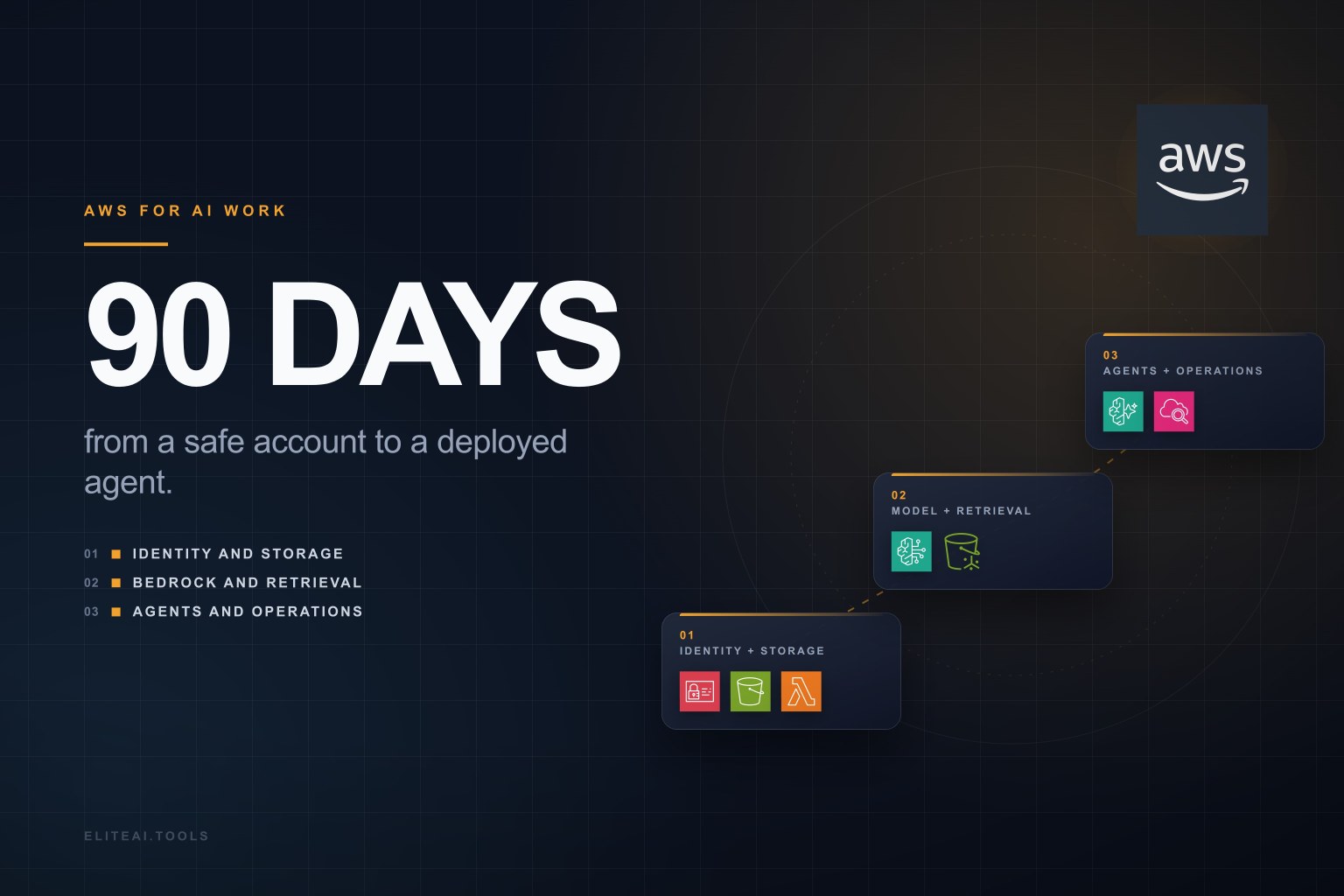
You can learn enough AWS to build and ship an AI feature in about 90 days, provided you learn a narrow set of services in the order the feature needs them: an identity, a bucket, a model API, a retrieval layer, and one agent loop. You do not need EC2, VPC design, Kubernetes, or SageMaker training jobs to get there.
Most AWS roadmaps are written for people who want to run infrastructure. They start with compute instances and networking because that is what a cloud engineer job looks like. An AI builder has a different job: call a foundation model, ground it in your own documents, give it one action, and keep the bill predictable. That path touches fewer services but demands more discipline about permissions and cost.
This roadmap is different from the 2026 "learn AWS in 90 days" guides in two ways. It is built around Amazon Bedrock and the agent stack instead of EC2 and VPCs, and it uses the free tier rules that apply to accounts created today rather than the per-service allowances that stopped applying to new signups in 2025.
Why Most AWS Roadmaps Waste Your First Month
A general AWS curriculum spends four to six weeks on services an AI feature never calls. EC2, VPC subnets, route tables, RDS administration and EKS are valuable for infrastructure roles. They are weight on a 90-day AI plan, because the feature you are building runs on managed services that handle that layer for you.
The services behind a typical AI feature are unglamorous and small: IAM decides what can call the model, S3 holds the documents, Lambda runs the glue code, Bedrock serves the model, DynamoDB or S3 Vectors holds retrieval state, and CloudWatch tells you what broke. That is a short list, not fifty.
The failure mode is not choosing the wrong service. It is spending week one watching an eleven-hour certification course, week two fighting a VPC, and week three running out of motivation before ever sending a prompt through an API. Build first, understand second, and let the certification wait.
The 90-day rule this plan follows
Every week ends with something you can call with a URL, a script, or a browser tab. If a topic does not produce a running artifact within seven days, it belongs later or not at all.
The Service Map: Twelve Services, Four Phases
Twelve services cover the whole plan, and each one earns its place by doing a job the feature cannot avoid. If a service is not on this map, it is not in the first 90 days.

AWS IAM
Roles and trust policies that let a function call a model.

Amazon S3
Documents, uploads and lifecycle rules.

AWS Lambda
Glue code running under an execution role.

Amazon CloudWatch
Logs, metrics and one useful alarm.

Amazon API Gateway
An HTTP endpoint in front of the function.

Amazon Bedrock
Model access through the Converse API.

Amazon S3 Vectors
Low-cost vector storage for retrieval.

Amazon Bedrock AgentCore
Managed runtime, memory and gateway. Paid plan only.

Amazon DynamoDB
Session state and idempotency keys.

AWS Secrets Manager
Third-party keys kept out of code.

AWS CloudTrail
Who changed what, and when.

AWS Budgets
Alerts and actions before the bill.
Service icons: AWS Architecture Icons, July 2026 release.
The 2026 Free Tier Rules You Need Before Day One
New AWS accounts now choose between a Free plan and a Paid plan, and the old "12 months free per service" model no longer applies to new signups. The Free plan gives you up to $200 in credits, access to a limited service list for six months, and no charges unless you upgrade. The Paid plan covers every service on pay-as-you-go billing, and new customers still get up to $200 in credits.
| What matters for this plan | Free plan | Paid plan |
|---|---|---|
| Credits | $100 at signup, up to $100 more for activities, $200 total | Up to $200 for new customers |
| Service access | Over 90 services, not all of them | All AWS services |
| Risk of a bill | No charges unless you upgrade | Usage beyond credits is billed |
| Amazon Bedrock | Available | Available |
| Amazon Bedrock AgentCore | Not included | Available |
| Lifetime | Six months or until credits run out, whichever comes first | No expiry |
Three details are easy to miss. The Free plan closes itself after six months, and AWS keeps your content for 90 days after that before deleting it, so export anything you want to keep. AWS says a payment method is not required to sign up for most new customers. And more than 30 services stay free within monthly limits on both plans, which is where the useful allowances live:
- AWS Lambda: 1 million requests and 400,000 GB-seconds of compute per month.
- Amazon DynamoDB: 25 GB of storage plus 25 read and 25 write capacity units.
- Amazon SQS: 1 million requests per month. Amazon SNS: 1 million publishes per month.
- Amazon CloudWatch: 5 GB of log data in the free tier.
- AWS CloudTrail: the first copy of management events in each Region at no charge.
- AWS Budgets: monitoring budgets are free, and the first two action-enabled budgets are free.
Notice what is not on that list. Amazon S3 and Amazon API Gateway are available on the Free plan, but they draw on your credits rather than a standing monthly allowance. Amazon Bedrock bills per token, so every prompt spends credits. That is the real lesson of week one: the free tier is a budget, not a force field.
Choose the Paid plan if you intend to finish phase 3 on AgentCore
AgentCore is a Paid-plan feature. If you want to deploy the agent on managed runtime, memory and gateway services in weeks 8 to 12, sign up for the Paid plan, keep the credits in front of you, and treat the budget alerts as part of the curriculum. If you want a hard no-charge guarantee and are happy to run the agent on Lambda, the Free plan is the safer classroom.
The 90-Day Plan at a Glance
The plan runs 13 weeks: one week of setup, three weeks of foundations, three weeks of model and retrieval work, three weeks of agents, and three weeks of production habits. Week 13 is a review and optional certification, not new material. At roughly nine hours a week, that is about 120 hours of focused work.
| Weeks | Focus | Artifact you finish with | Deliberately skipped |
|---|---|---|---|
| 1 | Account safety, billing guardrails, one Region | A budget that emails you, root MFA on, CloudTrail logging | Anything that costs money |
| 2 to 4 | IAM roles, S3, Lambda, CloudWatch | An HTTP endpoint that runs code and logs it | EC2, VPC design, ECS, EKS |
| 5 to 7 | Bedrock, the Converse API, retrieval | Document Q&A that cites the source it used | Fine-tuning, training jobs, model hosting |
| 8 to 10 | Tool use, agent loops, memory, permissions | An agent that answers and performs one real action | Multi-agent frameworks, voice, browser use |
| 11 to 13 | IaC, secrets, observability, cost control | A capstone with a cost dashboard and a load test | Certification study, unless you want the badge |
Where the hours actually go
Building takes longer than reading, and debugging permissions takes longer than building. The allocation below is a suggestion, not a measurement: it is the shape that keeps a 120-hour budget honest.
Phase 1, Weeks 2 to 4: Account Safety, Identity, Storage, Compute
Phase 1 is about proving you can run code on AWS without giving it permission to do anything expensive. Four services carry the phase: IAM for identity, S3 for objects, Lambda for compute, and CloudWatch for evidence that any of it worked.
The day-one security checklist
- Enable MFA on the root user and stop using it for daily work.
- Do not create root access keys. If one already exists, delete it.
- Create an administrative identity through IAM Identity Center or an IAM role, not a shared root login.
- Create a monthly budget with an email alert at a number that would annoy you, not a number that would bankrupt you.
- Turn on CloudTrail so you can see which identity did what after a permission error.
- Pick one Region and stay in it. Multi-Region experiments double the things you have to clean up.
- Tag every resource with a project name on creation. Cost Explorer groups by tag, and a month later you will not remember which bucket was which.
What to actually learn
IAM is the real subject of this phase. Learn the difference between a user, a role and a policy, then learn what a trust policy does, because a Lambda function assumes a role and the trust policy is what allows that. The practical target is a role that can read one S3 prefix and write logs to one log group, and nothing else.
On S3, learn buckets, prefixes, block public access, presigned URLs and lifecycle rules. Presigned URLs matter for AI work because they let a browser upload a document without exposing the bucket. Lifecycle rules matter because old uploads are how a learning account quietly accumulates storage charges.
On Lambda, learn the handler signature, environment variables, memory and timeout settings, and the execution role. Skip layers and container images for now. On CloudWatch, learn where logs land, how to search them, and how to create one metric filter and one alarm.
If you want a structured pass over the vocabulary before you start building, a beginner course can compress the first two weeks into a weekend, and the certificate at the end gives you something to show for it. The limitation is that most beginner courses are EC2-heavy and stop before Bedrock, so treat one as a warm-up for phase 1 rather than the whole path.
The build: an endpoint that returns JSON
Wire an HTTP API in Amazon API Gateway to a Lambda function that returns a JSON object. Add one structured log line. Deploy it, call it with curl, break the IAM policy on purpose, and read the error. That last step teaches more about AWS than a week of videos, because permission errors are the most common failure in AI workloads.
This project stays inside the always-free Lambda allowance and uses very little API Gateway credit. If you want a reference implementation to compare against, the AWS Cloud Services agent skill describes the same core services in the vocabulary an AI coding agent expects, which is useful when you start asking an assistant to write the infrastructure for you.
Phase 2, Weeks 5 to 7: Bedrock, Prompts, and Retrieval
Amazon Bedrock is the model API layer, and you only need one SDK call to start: send messages to a
model and read the response. The Converse API gives you a consistent request shape across models, so
you can switch model families without rewriting your application code. The call requires the
bedrock:InvokeModel permission on the role that makes it.
Model access is simpler than most tutorials imply. Since October 2025, Bedrock enables serverless foundation models automatically in each commercial Region, and the old Model Access page is gone. Anthropic models are enabled by default but still require a one-time usage form before the first call, which you can submit from the console or the API.
The three skills that matter
- Prompt structure: a system instruction, a user message, and a clear output contract. Learn what happens when you remove each one.
- Token accounting: Bedrock bills per 1,000 input and output tokens. Log token counts per request so you can compute cost per answer instead of guessing.
- Retrieval: split documents, embed them, store the vectors, search them, and put the best passages in the prompt.
For retrieval you have two credible options. Knowledge Bases for Amazon Bedrock is the managed path: point it at S3, let it chunk and embed, and query it through the same API family. Amazon S3 Vectors is the cheaper, more manual path: it became generally available in December 2025 with native vector storage in S3, and AWS claims up to 90% lower cost for storing and querying vectors than specialized vector databases. S3 Vectors launched in 14 Regions, so check yours before designing around it.
The managed path is faster to a working demo. The manual path teaches you what retrieval actually does, and it is the better choice if you want to understand chunking, metadata filters and recall. Whichever you pick, store the source document ID with every chunk so the answer can cite it.
The build: document Q&A with citations
Upload ten to twenty documents to S3, build an index, and answer questions with a citation for each answer. Then test it with a question the documents cannot answer. A system that invents an answer is not ready, and the refusal path is where most tutorials stop short.
This is also the point to understand the cost side of model choice. Most teams never touch model hosting, because Bedrock abstracts it. When a workload outgrows managed endpoints, the Trainium and Inferentia decision becomes relevant, and the Bedrock migration guide explains when that move makes sense. The Trainium3 and Inferentia3 overview is the background reading for it.
Phase 3, Weeks 8 to 10: Agents That Take Actions
An agent is a loop, not a product: the model chooses a tool, your code runs it, the result goes back into the conversation, and the loop repeats until the model stops asking. Everything difficult about agents on AWS is in the permissions and the failure handling, not the loop itself.
Learn tool schemas first. Define two or three tools with tight input schemas, make them idempotent, and require a confirmation step before any write. Then learn the operational questions: what happens when a tool times out, how you stop a loop that will not terminate, and how you trace which tool ran with which arguments.
| AgentCore service | Problem it solves | Free plan workaround |
|---|---|---|
| Runtime | Session isolation and scaling for the agent process | Lambda with reserved concurrency |
| Gateway | Turns APIs and Lambda functions into MCP tools | Tool schemas written by hand |
| Memory | Short and long term conversation state | DynamoDB table keyed by session |
| Identity | Agent authentication against your identity provider | IAM roles per agent function |
| Observability | Traces of each step in the agent workflow | Structured logs plus CloudWatch metrics |
The build: an agent that answers and acts
Give the agent one retrieval tool and one action tool that writes a record to DynamoDB. Ask it a question that requires both. Then ask it the same question twice and check that you did not create duplicate records, which is the failure that turns a demo into an incident.
Keep the scope to one agent. Multi-agent orchestration is a real pattern, but it multiplies the permission surface and the debugging time before you have learned the single-agent loop properly.
Phase 4, Weeks 11 to 13: Make It Boring
The last phase is about the things that make an AI feature survivable: infrastructure as code, secrets management, least privilege per function, and a cost ceiling you can explain. This is also where you find out whether the prototype was a prototype or a liability.
- Infrastructure as code: pick one of AWS CDK, AWS SAM or Terraform and rebuild the stack from code. Do not learn two.
- Secrets: put third-party keys in AWS Secrets Manager, not environment variables or a Git repository.
- Least privilege: one role per function, with the specific actions and resource ARNs it needs.
- Observability: log token counts, latency, tool calls and refusals. A dashboard with three numbers beats twenty.
- Cost control: cap output tokens, add a per-request budget check, and put an action-enabled budget in front of the expensive path.
- Load test: send concurrent requests and record p95 latency and cost per request before you call it done.
What the bill looks like while you learn
At learning scale, almost everything is free except the model calls. A hundred document questions against a small model cost cents, not dollars. The expensive mistakes are architectural: an agent loop with no iteration cap, a retry storm against a model endpoint, or a forgotten EC2 instance from a tutorial you tried in week two.
| Cost driver | Typical learning-scale behavior | What keeps it small |
|---|---|---|
| Bedrock tokens | Pennies per evening of testing | Output token cap, shorter context, batch tests |
| Lambda | Inside the always-free allowance | Right-sized memory, no infinite retries |
| S3 storage | A few GB of PDFs and vectors | Lifecycle rules, one bucket per project |
| DynamoDB | Well inside 25 GB and 25 capacity units | On-demand mode for spiky tests |
| Forgotten EC2 or NAT gateway | The classic surprise charge | No EC2 in this plan, and a weekly resource sweep |
Free and Cheap Resources Worth the Time
AWS's own training is now the strongest free option, and most of it does not require a subscription. AWS Skill Builder lists more than 1,000 free learning resources, including over 900 self-paced digital courses. The individual subscription is $29 per month or $449 per year, and it buys exam prep and labs rather than access to the basics.
| Resource | Cost | Best for |
|---|---|---|
| AWS Skill Builder digital courses | Free, or $29 per month | Vocabulary, exam prep, service overviews |
| AWS Cloud Practitioner Essentials | Free | A 13-hour orientation if you want one structured pass |
| AWS Educate | Free, no credit card | Hands-on labs without an AWS account of your own |
| AWS workshops and samples | Free | Working architectures to read and rebuild |
| AWS documentation | Free | The only source to trust on limits and permissions |
If you want a single guided pass over the basics before the build work starts, MyGreatLearning's free AWS training course runs about 4.5 hours and ends with a certificate of completion. It covers cloud fundamentals, core services and a hands-on EC2 walkthrough, so it is a reasonable warm-up for phase 1 and a poor substitute for phase 2, which it does not touch.
Do You Need an AWS Certification?
No, not for this plan, but the AI Practitioner exam is the closest thing to a syllabus check for it. The AWS Certified AI Practitioner exam is a 90-minute, 65-question foundational exam that costs $100. Exam fees are $100 at the foundational level, $150 at associate level, and $300 for professional and specialty exams.
Certification rewards recall of service names and limits. This plan rewards shipping. If you want the badge, take AI Practitioner in week 13 as a review, not as the goal, and expect to study exam-specific material that the build work does not cover.
What to Skip in the First 90 Days
Every hour spent on a service the feature does not call is an hour not spent debugging the ones it does. These are the topics that reliably derail a first 90 days:
- EC2 deep dives and instance families: the AI path is serverless at this stage, and instance selection is a later decision.
- VPC design: default networking is fine for a learning project. Learn private subnets when you have a reason.
- Kubernetes and EKS: a large subject that solves a scaling problem you do not have yet.
- SageMaker training jobs: fine-tuning is a cost and data problem, not a first-90-days problem.
- Multi-Region architecture: it doubles cost and cleanup for a single learner.
- Certification courses before week 10: they teach breadth, and breadth is what you are deliberately avoiding.
The exception is your day job. If you already work in infrastructure, swap the skipped items for the ones you need and compress phase 1. The sequence still holds.
How to Know You Are on Track
Four checkpoints tell you whether the plan is working, and each one is a thing you can demonstrate in under two minutes. If a checkpoint fails, repeat the phase instead of moving forward.
| Checkpoint | You should be able to | Common reason it fails |
|---|---|---|
| End of week 4 | Call your own endpoint and see the request in CloudWatch | The execution role is missing, or its trust policy does not allow Lambda |
| End of week 7 | Get a cited answer and a clean refusal | Chunks are too large, or the prompt does not allow "I do not know" |
| End of week 10 | Watch the agent call a tool and handle a tool error | Tool schema is vague, so the model invents arguments |
| End of week 13 | State cost per request and p95 latency from memory | No token logging, so the numbers do not exist |
Frequently Asked Questions
Can you really learn AWS for AI work in 90 days?
Should I pick the Free plan or the Paid plan?
Is Amazon Bedrock free?
Do I need Python to build on AWS?
Do I need AgentCore to build an agent on AWS?
What if I already know Azure or Google Cloud?
Bottom Line
Learning AWS for AI work is a narrower project than most roadmaps admit. In 90 days you can go from a fresh account to an agent that retrieves your documents, performs one action, and reports its own cost, provided you spend the first month on identity and storage instead of compute and networking.
Start with the account guardrails, build the smallest endpoint you can call, then put a model behind it. If you want to keep going after week 13, the AWS tool directory and the machine learning tools are where the next set of decisions start.