-

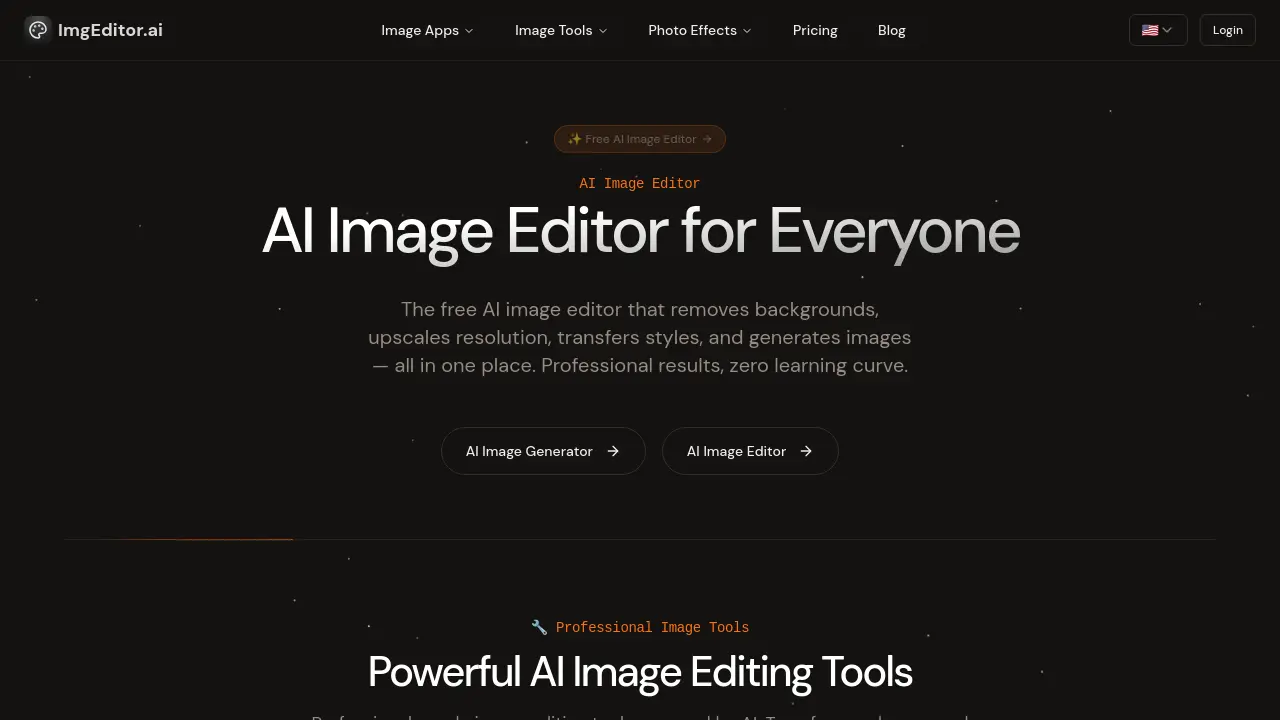
ImgEditor.ai
Professional AI Image Editor for Everyone
 FreemiumStarting at $7/month
ImgEditor.ai is a comprehensive AI-powered image editing platform that offers 15+ professional tools for background removal, image upscaling, style transfer, object removal, and AI image generation, delivering professional results in seconds with no technical skills required.
Key Features:
- AI-Powered Tools: 15+ professional editing tools including background removal, image upscaling, style transfer, and object removal
- Pixel-Perfect Precision: AI understands image context and composition for targeted edits while preserving important details
- Artistic Style Transfer: Transform photos into Ghibli anime, Pixar 3D, oil paintings, and other artistic styles with single-click application
- Fast Processing: Delivers professional-quality edits in under 30 seconds with real-time previews
- No Skills Required: Intuitive interface requires no design skills or software installation
- Privacy-First Processing: Images processed securely without storage unless permission is granted
- Browser-Based Platform: Works on desktop, tablet, and mobile devices without installation requirements
- High-Resolution Support: Output support up to 4K resolution for professional quality results
Use Cases:
- Remove backgrounds for e-commerce product listings
- Upscale low-resolution photos for print materials
- Transform personal photos into anime or cartoon styles
- Create professional headshots for business profiles
- Remove unwanted objects or people from photographs
- Enhance facial features and improve photo quality
- Change hair color, style, or length in portraits
- Apply artistic filters to create unique visual content
- Generate AI images from text prompts or existing photos
- Resize and reframe images with smart cropping
-

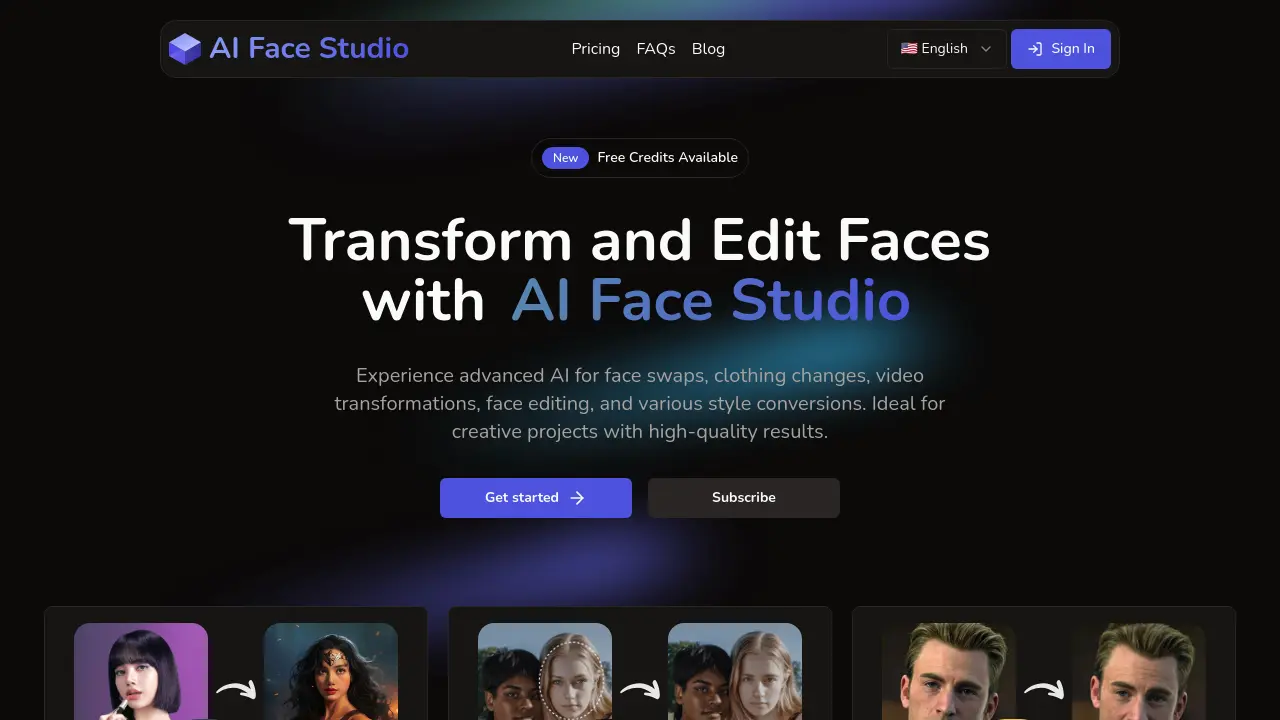
AI Face Studio
Transform and Edit Faces with AI
 FreemiumStarting at $10/month
AI Face Studio offers advanced AI tools for face swaps, clothing changes, video transformations, and various style conversions. Ideal for creative projects requiring high-quality results.
Key Features:
- State-of-the-Art AI: Harness cutting-edge AI technology for truly realistic face transformations and edits.
- Effortless Face Swaps: Seamlessly swap faces in both photos and videos with advanced face editing tools.
- Dynamic Clothing Changes: Update outfits in your photos with flawless precision using AI-powered face and image editing.
- Multi-Face Transformations: Easily transform and edit multiple faces in one image or video.
- Versatile Style Conversions: Adapt faces into various styles and edit them for creative expressions.
- High-Definition Exports: Export your projects in top resolution, ready for any use, with precise face editing.
Use Cases:
- Creating realistic 3D models for video game avatars.
- Visualizing characters for film storyboards in a unique cartoon style.
- Maintaining consistent character looks across different scenes in short films.
- Enhancing sketches for comic art with improved clarity.
- Transforming portraits into anime-style artwork.
-

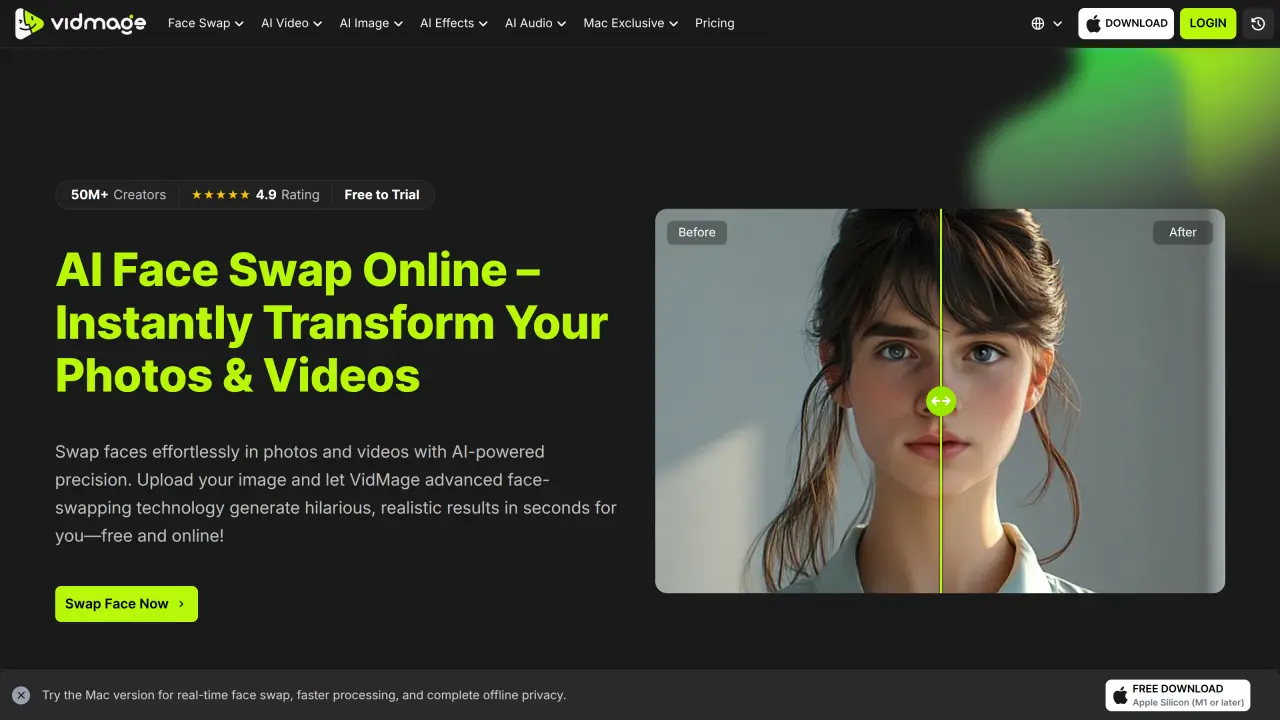
VidMage
The Ultimate AI Face Swap & Video Creation Platform
 FreemiumStarting at $9/month
VidMage is a leading AI-powered face swap and video creation platform available on both Web and Mac, designed for creators, studios, and teams. It offers seamless photo and video face swapping, AI video generation, image tools, and audio features with unmatched precision and realism.
Key Features:
- Photo & Video Face Swap: Seamlessly swap faces in photos and videos with AI-powered precision and natural-looking results.
- Multi-Face & Batch Swap: Swap multiple faces in a single photo or process multiple files at once with batch face swap.
- Celebrity & Deepfake Face Swap: Transform into celebrities or iconic movie characters with realistic deepfake-quality results.
- AI Video Generation: Generate videos from text prompts or images using tools like Sora2 Video Generator and Image-to-Video.
- AI Image Tools: Generate, upscale, and edit images with tools including AI Girl Generator, AI Clothes Changer, and Object Remover.
- AI Audio Tools: Clone voices, design new voices, and convert text to speech with high-fidelity AI audio tools.
- Mac Exclusive Features: Enjoy local processing, real-time face swap preview, live face swap for video calls, and facial feature swap on Mac.
- No-Registration Free Trial: Start using the platform immediately without signing up, with watermark-free output even on the free plan.
- Flexible Credit-Based Pricing: Choose from free, monthly, yearly, or pay-as-you-go plans with credits that never expire while subscribed.
- AI Effects & Animations: Animate photos with AI Talking Photo, Photo Dance, AI Lip Sync, and Video-to-Anime Converter.
Use Cases:
- Creating fun and viral face swap memes for social media
- Swapping faces with celebrities or movie characters for entertainment
- Fixing group photos by correcting bad expressions or blinking using head swap
- Producing studio-quality face swap videos for content creators and studios
- Generating AI videos from text prompts or images for marketing campaigns
- Animating still photos with talking or dancing effects for social media posts
- Live face swapping during video calls and live streaming sessions on Mac
- Changing outfits in photos virtually using the AI Clothes Changer
- Removing watermarks or unwanted objects from videos and images
- Cloning voices or generating AI text-to-speech for content production
-

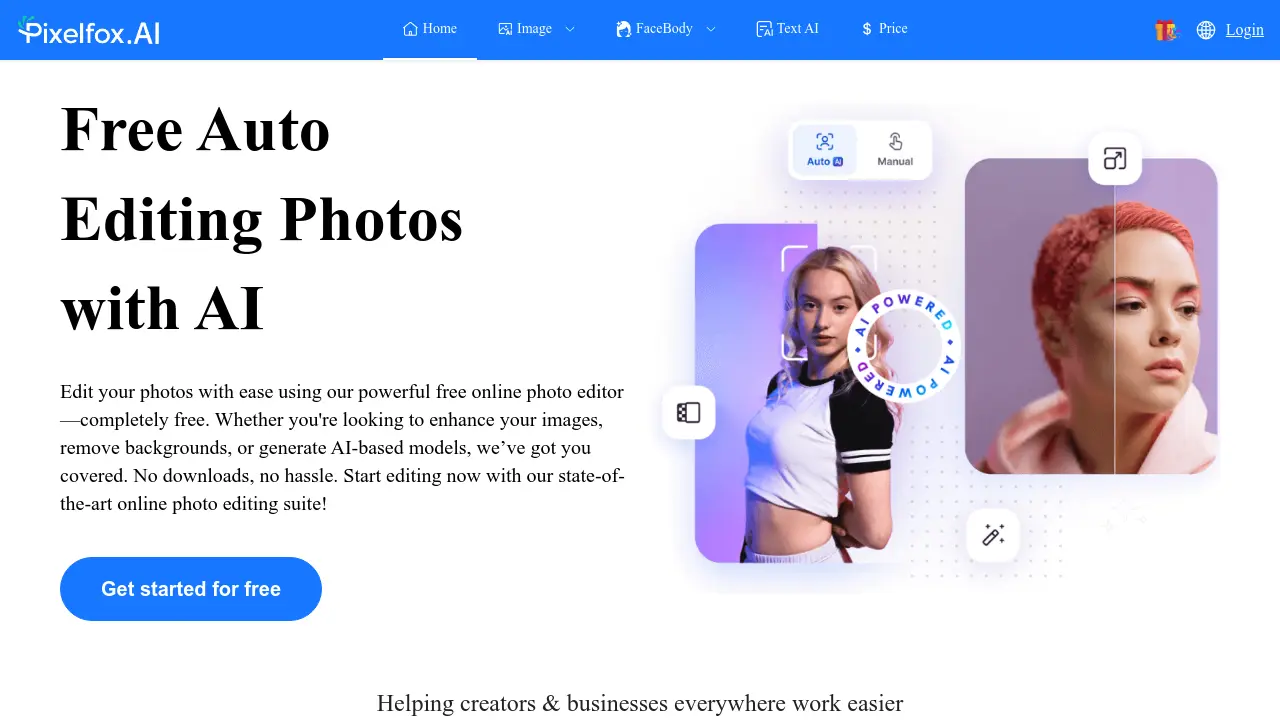
Pixelfox AI
Free AutoEditing Photos with AI
 Freemium
Pixelfox AI is a comprehensive online photo editor that offers powerful AI-driven tools for image enhancement, background removal, face editing, and creative generation—all without downloads or subscriptions.
Key Features:
- Background Removal: Removes backgrounds with AI precision in seconds, leaving transparent backgrounds
- Object Remover: Eliminates unwanted objects, text, or people from photos with seamless results
- AI Inpaint Tool: Adds or removes elements in selected areas based on text prompts
- Face Swap: Creates natural and seamless face swaps between any two images
- Image Enhancer: Improves clarity, color, and resolution of low-quality images
- Image Upscaler: Increases image resolution without losing quality, with specialized modes for general photos, anime, and old photos
- Background Generator: Creates realistic and beautiful background images for products and portraits
- AI Image Generator: Transforms text prompts into high-quality images with 20+ art style options
- Face Editing Tools: Includes skin retouching, face slimming, beauty enhancement, and face reshaping features
- Image Expansion: Extends images to fit different aspect ratios while maintaining visual coherence
Use Cases:
- E-commerce product photography with clean, professional backgrounds
- Removing unwanted objects or people from travel and landscape photos
- Enhancing and restoring old, low-quality family photographs
- Creating custom marketing visuals and social media content
- Real estate photography enhancement and background improvement
- Fashion photography editing and model retouching
- Generating creative artwork and digital compositions from text descriptions
- Resizing and optimizing images for various platforms and aspect ratios
- Creating fun face swaps for entertainment and social media sharing
- Professional portrait retouching and beautification
-

MioCreate
Original AI Creation Platform for All
 Free
MioCreate is a free, online, all-in-one AI platform offering tools like face swap, voice generation, and text-to-video for effortless original content creation.
Key Features:
- AI Face Swap: Swap faces in photos and videos online for free.
- AI Multi-face Swap: Perform face swaps involving multiple individuals.
- AI Voice Generator: Create synthetic voices using artificial intelligence.
- AI Dance Generator: Generate videos of figures dancing based on AI.
- AI Attractiveness Test: Utilize AI to analyze and rate attractiveness.
- AI Image Combiner: Merge or blend images using AI techniques.
- AI Text to Video: Convert textual input into video sequences.
- Free Usage: Core tools are offered free of charge.
- Online Platform: Accessible via web browser without installation.
- User-Friendly: Designed for simplicity, requiring no advanced editing skills.
Use Cases:
- Creating humorous face swap images and videos for social media.
- Generating unique marketing content with AI tools.
- Producing voiceovers for projects without hiring voice actors.
- Making entertaining AI-generated dance videos.
- Visualizing concepts by converting text descriptions to video.
- Combining multiple images into a single creative composition.
- Streamlining content creation for individuals and businesses.
-

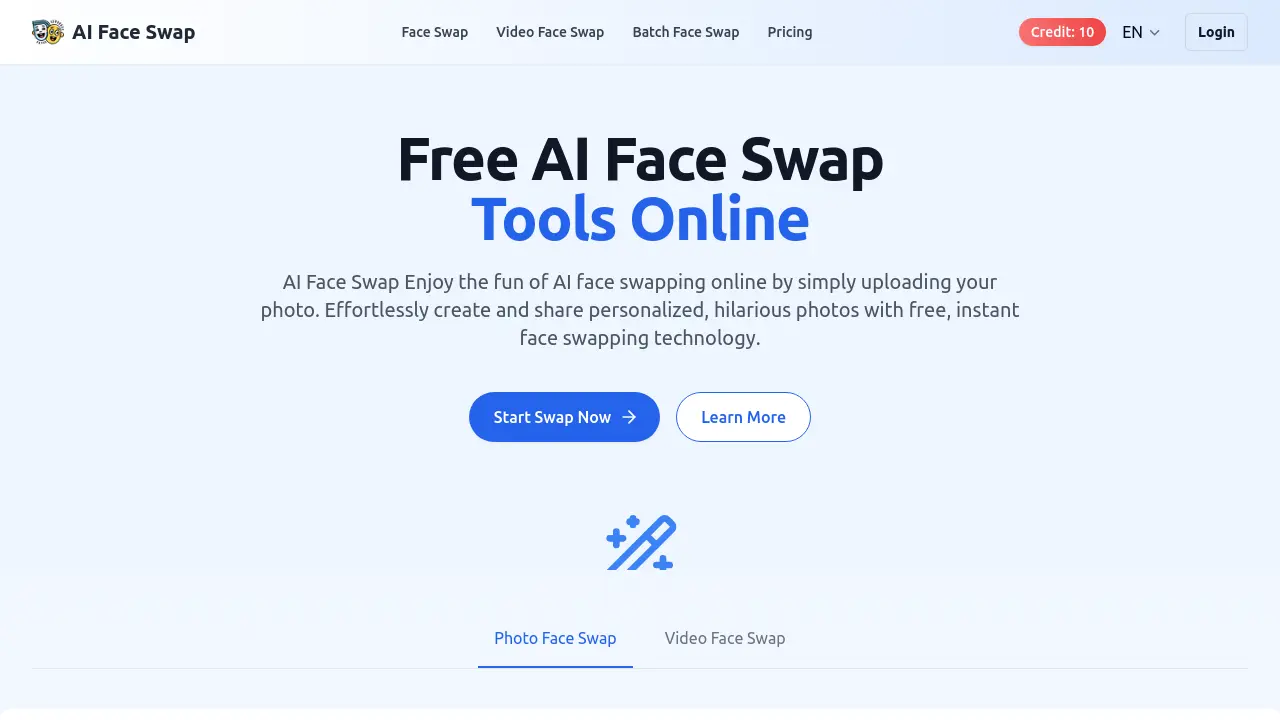
AI Face Swap
Free AI face swapping online with instant, high-quality results
 FreemiumStarting at $7/month
AI Face Swap is an online platform that uses artificial intelligence to seamlessly swap faces in photos and videos, offering both free and premium features for personal and commercial use.
Key Features:
- Instant Processing: High-quality face swaps delivered within seconds
- Multiple Swap Options: Support for photos, videos, and batch processing
- Browser-Based: No software downloads required
- Privacy Protection: Automatic deletion of uploads after 2 days
- Flexible Credit System: Free credits for new users with premium options
- High-Resolution Output: Support for up to 1080P video quality
- User-Friendly Interface: Simple operation for all skill levels
- Multi-Language Support: Available in multiple languages
Use Cases:
- Creating engaging social media content
- Fixing family photos with blinks or poor expressions
- Prototyping ad concepts for marketing campaigns
- Visualizing different looks for personal styling
- Creating interactive photo booths at events
- Developing multilingual educational content
- Designing unique characters for creative projects
- Personalizing real estate virtual tours
-

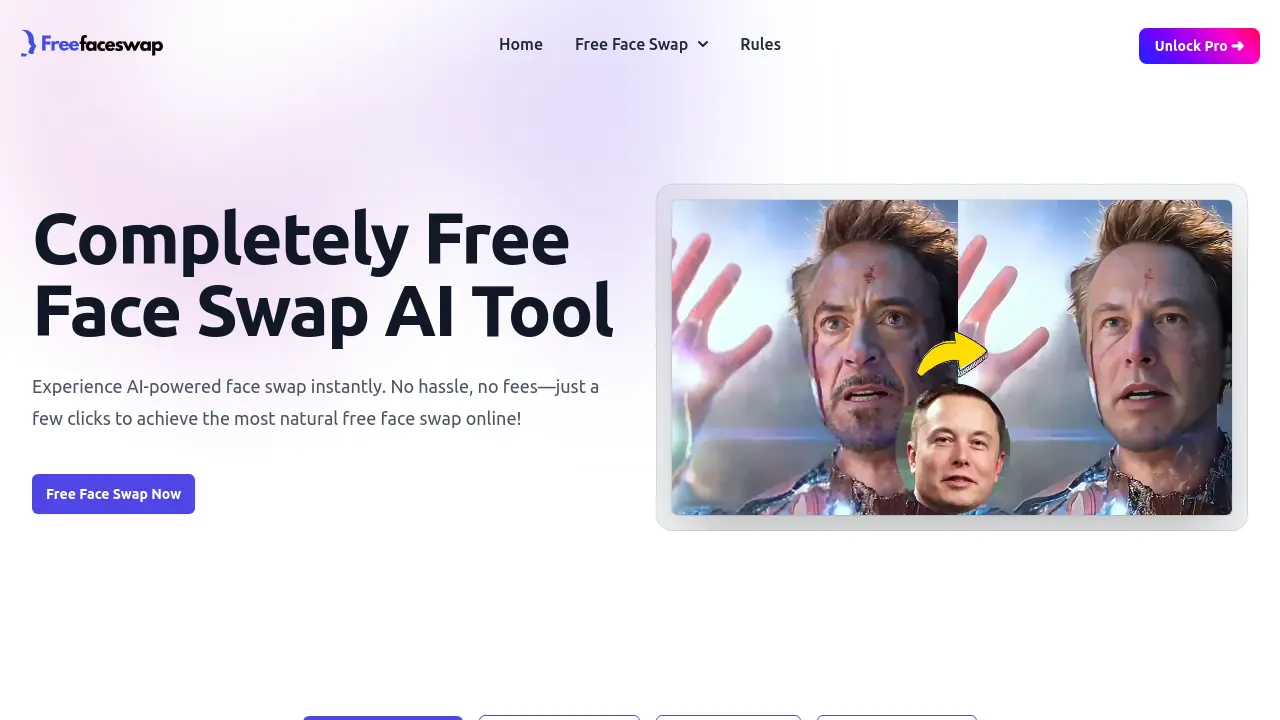
FreeFaceSwap.ai
Completely Free Face Swap AI Tool for Photos, Videos, and GIFs
 Freemium
FreeFaceSwap.ai is a free, no-login required AI tool that allows users to perform face swaps on photos, videos, and GIFs with advanced AI technology and secure processing.
Key Features:
- No Login Required: Instant access without account creation
- Secure Processing: End-to-end encryption with no data storage
- Multiple Format Support: Compatible with PNG, JPG, MP4, and GIF
- Quick Processing: Cloud-based AI technology for fast results
- Privacy Protection: Automatic file deletion after processing
- Task Management: Up to 5 tasks per 12 hours
- Video Processing: Support for videos up to 5 seconds
- Batch Processing: Single task processing at a time
Use Cases:
- Creating fun profile pictures
- Generating entertaining memes
- Making creative holiday greetings
- Designing social media content
- Reimagining historical photos
- Creating humorous face swaps
- Making festive celebrations unique
- Crafting creative visual content
-

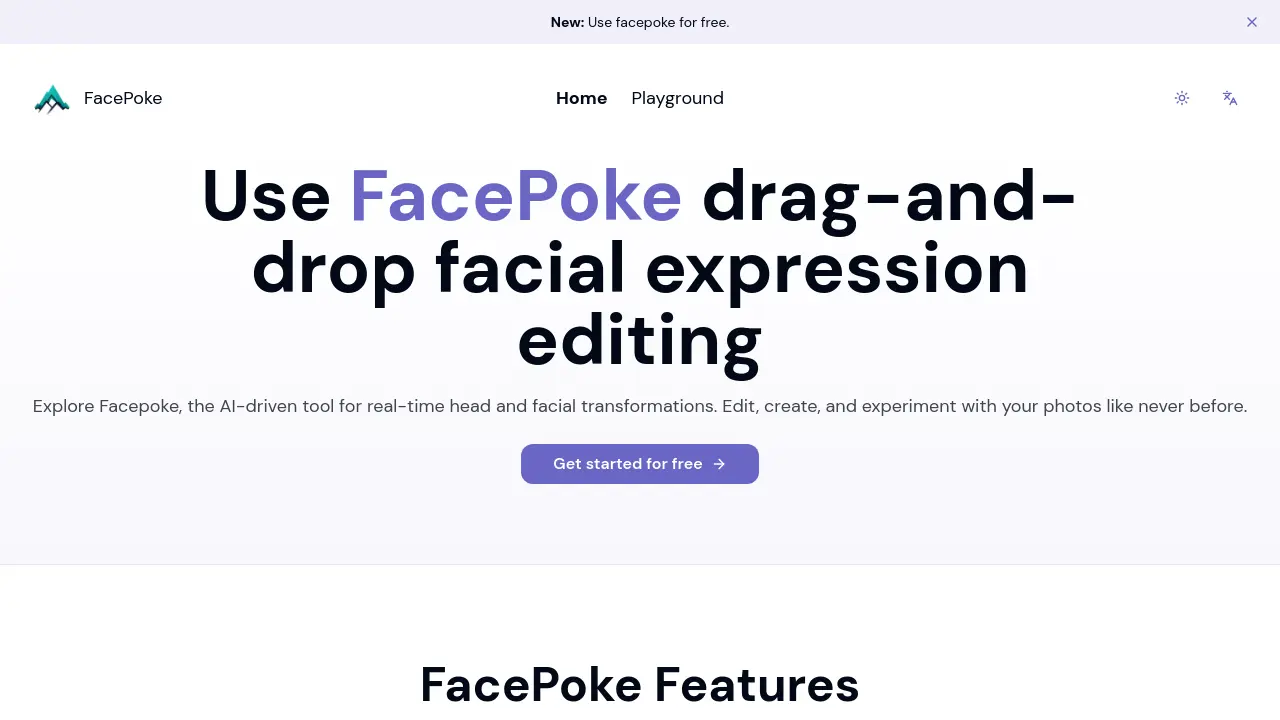
facepoke.app
AI-driven tool for real-time head and facial transformations
 Pay Once
FacePoke is an AI-powered tool offering real-time, drag-and-drop facial expression editing for images, enabling users to easily transform and animate portraits.
Key Features:
- Real-Time Editing: Adjust facial features and expressions instantly using a drag-and-drop interface.
- AI-Powered Editing: Utilize showcased LoRas online or upload custom LoRas via URL; fine-tune Flux Lora models with parameter adjustments.
- User-Friendly Interface: Intuitive drag-and-drop controls make facial expression editing accessible.
Use Cases:
- Editing facial expressions in photographs.
- Creating subtle facial animations for portraits.
- Modifying head poses in images.
- Experimenting with different character expressions.
- Enhancing video content with specific facial expressions (when used with compatible tools).
-

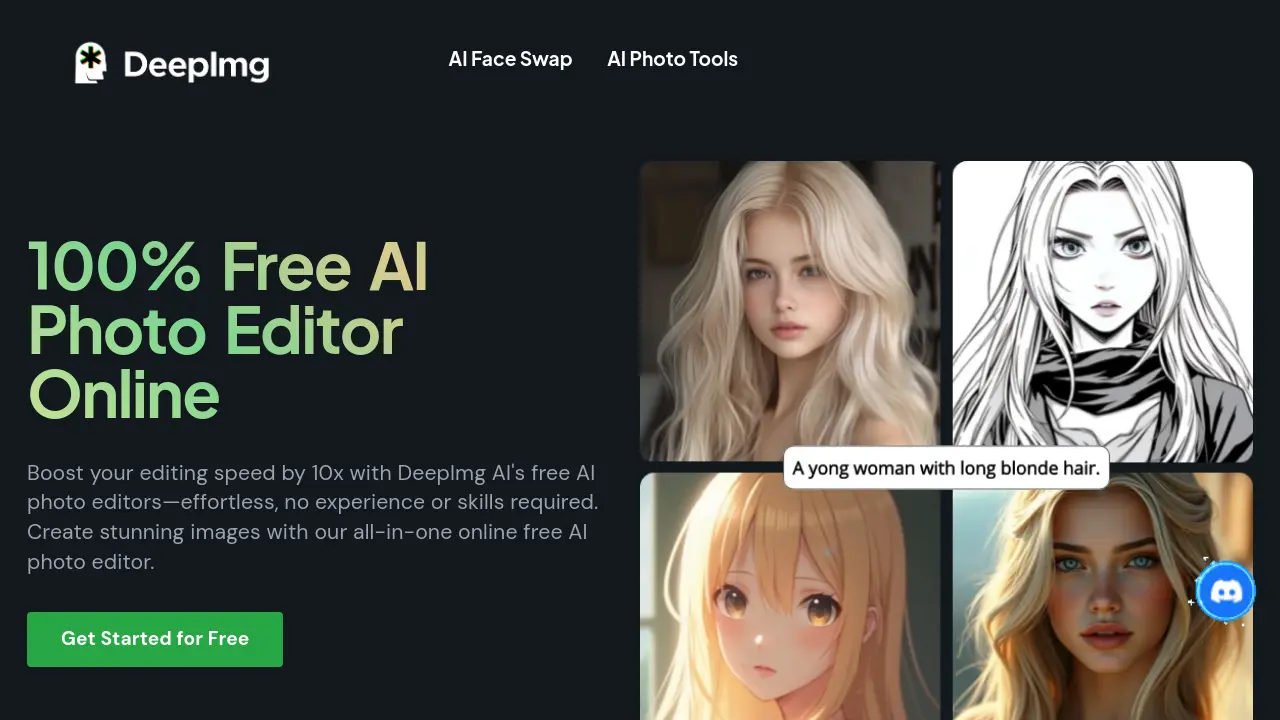
DeepImg AI
AI-Powered Photo Editing and Generation Suite
 FreemiumStarting at $24/month
DeepImg AI is an online platform offering various AI-powered tools for image generation, editing, and enhancement, including face swapping, anime generation, background removal, and style transfer.
Key Features:
- AI Face Swap: Swap faces in photos, videos, and GIFs, including multiple faces.
- AI Image Generator: Create images from text prompts (e.g., Anime Generator, Character Generator).
- AI Sticker Generator: Design custom stickers from text descriptions.
- AI Emoji Generator: Create personalized emojis based on descriptions.
- AI Image Style Transfer: Apply various artistic styles (e.g., Van Gogh, anime) to photos.
- AI Image Enhancer: Improve photo quality by reducing noise, increasing resolution, and sharpening details.
- AI Background Remover: Automatically remove backgrounds from images with precision.
- AI Watermark Remover: Remove watermarks from images.
- Text to Video Generator: Create videos with voiceovers and stock footage from text scripts.
- Image to Video Generator: Generate videos from images.
- AI Image Enlarger: Upscale images while preserving details.
- AI Clothes Remover: Automatically remove clothing from images.
- AI Age Changer: Apply aging or de-aging effects to portraits.
Use Cases:
- Creating memes and fun social media content with face swap.
- Generating unique anime characters or avatars for profiles.
- Designing custom stickers and emojis for messaging apps.
- Applying artistic filters to photos for creative projects or social media.
- Restoring or improving the quality of old or blurry photos.
- Removing backgrounds from product photos for e-commerce.
- Creating marketing videos or explainers from text scripts.
- Visualizing different age representations for character design or personal interest.
- Generating visual content for blogs or presentations.
-

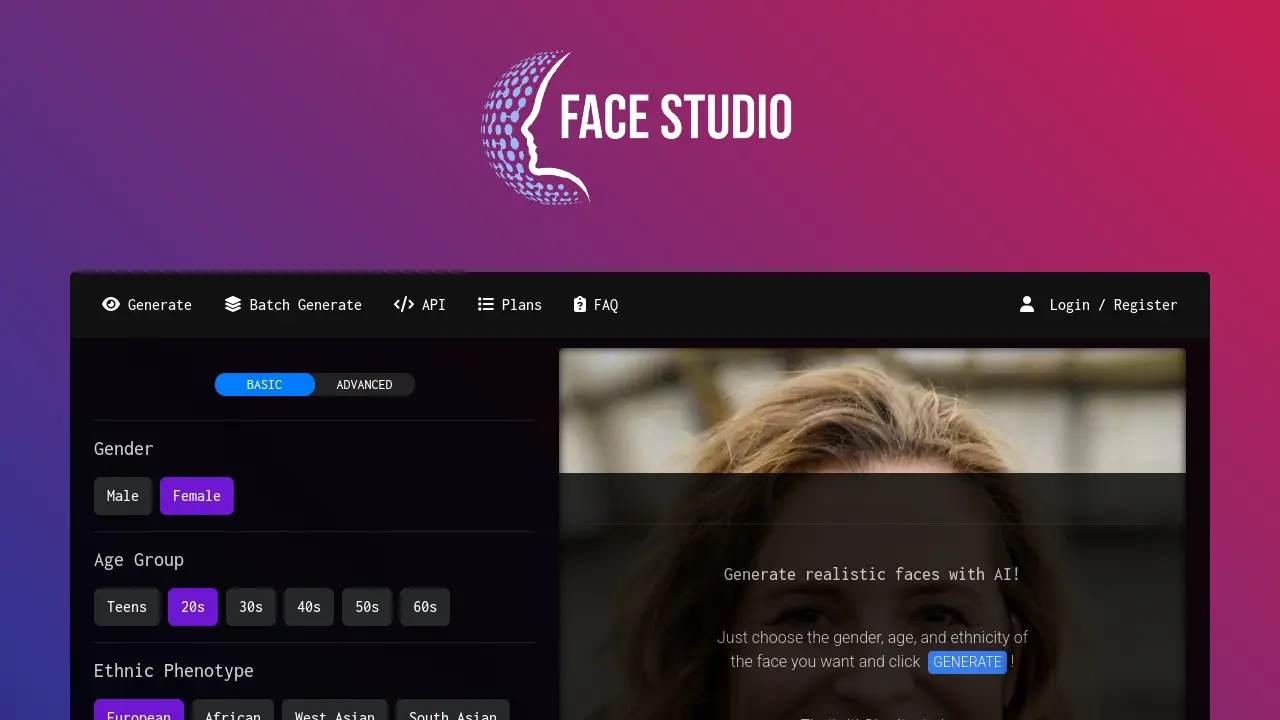
Face Studio
Generate Realistic Faces with AI
 FreemiumStarting at $20/month
Face Studio is an AI tool that generates realistic faces based on user-selected parameters like gender, age, and ethnicity.
Key Features:
- Basic Mode: Generate faces with simple parameters.
- Advanced Mode: Fine-tune facial features like skintone, eyewear, and hair length.
- Privacy Mode: Option to turn off invisible watermarks.
- Batch Generation: Create multiple faces at once.
- API Access: Integrate face generation into other applications.
Use Cases:
- Creating avatars for online profiles
- Generating diverse character images for games or simulations
- Developing realistic faces for marketing and advertising materials
- Researching facial characteristics and demographics
- Building datasets for machine learning applications
-

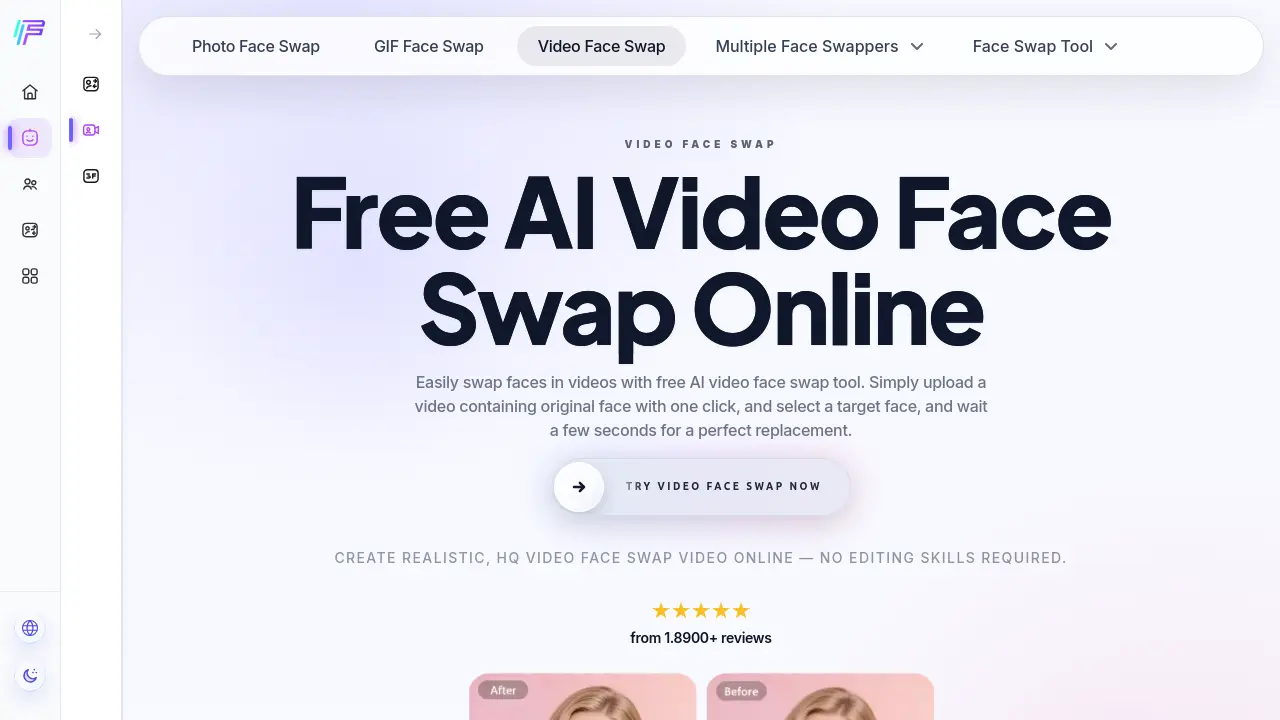
FaceAI Video Face Swap
Swap Faces in Videos Instantly with Free AI
 Free
FaceAI Video Face Swap is a free AI-powered online tool that enables users to swap faces in videos with realistic, high-definition results in seconds. It supports multiple face swaps, batch processing, and up to 4K resolution output with no watermarks or editing skills required.
Key Features:
- Free to Use: Completely free video face swapping with no credit card or subscription required.
- High-Definition Output: Supports up to 4K resolution output with no watermarks.
- Multi-Face Swapping: Identifies and swaps multiple faces within a single video simultaneously.
- Batch Video Processing: Upload and process multiple videos at once with a consistent target face.
- Expression Preservation: Synchronizes the swapped face with original mouth movements, eye contact, and emotional changes.
- Lightning-Fast Processing: Processes most short videos (under 15 seconds) within 10 seconds.
- Privacy and Security: All uploaded files are automatically and permanently deleted from servers after processing.
- Cross-Device Compatibility: Fully functional on both mobile phones and desktop computers.
- No Login Required: No account creation or personal data collection needed.
- Multiple Format Support: Accepts MP4, MOV, and WEBM video formats.
Use Cases:
- Creating entertaining face swap videos for social media sharing
- Producing deepfake-style videos for fun and creative projects
- Swapping multiple faces in group videos for personalized content
- Batch processing videos for consistent face replacement across multiple clips
- Generating face swap memes and humorous video content
- Enhancing video content for content creators without professional editing skills
- Testing and exploring AI deepfake video technology for educational purposes
-

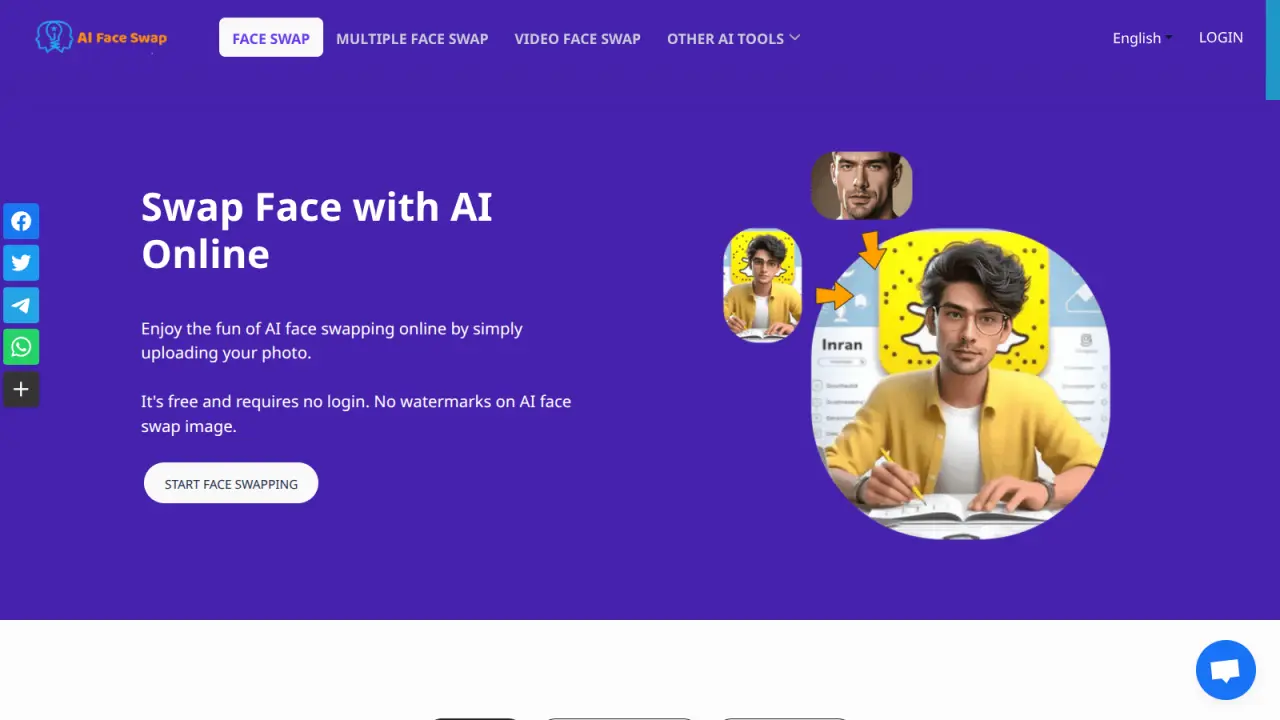
AIFaceSwap
Swap Face with AI Online - Free, No Login, No Watermarks
 Freemium
AIFaceSwap is a free online AI-powered face swapping tool that allows users to instantly swap faces in photos, videos, and GIFs without watermarks or login requirements.
Key Features:
- Instant Face Swapping: Seamless face replacement with automatic feature detection
- No Watermarks: Clean output without any branded overlays
- Multiple Format Support: Compatible with JPG, PNG, and WebP formats
- Privacy Protection: Automatic content deletion after 48 hours
- Multiple Face Swap: Ability to swap multiple faces in group photos
- Video Face Swap: Support for face swapping in video content
- Mobile Compatibility: Optimized for mobile device usage
- No Daily Limits: Unlimited free face swaps
Use Cases:
- Creating entertaining memes for social media
- Transforming into celebrities for fun
- Generating creative content for social platforms
- Making funny face swaps with friends
- Creating engaging social media content
- Experimenting with different facial appearances
-

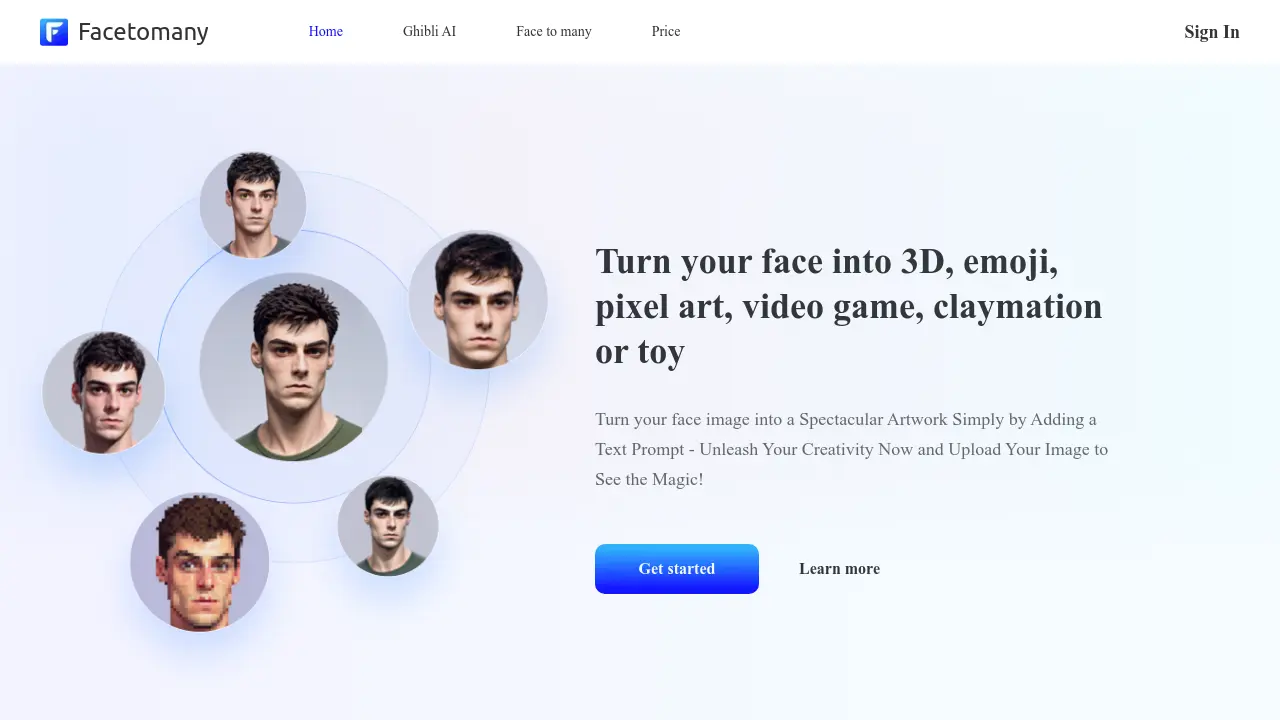
Facetomany
Turn your face into 3D, emoji, pixel art, video game, claymation or toy
 Paid
Facetomany is an AI-powered tool that transforms face photos into various artistic styles like 3D, emoji, pixel art, video game, claymation, or toy. Upload an image and select a style, or use text prompts for customization.
Key Features:
- Style Transformation: Convert face photos into 3D, emoji, pixel art, video game, claymation, or toy styles.
- Prompt-Based Control: Use text prompts to influence the generated art style.
- Easy Interface: Simple upload and style selection process.
- Advanced Customization: Adjust denoising strength, prompt strength, depth control, and InstantID strength.
- Privacy Protection: User photos are used only for image generation.
- Example Images: Provides sample images for users to experiment with.
Use Cases:
- Creating unique profile pictures or avatars.
- Generating artistic representations of faces for personal projects.
- Experimenting with different art styles on facial images.
- Making fun and creative social media content.
-

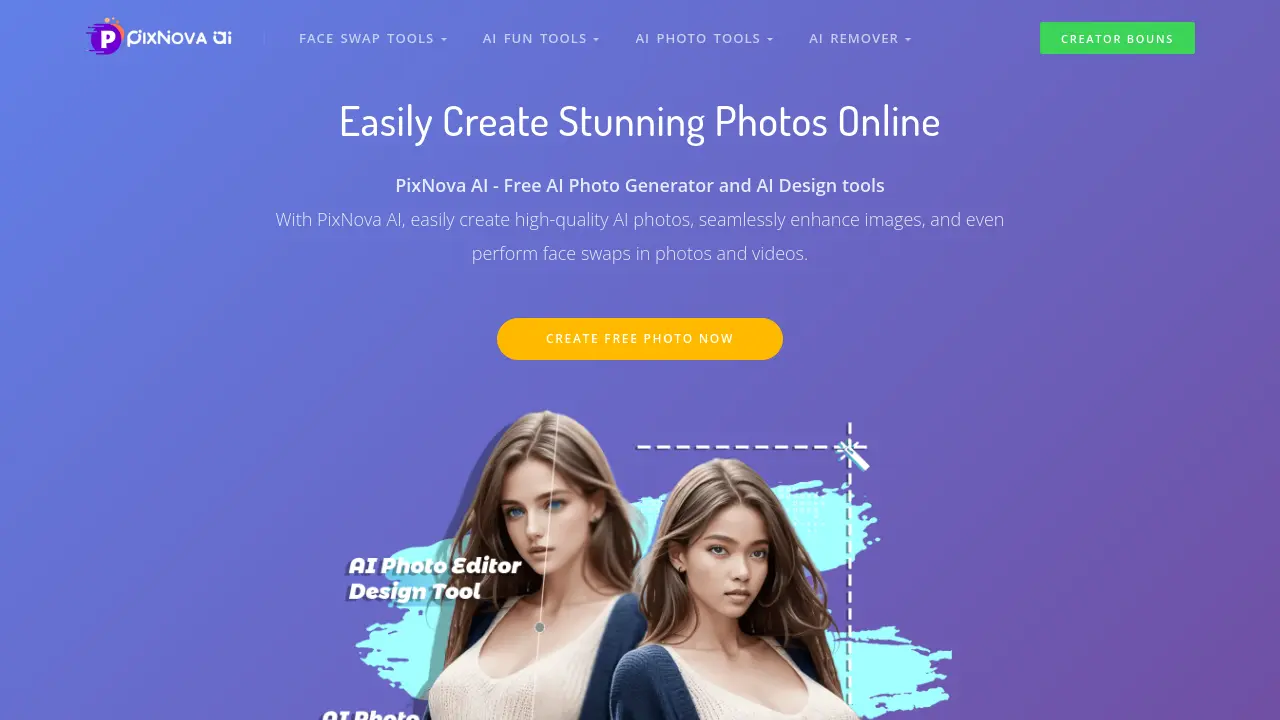
PixNova AI
Free All-in-one AI Photo Generator and Editor
 Free
PixNova AI is a comprehensive platform offering over 20 free AI photo tools for image generation, enhancement, and face swapping in photos, GIFs, and videos.
Key Features:
- Face Swap: Support for photos, GIFs, and videos with single and multiple face swap options
- AI Photo Generation: Create custom photos with specific styles, faces, and poses
- Image Enhancement: One-click HD upgrades and targeted improvements for photo quality
- AI Remover Tools: Remove watermarks and backgrounds from images
- Privacy Protection: No login required and secure data handling
- Unlimited Usage: Free access to all tools without usage restrictions
- Professional Tools: Headshot generation and image upscaling capabilities
- Multiple Format Support: Works with photos, GIFs, and video content
Use Cases:
- Creating professional headshots
- Enhancing photo quality
- Removing unwanted image elements
- Generating custom AI photos
- Face swapping for entertainment
- Upscaling low-resolution images
- Creating anime-style portraits
- Changing clothes in photos
- Removing image backgrounds
-

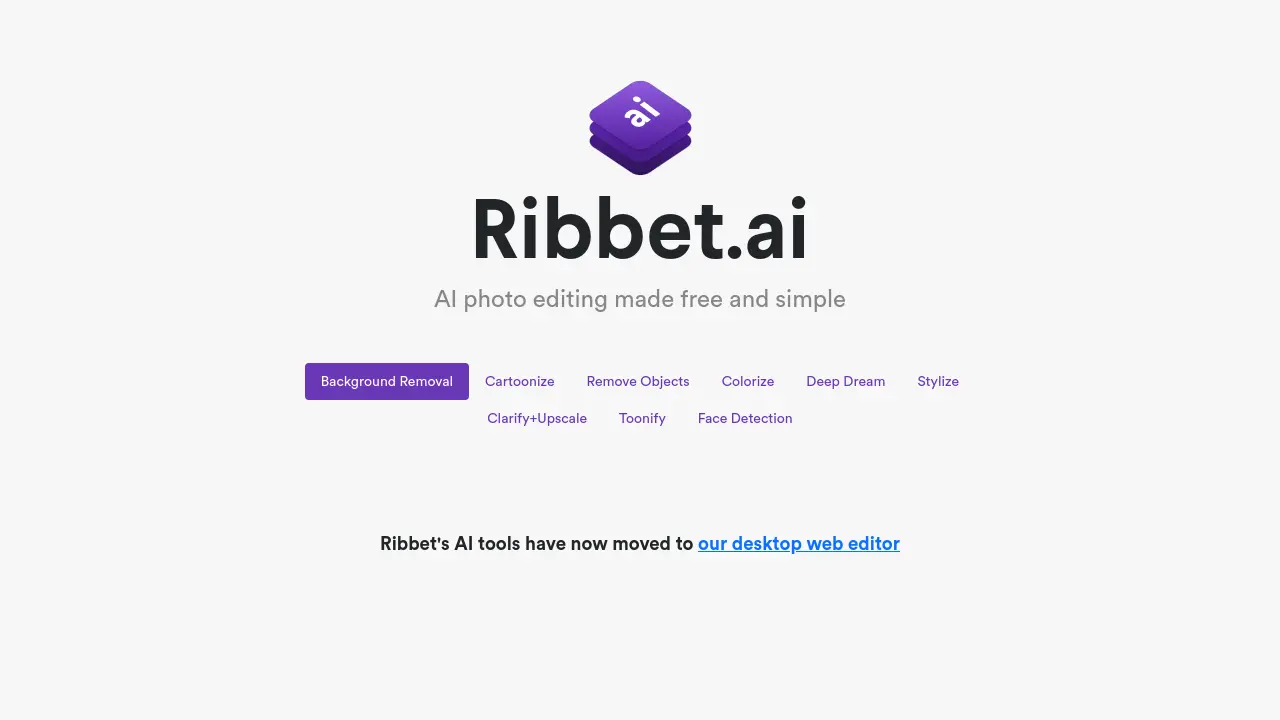
Ribbet.ai
Free and Simple AI Photo Editing Tools
 Free
Ribbet.ai offers a suite of free, online AI-powered photo editing tools for tasks like background removal, object removal, colorization, and stylization. Easily enhance and transform images directly in your browser.
Key Features:
- Background Removal: Automatically erases the background from an image using AI.
- Cartoonize: Transforms photos into sophisticated cartoons using AI.
- Remove Objects: Erases unwanted objects from photos by painting over the area.
- Colorize: Converts black and white photos into full-color images using AI, ideal for restoring old photos.
- Deep Dream: Applies a psychedelic, dream-like appearance by finding and exaggerating patterns.
- Stylize: Applies the style of classic paintings to photos.
- Clarify+Upscale: Enhances and enlarges images without quality loss using AI.
- Toonify: Turns photos into a 'toon' style image.
- Face Detection: Identifies the coordinates of major facial features (intended for developers).
Use Cases:
- Removing backgrounds from product photos for e-commerce.
- Erasing unwanted people or objects from personal pictures.
- Restoring and colorizing old family photographs.
- Creating unique cartoon avatars from portraits.
- Applying artistic styles to images for social media or personal projects.
- Enhancing the resolution of low-quality images.
- Generating abstract or psychedelic art using Deep Dream.
- Developing applications requiring facial feature detection.
-

DreamFace
Fast AI Generator at Your Fingertips
 Freemium
DreamFace is an AI-powered creative suite that transforms text, images, and audio into high-quality videos and photos, featuring realistic avatars, voice synthesis, and advanced image editing capabilities.
Key Features:
- Avatar Video Generation: Create videos with realistic AI avatars from text or audio
- Photo Enhancement: Automatic image quality improvement and detail restoration
- Background Removal: Instant background elimination from photos
- Old Photo Restoration: Repair and colorize vintage black and white photos
- Multi-platform Support: Available on iOS, Android, and Web platforms
- Video Lip Sync: Synchronize audio with generated avatar movements
- AI Filter Effects: Transform photos with various artistic styles
- Pet Video Generation: Create animated videos featuring pets
Use Cases:
- Digital Content Creation
- Marketing Video Production
- E-commerce Product Presentations
- News Video Generation
- Social Media Content Creation
- Photo Restoration Services
- Personal Video Messages
- Business Presentations
-

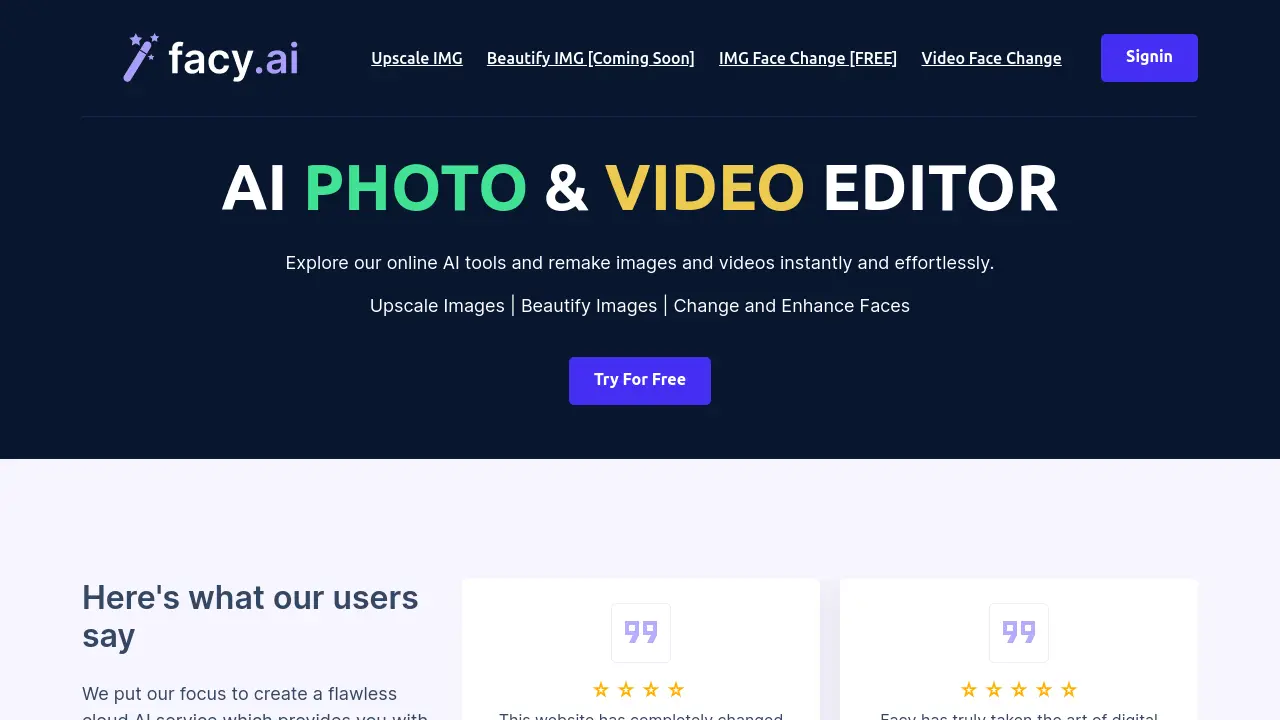
Facy
AI-Powered Photo and Video Editing
 PaidStarting at $20/month
Facy is an online AI service that allows users to enhance, beautify, and change faces in images and videos with high quality and speed.
Key Features:
- Image Face Change: Modify faces in images using AI.
- Video Face Change: Alter faces within video clips.
- Upscale Images: Enhance the resolution and quality of images.
- Beautify Images: Enhance the aesthetic qualities of images (Coming Soon).
- High Resolution and Quality: Supports high-quality and high-resolution outputs.
- Uncontested Speed: Most face changes take only a few seconds.
- Secure Data: Processed files are automatically and irreversibly deleted.
Use Cases:
- Creating entertaining content for social media.
- Designing marketing campaigns.
- Developing professional creative projects.
- Enhancing personal photos.
- Editing video clips for creative projects.
-

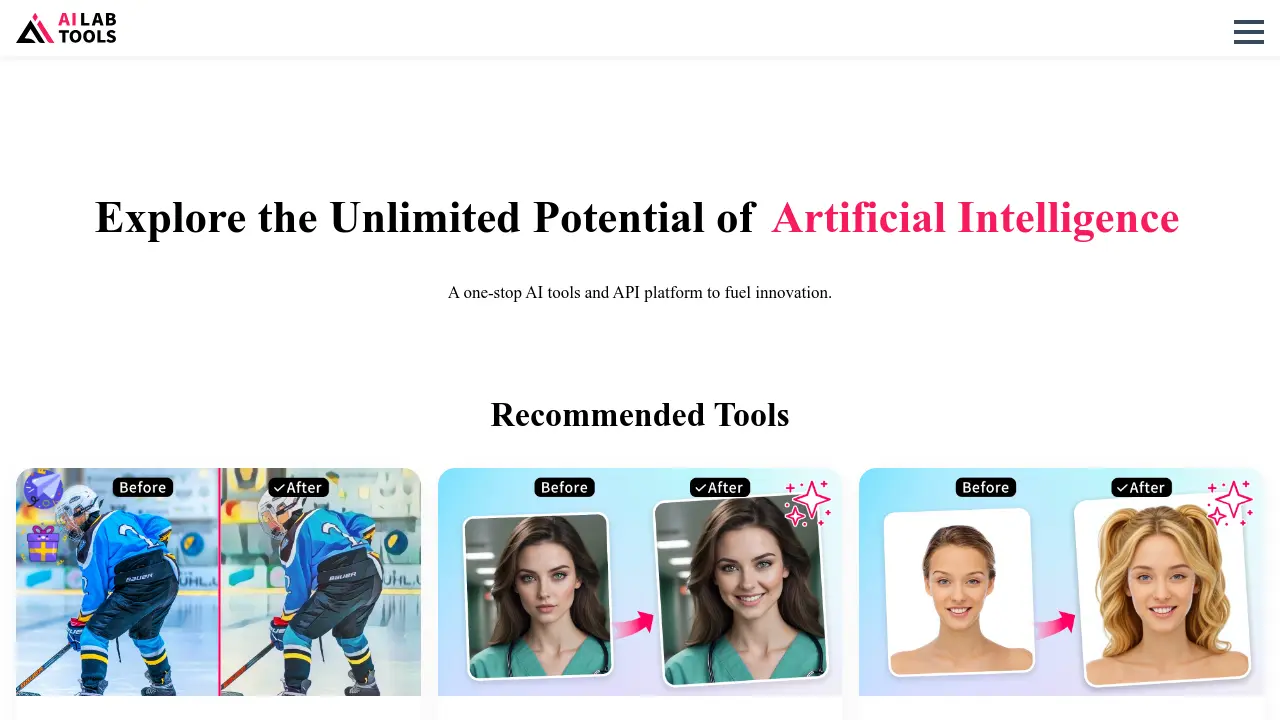
AILab Tools
A one-stop AI tools and API platform to fuel innovation.
 Freemium
AILab Tools offers a comprehensive suite of AI-powered image editing tools and APIs for various applications, including portrait enhancement, background removal, and creative transformations.
Key Features:
- Cartoon Yourself: Transform photos into cartoon or anime styles using AI.
- Change Facial Expressions: Modify smiles or emotions in photos with AI.
- Hairstyle Changer: Virtually try on different hairstyles.
- Image Erasure: Remove unwanted objects, text, or people from images.
- Retouch Portraits: Enhance portraits with skin smoothing, whitening, and face slimming.
- AI Photo Colorize: Restore color to black-and-white photos.
- Image Upscaler: Increase image resolution (1-4x) without losing quality.
- Background Remover: Automatically remove image backgrounds.
- API Access: Offers over 50 high-performance APIs for integration.
- Virtual Clothes Try-On: Preview clothing items on uploaded images.
- AI Skin Analyzer: Assess skin conditions like wrinkles, dark spots, and hydration.
- Custom Development Services: Provides tailored app and website development using platform APIs.
Use Cases:
- Creating cartoon avatars or profile pictures.
- Enhancing portraits for social media or professional use.
- Experimenting with new looks using virtual hairstyle or clothes try-on.
- Restoring and colorizing old family photographs.
- Removing distracting elements from product photos or marketing images.
- Integrating AI image processing features into third-party applications.
- Analyzing skin conditions for beauty or healthcare applications.
- Generating artistic effects from photographs.
-

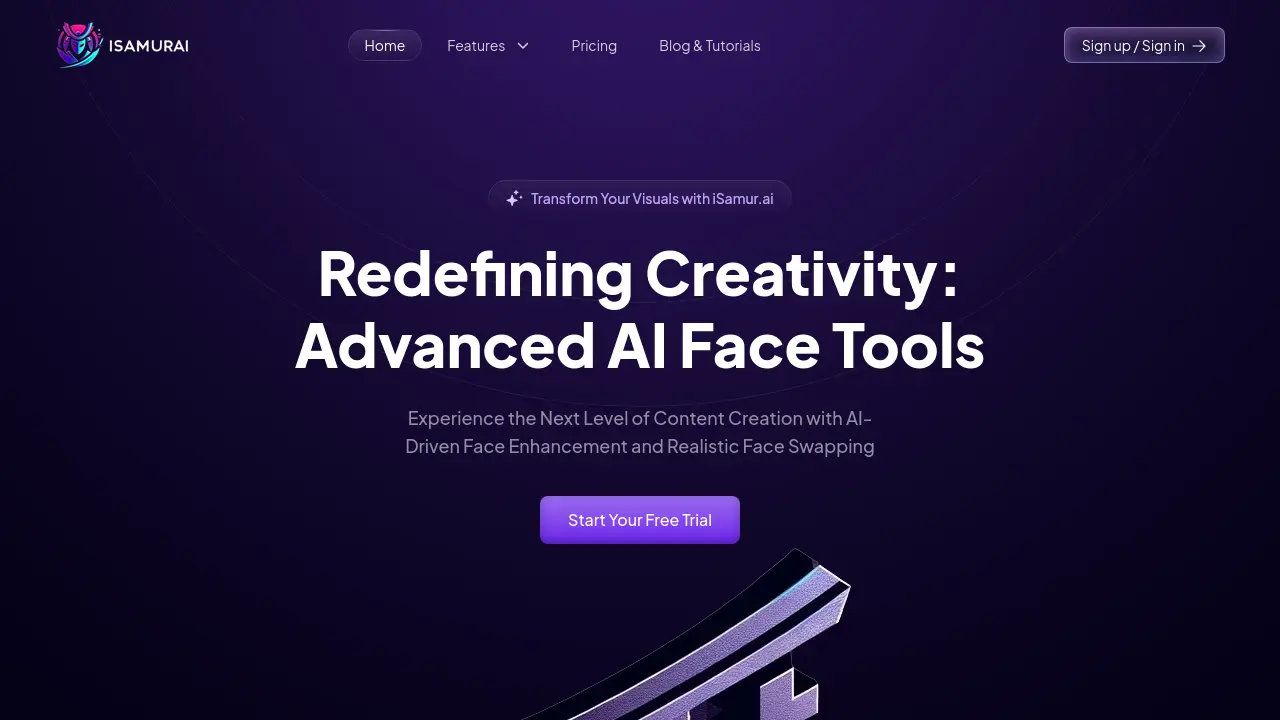
iSamur.ai
Redefining Creativity: Advanced AI Face Tools
 FreemiumStarting at $10/month
iSamur.ai provides AI-driven tools for realistic face swapping in photos and long videos, alongside AI-powered face enhancement and restoration features.
Key Features:
- Deep Face Swap Technology: Enables face swaps in lengthy videos, surpassing common 180-second limits with high-resolution support.
- AI-Powered Face Enhancement: Rejuvenates and enhances facial details in photos and videos using principles similar to GFPGAN.
- Long Video Face Swap Support: Specifically handles face swaps in videos exceeding typical duration limits.
- High-Resolution Output: Supports video output quality up to 1080p & 1440p on premium plans.
- Credit-Based System: Uses credits for image and video processing operations.
- Booster Packs: Allows paid users to purchase additional credits as needed.
Use Cases:
- Creating realistic face swaps in photographs.
- Implementing face swaps in short or lengthy video projects.
- Enhancing facial details in old or low-resolution photos.
- Restoring clarity and realism to faces in digital video footage.
- Content creation requiring advanced visual manipulation.
- Visual storytelling enhancements for creative projects.
-

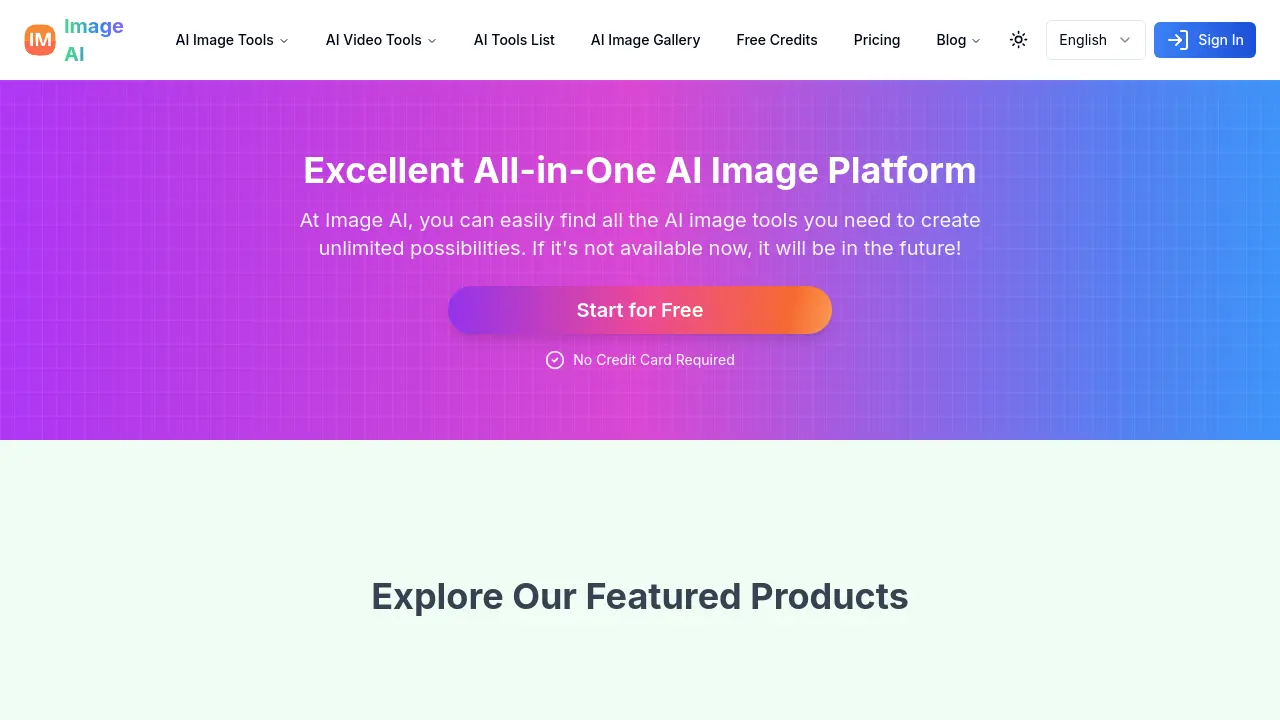
Image AI
Excellent All-in-One AI Image Platform
 Pay Once
Image AI offers a comprehensive suite of AI-powered image tools for tasks like face swapping, image restoration, text-to-image generation, and background removal. It's a versatile platform for all your image editing needs.
Key Features:
- Video Face Swap: Replace a face from a photo onto a person in a video using AI.
- Outfit Change: Create personalized outfit change effects with a virtual try-on experience.
- Face Swap: Seamlessly swap faces between images.
- Eyes Open: Intelligently fix closed-eye photos.
- Face to Sticker: Convert photo faces into personalized stickers.
- Face Restore: Clarify blurry faces in photos.
- Image Upscale: Increase image resolution while preserving details.
- Image Reimagine: Generate new artistic effects from existing images.
- Image Recognition: Recognize and summarize image content.
- Text to Image (Flux): Generate images from text descriptions, powered by DALL·E 2/3.
- Text to Image (SD): Generate images from text with advanced customization, powered by Stable Diffusion 3.
- Remove Background: Automatically remove image backgrounds.
- Remove Watermark: Automatically remove watermarks from images.
- Remove Text: Automatically remove text from images.
- Photo Magic: Generates 10 unique styles of photos, paintings, and avatars for anyone.
- Sticker Image: Transforms text descriptions into transparent background stickers.
- Avatar Generator (Free): Create unique personalized avatars.
- Colorize Image: Revive black and white photos with color.
Use Cases:
- Personalized avatar creation
- Restoring old family photos
- Generating unique images for social media
- Creating marketing materials
- Removing unwanted objects from images
- Enhancing image quality for e-commerce
- Generating art in various styles
- Creating personalized stickers
- Video editing and face replacement
-

FaceFusion
Enterprise Face Manipulation on Your Machine
 FreemiumStarting at $20/month
FaceFusion is an open-source AI face manipulation platform that enables users to swap, enhance, and edit faces in photos and videos entirely on their local machine with complete privacy and control.
Key Features:
- Local Processing: All face manipulation operations run entirely on user's machine with zero cloud dependency
- HyperSwap Models: Three specialized AI models (1A, 1B, 1C) optimized for different scenarios including occlusion, makeup transfer, and face shape accuracy
- Multi-Processor System: 11 specialized processors including Face Swapper, Deep Swapper, Face Enhancer, Frame Enhancer, Lip Syncer, and Age Modifier
- 8x Video Upscaling: Frame Enhancer transforms video quality with up to 8x AI upscaling for crystal-clear results
- Multi-GPU Support: Professional-grade performance with multi-GPU processing capabilities
- Frame-Based Precision: Advanced parameter control for detailed manipulation of every frame
- Open Source Platform: Freely extensible and customizable with no vendor lock-in
- Privacy Guaranteed: Zero data collection or transmission with absolute privacy protection
Use Cases:
- Professional video production and filmmaking with face replacement and enhancement
- Social media content creation with face swapping and filters
- Age progression and regression for visual effects in entertainment
- Facial enhancement and restoration for photography and videography
- Lip syncing for dubbing and audio-visual synchronization
- Background removal and replacement for studio-quality compositions
- Colorizing historical black and white footage
- Creating celebrity face swaps using pre-trained models
- Debugging face manipulation workflows with visual overlays
-

FaceHub
AI Magic Reshapes Your World
 Freemium
FaceHub is an advanced AI toolkit for online video and image editing that enables users to swap faces instantly using over 1000+ templates with 95% recognition accuracy.
Key Features:
- Facial Recognition: 106 facial keypoint positioning system
- Processing Speed: 2 seconds per video, 1 second per image
- Template Library: 1000+ video templates and 500+ photo presets
- Multiple Face Swap: Simultaneous face switching capability
- AI Anime Conversion: Custom 2D and 3D anime style transformation
- AI Portrait Generation: Various style presets including vintage effects
- Batch Processing: Generate up to 5 photos per batch
- Recognition Accuracy: 95% accurate face detection
Use Cases:
- Virtual cosplay and role-playing
- Fashion and style visualization
- Social media content creation
- Marketing and advertising campaigns
- Celebrity fan art creation
- Meme generation
- Professional photo editing
- Personal greeting messages
-

Magik Face
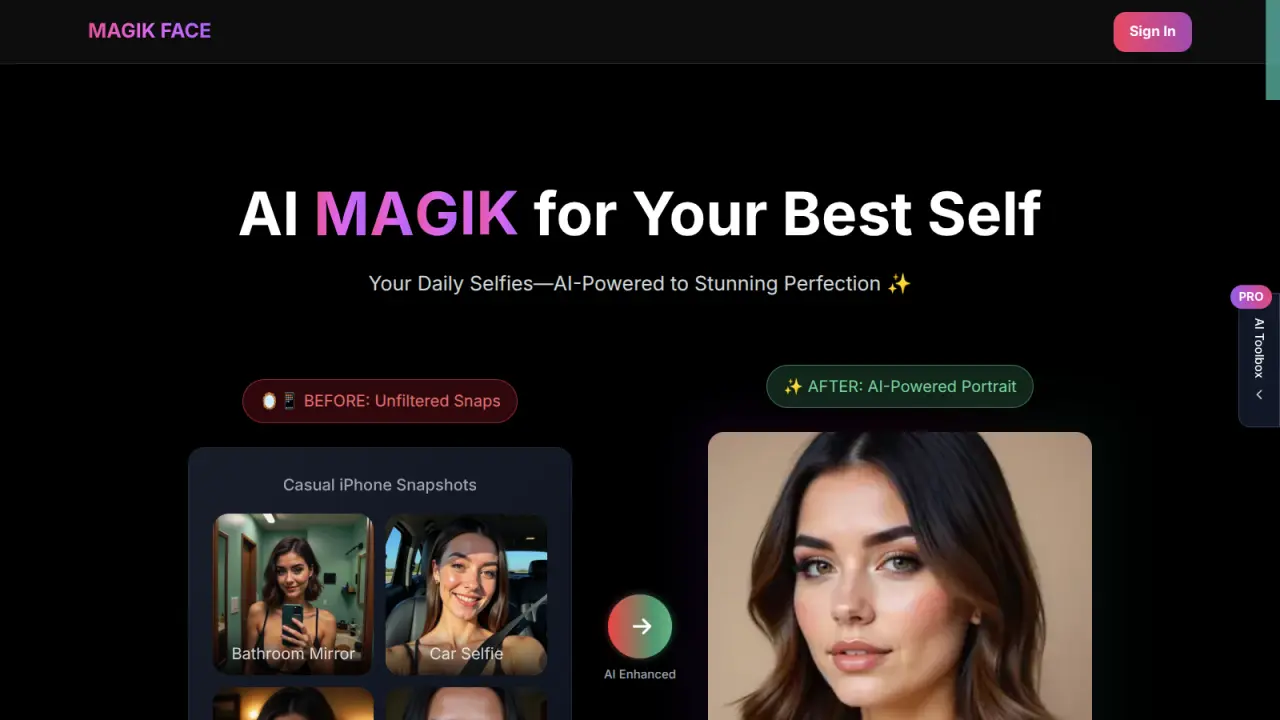
AI MAGIK for Your Best Self
 Usage BasedStarting at $10/month
Magik Face is an AI-powered photo enhancement platform that transforms everyday selfies into professional-quality portraits with various artistic styles and high-quality video generation capabilities.
Key Features:
- 2-Minute AI Training: Personal AI model ready in minutes
- High-Quality Video Generation: Create expressive animated content
- Privacy Protection: Secure photo storage and processing
- Style Variety: Hundreds of artistic styles available
- Professional Enhancement: Studio lighting and skin tone balance
- Expression Control: Precise facial expression manipulation
- Scene Generation: Create stunning background environments
- Flexible Payment: Pay-as-you-go credit system
Use Cases:
- Creating professional headshots from casual selfies
- Generating animated social media content
- Transforming photos into various artistic styles
- Producing high-quality portrait photographs
- Creating content for personal branding
- Enhancing social media presence
- Developing promotional videos
- Converting casual photos into studio-quality images
-

FaceMex
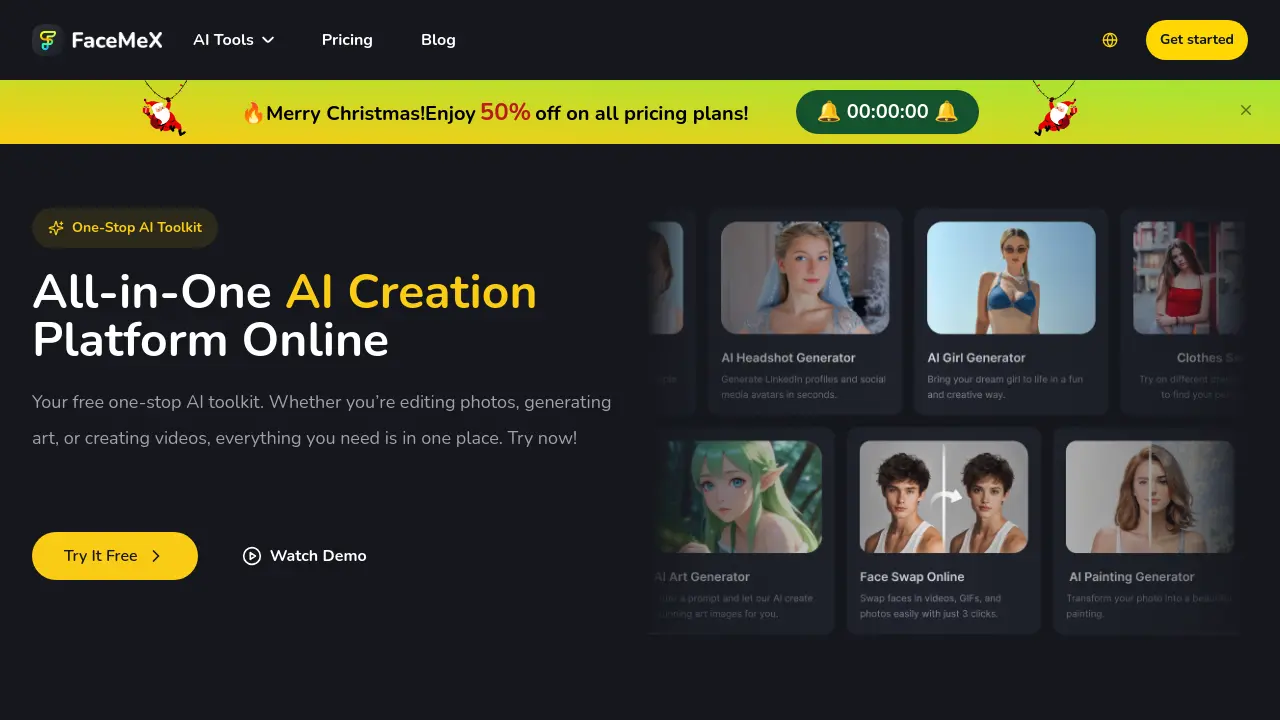
One-Stop AI Toolkit for Photo Editing and Creative Generation
 FreemiumStarting at $10/month
FaceMex is a free, all-in-one AI platform offering a wide range of tools for photo editing, face swapping, and AI image generation. Create high-quality visuals without watermarks.
Key Features:
- AI Replace: Replace objects in images.
- Face Swap: Swap faces in photos and videos.
- AI Baby Generator: Predict future baby faces.
- AI Clothes Swap: Change outfits in photos.
- Body Shaper: Modify body shapes in images.
- AI Cartoon Generator: Transform photos into cartoons.
- AI Headshot Generator: Create professional headshots.
- AI Painting Generator: Generate artistic paintings.
- Hairstyle Changer: Experiment with different hairstyles.
- Background Remover: Remove backgrounds from images.
- AI Object Remover: Remove unwanted objects from images.
- Color Restorer: Restore colors in old photos.
- Image Enhancer: Enhance image quality.
- Image Enlarger: Enlarge images without losing quality.
- AI Art Generator: Generate unique AI art.
Use Cases:
- Creating unique profile pictures.
- Generating creative content for social media.
- Experimenting with different looks and styles.
- Enhancing and restoring old or damaged photos.
- Creating personalized gifts and artwork.
- Designing marketing materials.
-

Reshot AI
The #1 AI photo editor for face expressions
 PaidStarting at $19/month
Reshot AI is a real-time AI photo editor specializing in facial expression editing, allowing users to modify eye direction, head pose, and facial expressions in high-resolution photos with precise control.
Key Features:
- Precision Eye Editor: Fine-tune eyebrow expressions, eye movement, and eyelid openings
- Advanced Expression Sculptor: Control mouth animations and smile adjustments
- 3D Pose Manipulator: Adjust head rotation and tilt with intuitive controls
- Real-time Processing: Generate edited versions in under 30 seconds
- High Resolution Support: Compatible with 4K photos
- Unlimited Editing: No restrictions on number of edits per photo
Use Cases:
- Professional headshot enhancement
- YouTube thumbnail optimization
- Social media profile picture editing
- 3D avatar customization
- Content creator visual assets
- Green-screen photo editing