What is FaceAI Video Face Swap?
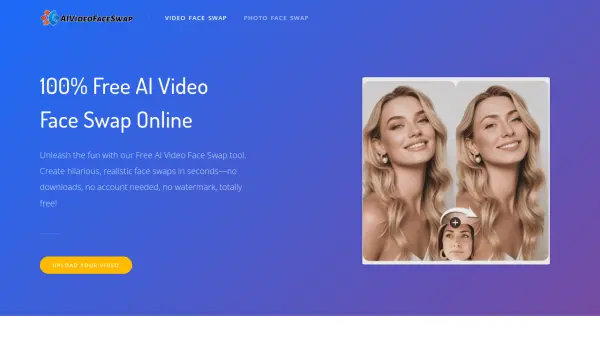
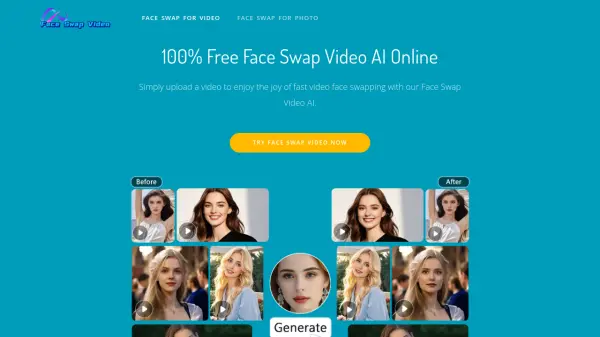
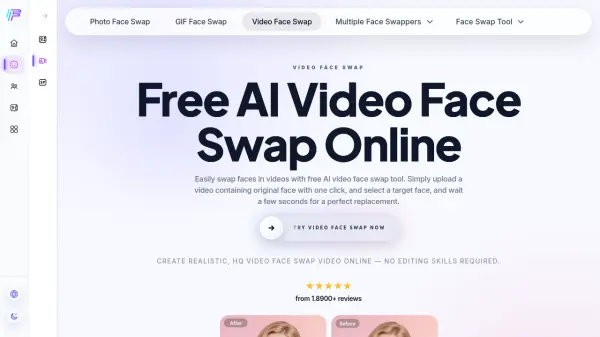
FaceAI Video Face Swap is a free online AI tool designed to make face swapping in videos effortless and accessible to anyone. Users simply upload a video containing the original face, select a target face image, and the AI processes the swap within seconds, producing natural, high-fidelity results that preserve the original character's mouth movements, eye contact, and emotional expressions. The tool supports popular video formats including MP4, MOV, and WEBM, and can handle videos up to 15 seconds in length, which outpaces many paid competitors.
Beyond single face swaps, FaceAI offers multi-face swapping within a single video and a batch video face swap feature for processing multiple videos simultaneously with a consistent target face, boosting workflow efficiency significantly. The platform outputs results at up to 4K resolution without watermarks, requires no login or personal data, and automatically deletes all uploaded materials from its servers after processing, ensuring complete privacy. It is fully compatible with both desktop and mobile devices, making it a practical choice for content creators, social media enthusiasts, and everyday users alike.
Features
- Free to Use: Completely free video face swapping with no credit card or subscription required.
- High-Definition Output: Supports up to 4K resolution output with no watermarks.
- Multi-Face Swapping: Identifies and swaps multiple faces within a single video simultaneously.
- Batch Video Processing: Upload and process multiple videos at once with a consistent target face.
- Expression Preservation: Synchronizes the swapped face with original mouth movements, eye contact, and emotional changes.
- Lightning-Fast Processing: Processes most short videos (under 15 seconds) within 10 seconds.
- Privacy and Security: All uploaded files are automatically and permanently deleted from servers after processing.
- Cross-Device Compatibility: Fully functional on both mobile phones and desktop computers.
- No Login Required: No account creation or personal data collection needed.
- Multiple Format Support: Accepts MP4, MOV, and WEBM video formats.
Use Cases
- Creating entertaining face swap videos for social media sharing
- Producing deepfake-style videos for fun and creative projects
- Swapping multiple faces in group videos for personalized content
- Batch processing videos for consistent face replacement across multiple clips
- Generating face swap memes and humorous video content
- Enhancing video content for content creators without professional editing skills
- Testing and exploring AI deepfake video technology for educational purposes
How It Works
Upload a Video
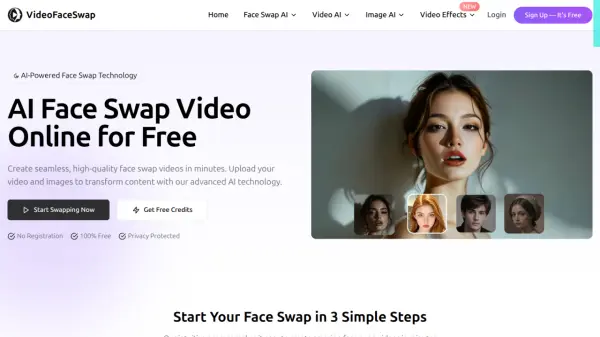
Open the video face swap tool and upload a video (MP4, MOV, or WEBM) containing the original face you want to replace.
Select a Target Face
Choose and upload a target face image from your computer or mobile phone to use as the replacement face.
Start Face Swapping
Click the start button to initiate the AI face swap process. Wait a few seconds, then download your realistic, watermark-free face-swapped video.
FAQs
-
What video formats does FaceAI Video Face Swap support?
FaceAI supports MP4, MOV, and WEBM video formats for uploading. -
What is the maximum video length that can be processed?
Currently, FaceAI supports a maximum video processing length of 15 seconds. -
Does the output video contain a watermark?
No, FaceAI does not add watermarks to the processed videos. -
Does FaceAI support swapping multiple faces in a single video?
Yes, FaceAI offers a Multiple Face Swap Video feature that can identify and replace multiple faces in a single video, and it is completely free to use. -
Is my data safe when using FaceAI?
Yes, all uploaded materials are used solely for processing and are automatically and permanently deleted from the server immediately after processing. No login is required and no personal data is collected.