-

Vid2txt
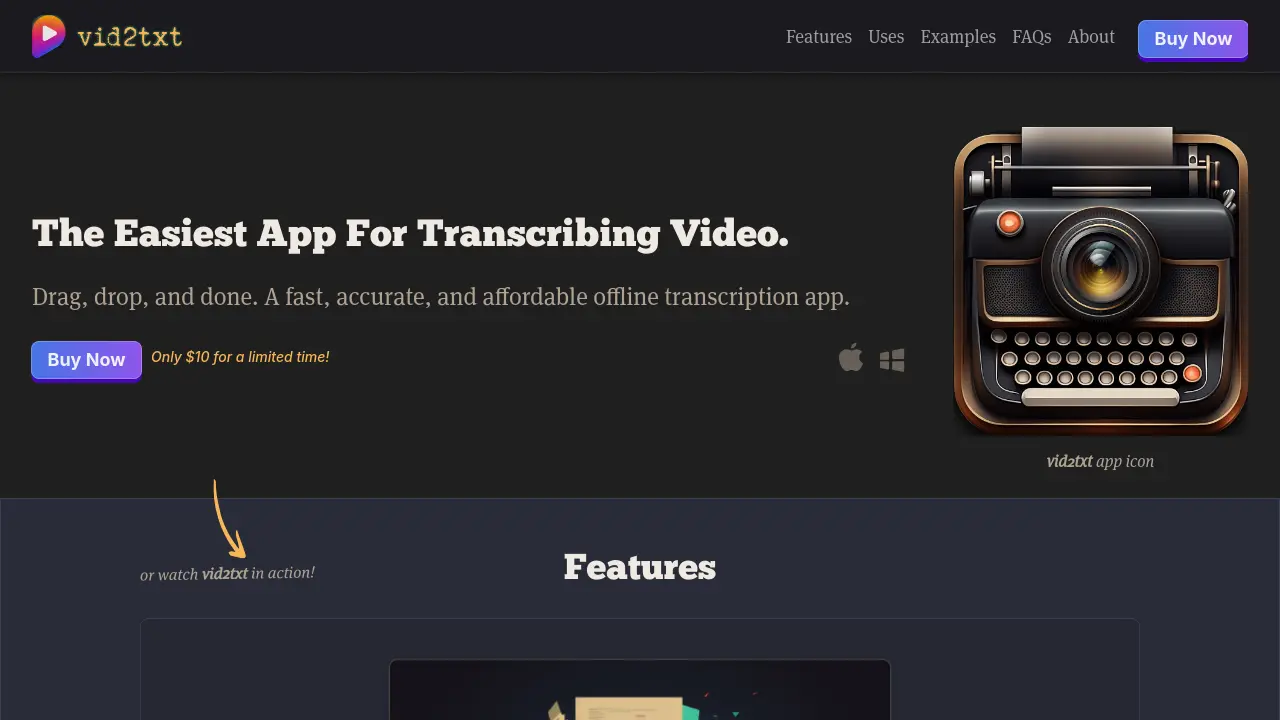
The Easiest App For Transcribing Video
 Pay Once
Vid2txt is an offline AI-powered transcription app that converts video and audio files to text with a one-time payment model, offering fast and accurate transcriptions without subscriptions or data sharing.
Key Features:
- Offline Processing: Complete local transcription without internet connection
- Format Compatibility: Supports multiple video and audio formats
- Multiple Output Formats: Generates .txt, .srt, and .vtt files
- Privacy Focused: No data collection or sharing
- Unlimited Usage: No quotas or usage restrictions
- Fast Processing: Quick transcription of audio and video content
- Simple Interface: Drag and drop functionality
- One-time Purchase: No subscription required
Use Cases:
- Creating video subtitles and closed captions
- Transcribing lecture recordings for study notes
- Converting meeting recordings to searchable text
- Transcribing voice memos for journalists
- Creating accessible content for hearing impaired
- Converting podcast episodes to text
- Research data analysis and documentation
- SEO optimization for video content
-

Videotowords.ai
Convert Video and Audio to Text with AI
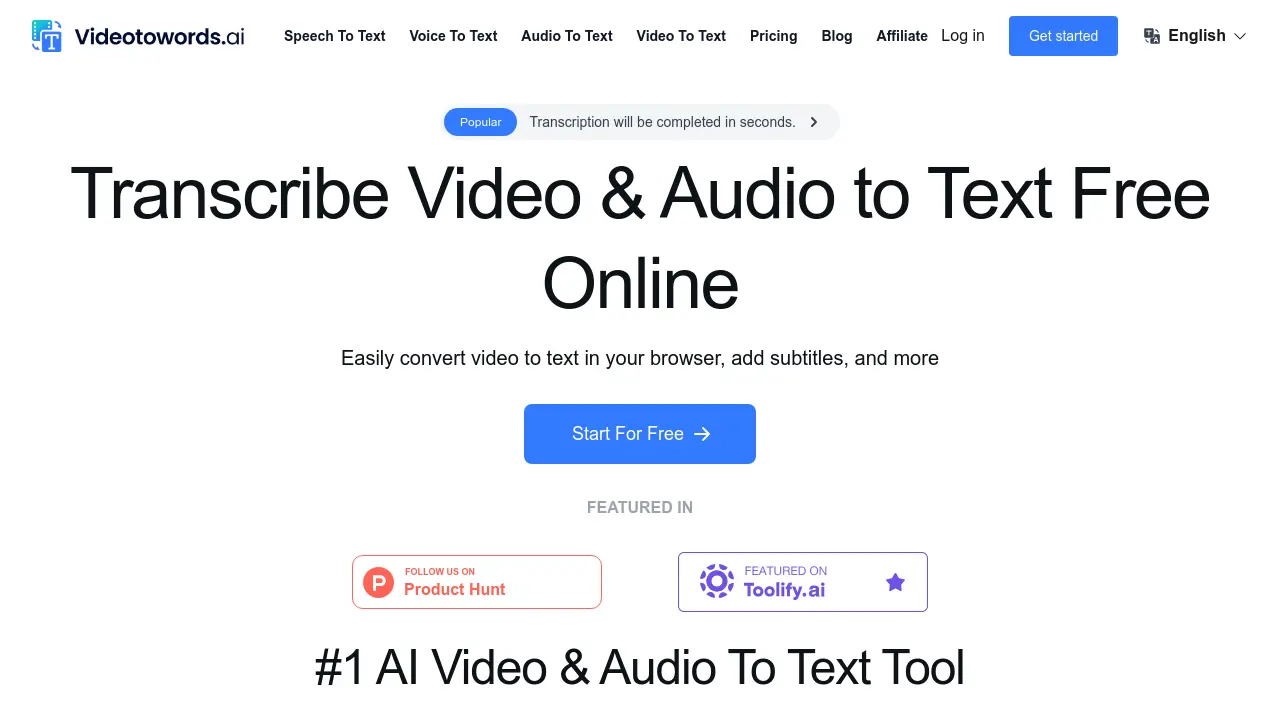 FreemiumStarting at $19/month
Videotowords.ai is an AI-powered transcription service that quickly and accurately converts audio and video files into text, supporting 98+ languages and offering 99.9% accuracy.
Key Features:
- Ultra Accurate: 99.9% precise text output.
- Global Language Support: Transcribe content in 98 languages.
- Extended File Support: Upload files up to 10 hours long.
- AI-Generated Summaries: Gain quick insights from your content.
- Lightning-Fast Results: Get your text in minutes.
- Ironclad Security: Your data's privacy is our top priority.
- Multiple File Formats Support: Supports MP3, WAV, MP4, AVI, MPEG, M4A, and more.
- Convenient Text Editing: Edit transcript with online editor
- Multiple Text Export Options: Export options including TXT, DOCX, and SRT formats.
Use Cases:
- Transcribing interview content for journalists.
- Creating written records of lectures for students.
- Generating transcripts for podcast episodes.
- Transcribing research materials like interviews and seminars.
- Generating subtitles for filmmakers.
- Creating blog articles from video content.
- Converting video marketing materials into text.
- Transcribing court hearings, depositions, and client interviews.
-

NeatScribe
Convert Audio and Video to Accurate Text in Seconds
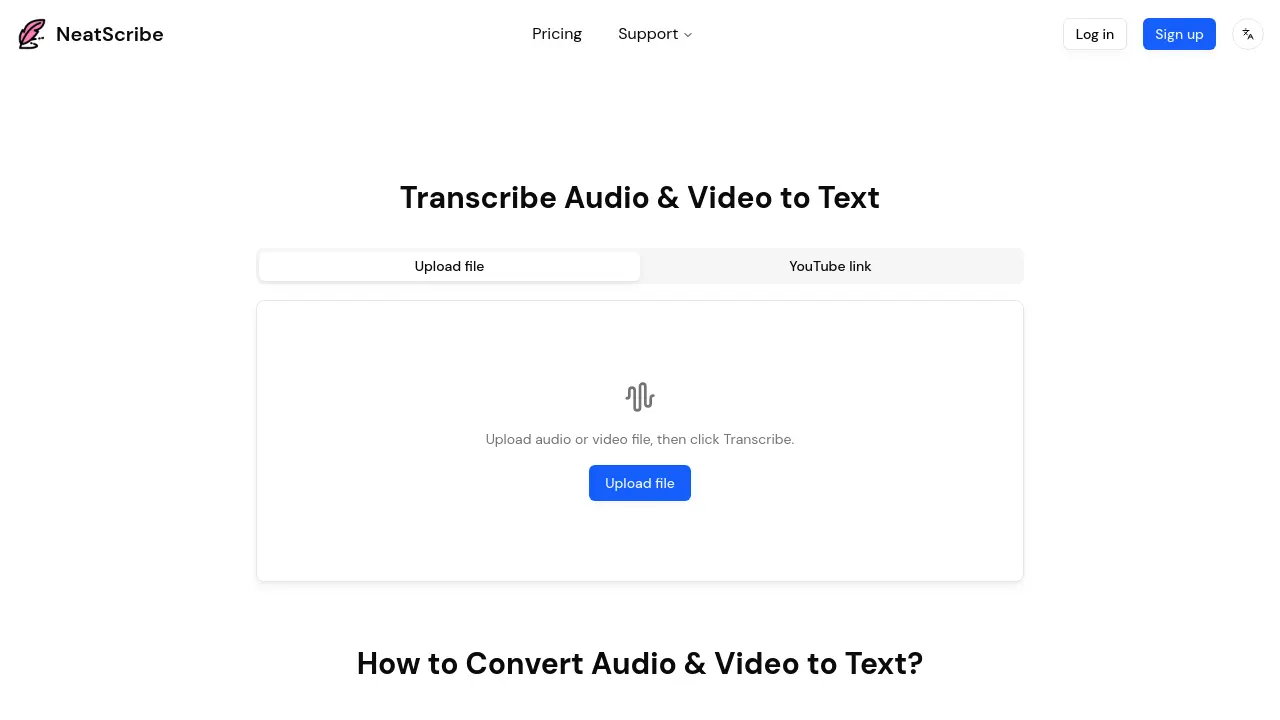 FreemiumStarting at $10/month
NeatScribe is an AI-powered transcription tool that converts audio and video files into accurate text transcripts across 98 languages with word-level timestamps and multiple export formats.
Key Features:
- Multi-Format Support: Accepts wide range of audio and video formats for transcription
- Word-Level Timestamps: Provides precise timestamps for easy navigation and editing
- Editable Transcripts: Edit transcripts like a document with real-time corrections
- Multiple Export Formats: Export to TXT, PDF, DOCX, SRT, VTT and more
- YouTube Link Support: Direct transcription from YouTube video links
- Speaker Labeling: Automatically identifies and labels different speakers
- 98 Language Support: Transcribe content in 98 different languages (Premium plan)
- Browser-Based Processing: Fast transcription directly in browser without downloads
- Premium Transcription Model: Ultra-fast processing speeds for Pro and Premium users
Use Cases:
- Transcribing podcast episodes for show notes and content repurposing
- Converting meeting recordings into searchable text documentation
- Creating subtitles and captions for video content
- Transcribing interviews for research and journalism projects
- Converting educational lectures into study materials
- Generating text versions of YouTube videos for accessibility
- Creating transcripts for legal and compliance documentation
- Documenting customer support calls and consultations
-

pyVideoTrans
Open-Source AI Video Translation and Dubbing Tool
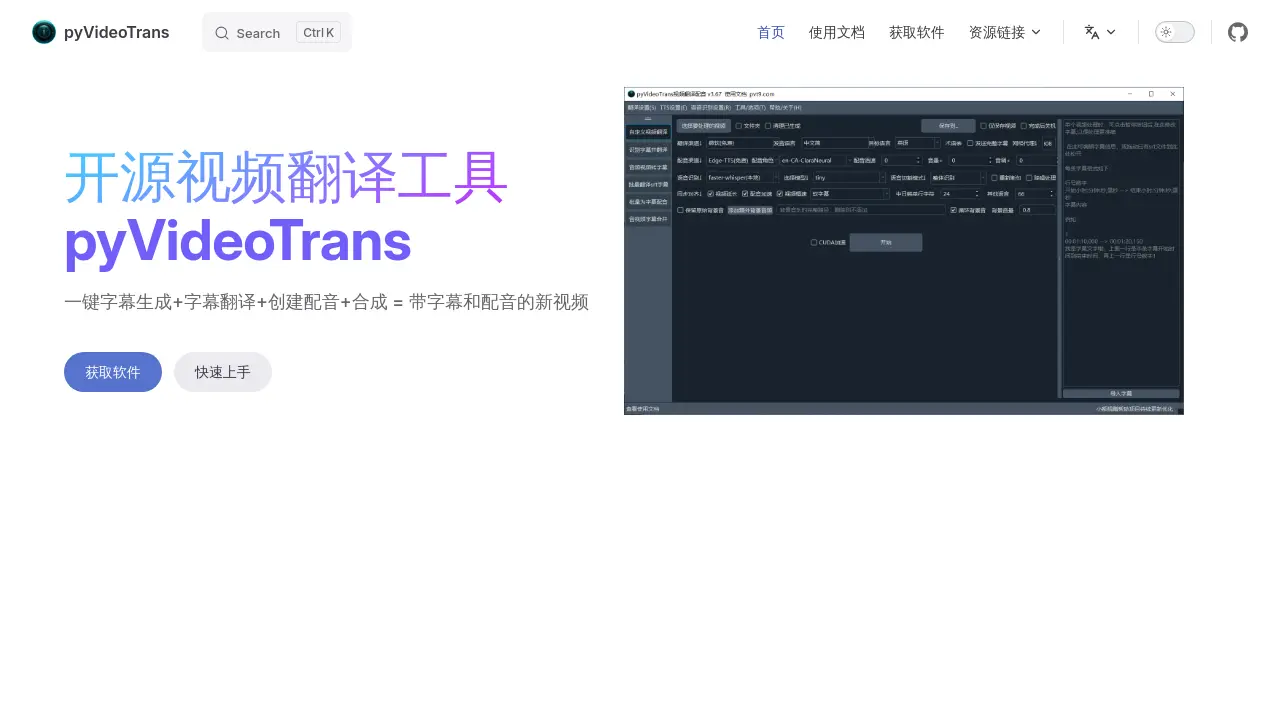 Free
pyVideoTrans is a free, open-source AI tool that automatically translates videos by generating subtitles, translating them, creating voiceovers, and synthesizing a new video with target language audio and captions.
Key Features:
- Automated Video Translation: Full workflow from transcription to final dubbed/subtitled video.
- Speech Recognition Transcription: Convert audio/video files to SRT subtitles (batch support).
- Subtitle Translation: Translate SRT files while maintaining format and timestamps.
- Text-to-Speech/Dubbing: Generate voiceovers from text or SRT subtitles using multiple channels.
- Local & API Model Support: Utilizes both offline models and third-party APIs for AI tasks.
- Auxiliary Tools: Includes functions for merging media/subtitles and separating audio tracks.
- Open Source: Code available on GitHub, free to use without functional limitations.
Use Cases:
- Translating educational videos for a wider audience.
- Dubbing marketing videos for international markets.
- Making personal video content accessible in different languages.
- Generating subtitles for videos automatically.
- Creating voiceovers for presentations or tutorials from text.
- Translating existing subtitle files for movies or shows.
-

Video Transcriber AI
Transcribe Video to Text Online Free with 99.8% Accuracy
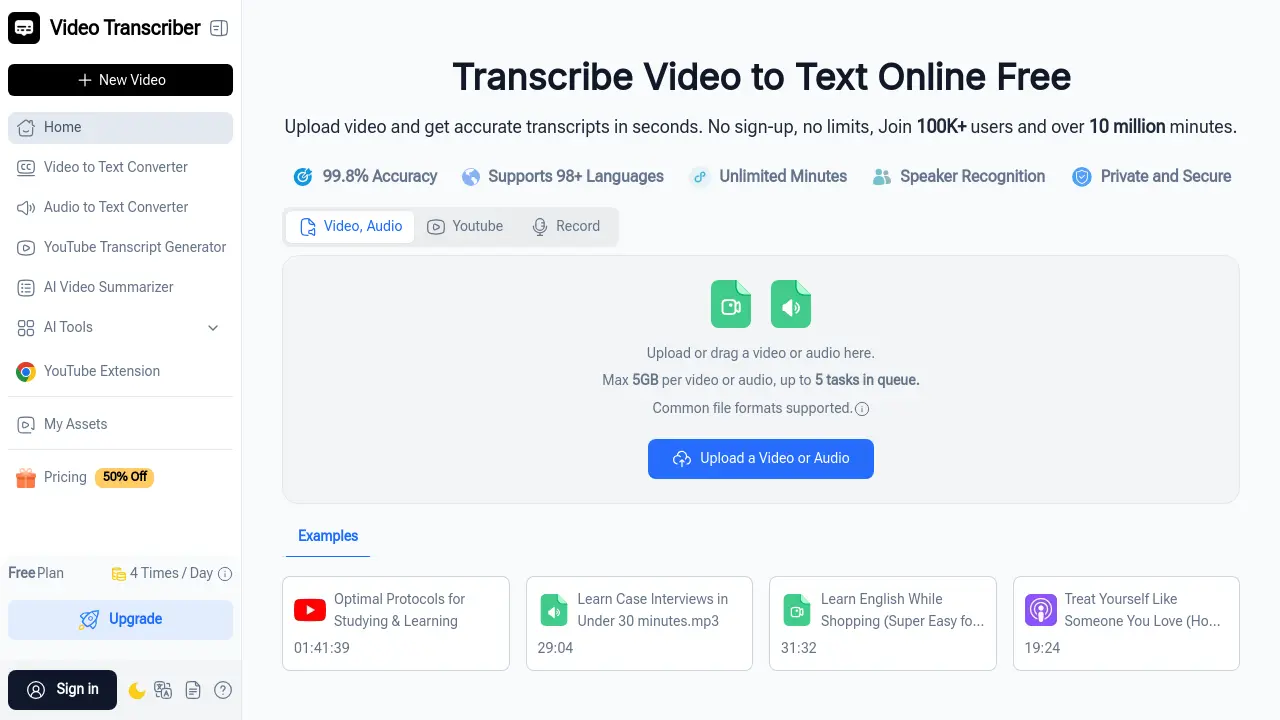 FreemiumStarting at $4/month
Video Transcriber AI is a free online tool that converts video and audio files into accurate text transcripts in seconds, supporting 98+ languages with speaker recognition and no sign-up required.
Key Features:
- 99.8% Transcription Accuracy: Delivers highly accurate text conversion from video and audio content with multiple precision modes
- 98+ Language Support: Transcribes content in over 98 languages with translation capabilities for 100+ languages
- Speaker Recognition: Automatically identifies and labels different speakers in conversations, meetings, and interviews
- Large File Processing: Handles video and audio files up to 5GB with support for unlimited YouTube videos with subtitles
- Multiple Format Support: Works with MP4, MOV, AVI, Zoom recordings, YouTube links, and other common video/audio formats
- Batch Processing: Queue up to 5 videos or audio files simultaneously for efficient bulk transcription
- AI-Powered Features: Includes AI chat, automatic summarization, and content analysis capabilities
- Noise Reduction: Built-in technology to improve transcription accuracy from audio with background noise
Use Cases:
- Students transcribing online lectures and course videos into study notes for easier review and sharing
- Businesses converting Zoom meetings and webinars into searchable text records for documentation
- Content creators generating captions and scripts from YouTube videos for blogs and social media
- Journalists transcribing interviews and press conferences for accurate and timely reporting
- Researchers converting recorded interviews and talks into text for analysis and citation
- Teachers creating accessible lesson materials and handouts from recorded classes
- Podcasters generating transcripts for show notes and improved SEO
- Teams documenting training sessions and presentations for knowledge management
-

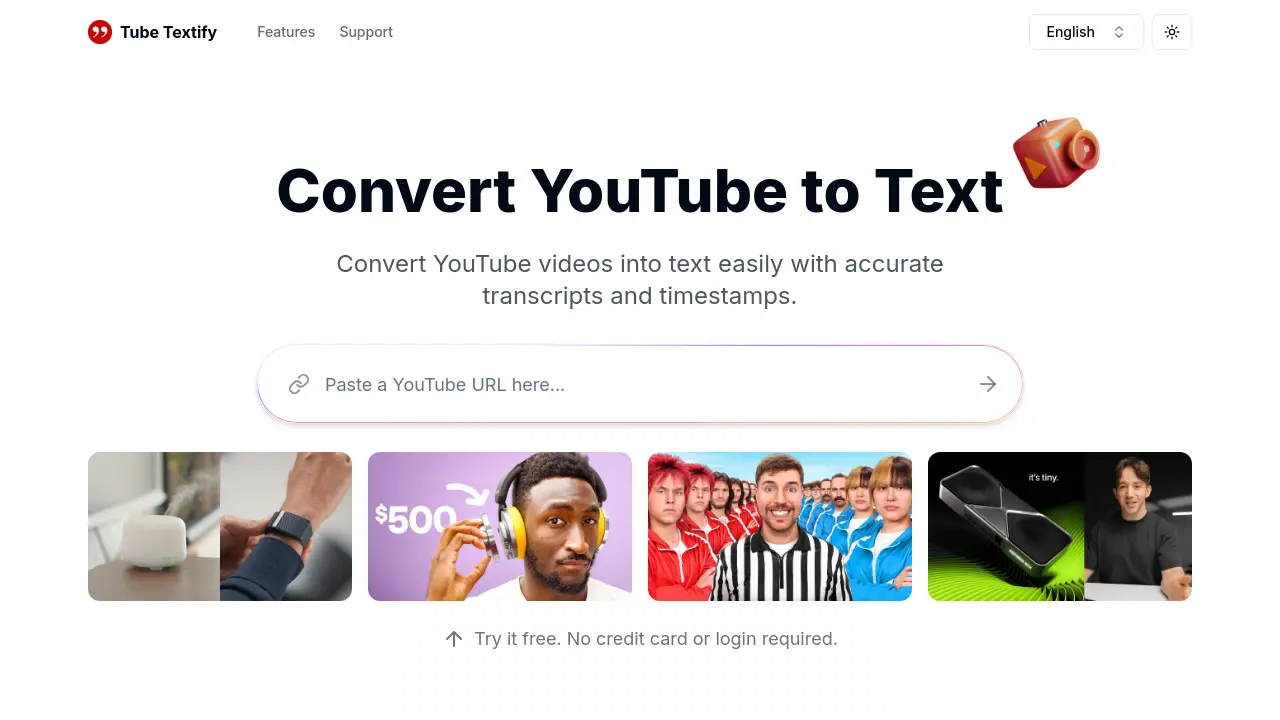
Tube Textify
Convert YouTube videos into text easily with accurate transcripts and timestamps.
 Free
Tube Textify is a free online tool that converts public YouTube videos into text transcripts with timestamps. It supports multiple languages and provides AI-powered summaries for quick understanding.
Key Features:
- Instant Transcript Generation: Paste a YouTube video link to get accurate transcripts in seconds.
- Multilingual Transcription: Convert videos into text in multiple languages.
- Smart Summarization: Generate AI-powered summaries of video content.
- Export and Save: Download transcripts with timestamps in formats like .txt or .doc, or copy directly.
- Timestamped Navigation: Use transcripts with timestamps to easily locate specific video moments.
- Interactive Video Dialogue: Use transcripts for deeper insights and discussions.
Use Cases:
- Streamlining scriptwriting for content creators.
- Simplifying note-taking from video lectures for students.
- Analyzing video data for researchers.
- Repurposing video content for marketing materials.
- Improving accessibility of video content.
-

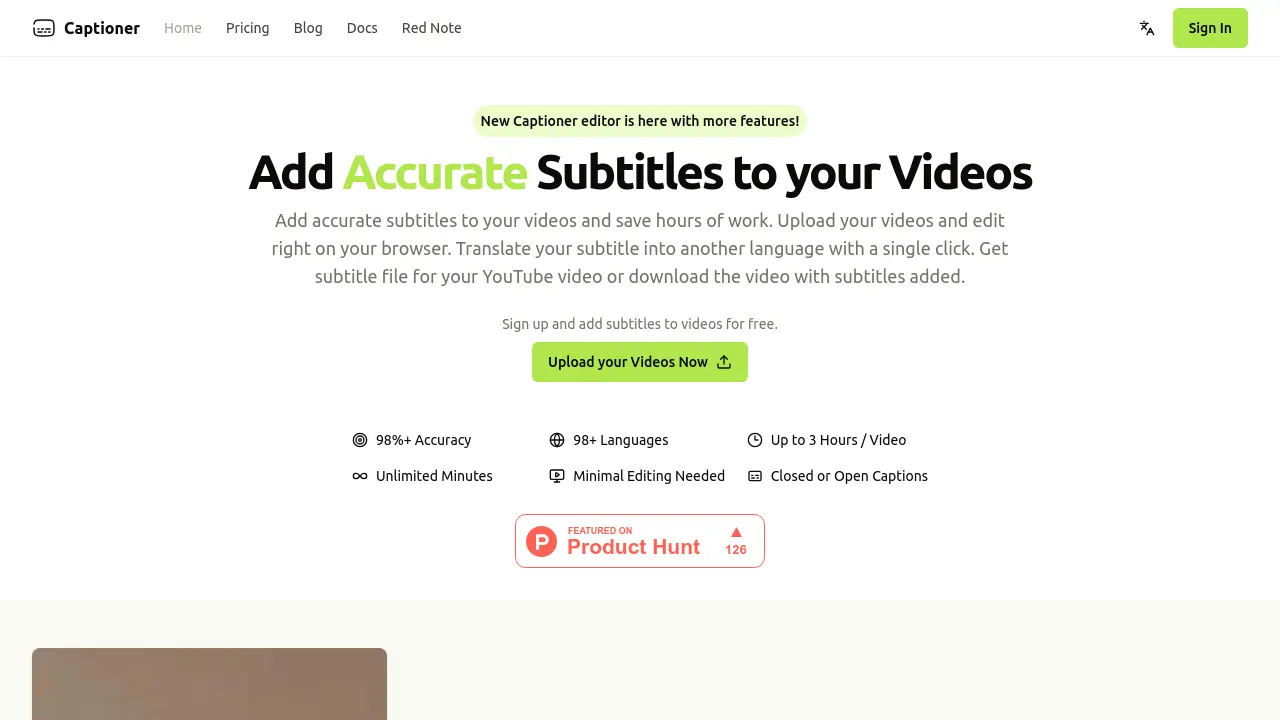
Captioner
Add Accurate Subtitles to your Videos
 FreemiumStarting at $5/month
Captioner is an AI-powered tool that automatically adds accurate subtitles to videos, saving content creators time and effort. It supports over 98 languages and offers features like subtitle translation and file export.
Key Features:
- Accuracy: Utilizes a high-quality AI model for accurate transcriptions.
- Precise Timestamps: Provides accurate timestamps, including word-level timestamps.
- Subtitle Editing: Offers a user-friendly interface for editing subtitles.
- Import Transcripts: Allows users to import and align existing transcripts.
- Subtitle File Export: Supports exporting subtitles in SBV, SRT, and VTT formats.
- Translation: Offers subtitle translation into other language with a single click.
- Multiple Language support: Converts speech to text in over 98 languages.
- Built-in Voice Extraction: Can transcribe speech even with background noise.
Use Cases:
- Adding subtitles to YouTube videos.
- Creating subtitles for social media content.
- Generating subtitles for online courses.
- Transcribing video content for accessibility.
- Translating video subtitles into different languages.
-

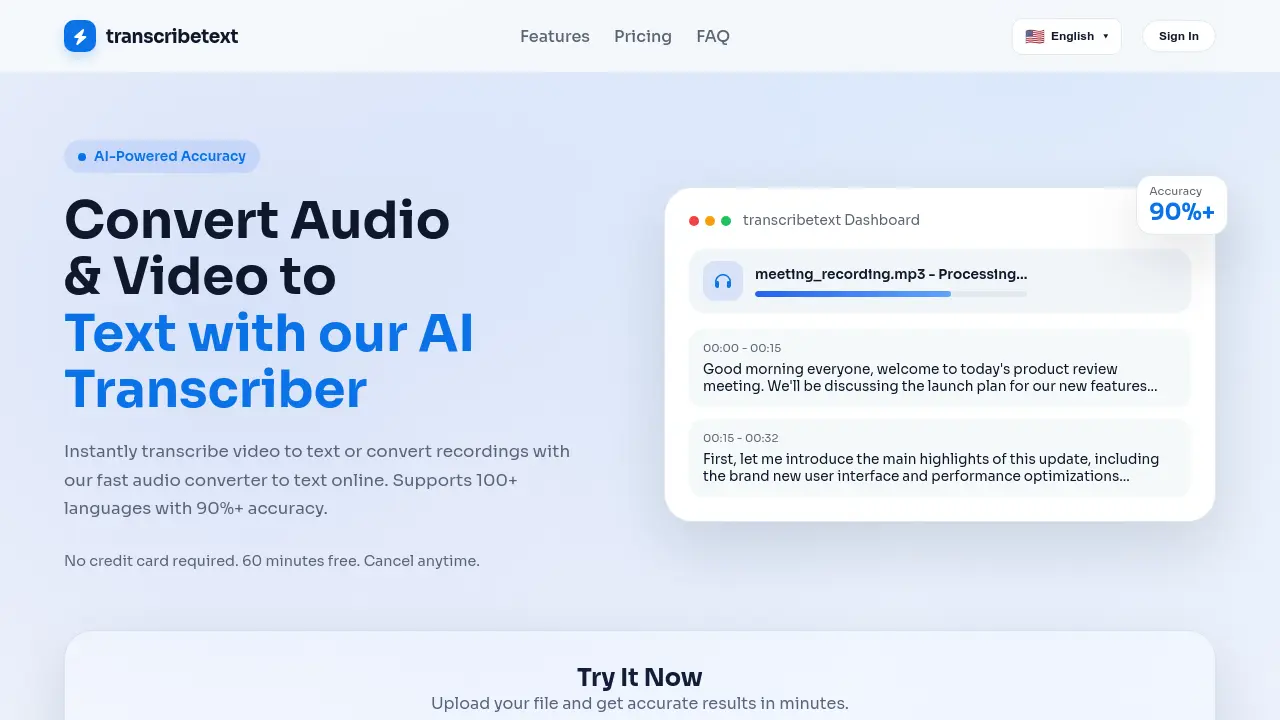
TranscribeText
Convert Audio & Video to Text with AI-Powered Accuracy
 Freemium
TranscribeText is an AI-powered transcription tool that converts audio and video files to text with over 90% accuracy, supporting 100+ languages and offering features like speaker diarization and subtitle translation.
Key Features:
- Smart Voice Recognition: Accurately recognizes accents, dialects, and technical terms even in noisy environments
- Lightning Fast Processing: GPU-accelerated processing handles one hour of content in minutes
- Speaker Diarization & Subtitle Translation: Built-in speaker separation with translated subtitle export in SRT/TXT formats
- Privacy & Security: Bank-level AES-256 encryption with automatic file deletion after processing
- Multi-Format Support: Processes MP3, MP4, WAV, M4A, WEBM, MOV and many other audio/video formats
Use Cases:
- Meeting transcription for business teams
- Podcast episode transcription and editing
- Academic research interview transcription
- Video content subtitle generation
- Media production workflow optimization
- Educational content accessibility creation
- Legal deposition documentation
- Journalistic interview analysis
-

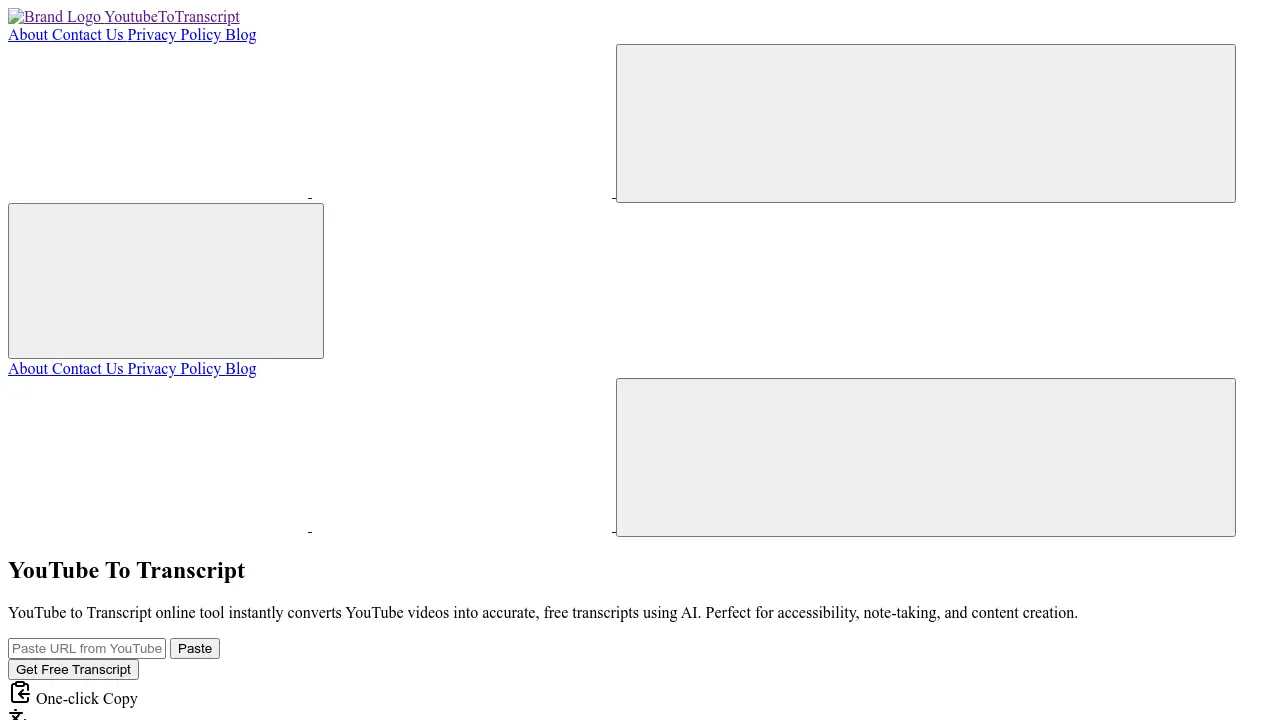
YouTubeToTranscript
Instantly convert YouTube videos into accurate, free transcripts using AI
 Free
YouTubeToTranscript is an AI-powered online tool that generates free transcripts from YouTube videos, supporting over 120 languages with built-in translation and no sign-up required.
Key Features:
- Inbuilt Translation: Automatically translates transcripts into different languages after generation
- Download Transcript As TXT: Enables immediate download of transcripts as plain text files for easy editing and sharing
- Support Multiple Languages: Supports over 120 languages for transcription and translation
- Easy-to-Use Interface: Simple paste-and-generate process with fast results
- No Sign Up Required: No account creation needed to use the tool
- No Installation: Works directly in web browsers without downloads or installations
Use Cases:
- Generating transcripts for YouTube videos to improve accessibility
- Creating summaries of videos for note-taking or content research
- Translating video content into different languages to overcome language barriers
- Downloading transcripts as text files for editing or sharing
- Using transcripts for SEO optimization by analyzing video scripts
- Pitching content ideas to brands by providing video summaries
-

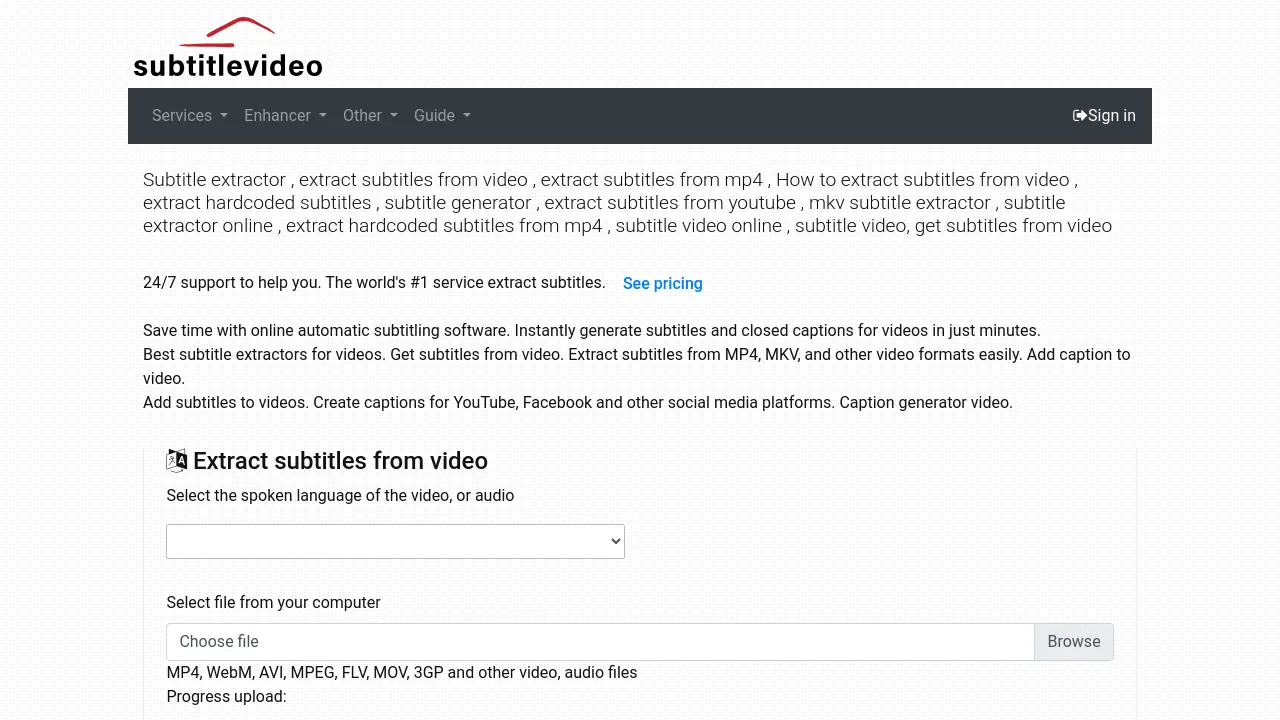
Subtitlevideo.com
Extract subtitles from video with AI-powered accuracy
 FreemiumStarting at $15/month
Subtitlevideo.com is an AI-powered online tool that automatically generates and extracts subtitles from videos, supporting multiple languages and formats for content creators and professionals.
Key Features:
- Automatic Subtitle Generation: AI-powered speech-to-text transcription for creating subtitles from video audio
- Hardcoded Subtitle Extraction: Extracts on-screen subtitles from existing video files
- Multi-language Support: Supports numerous languages and dialects for subtitle generation and translation
- Multiple Format Compatibility: Works with MP4, WebM, AVI, MPEG, FLV, MOV, 3GP and other video/audio formats
- URL Processing: Accepts video URLs from platforms like YouTube for subtitle extraction
Use Cases:
- Creating captions for YouTube videos
- Adding subtitles to social media content
- Extracting subtitles from educational videos
- Generating transcripts for podcast episodes
- Making videos accessible for hearing-impaired audiences
- Translating video content for international audiences
-

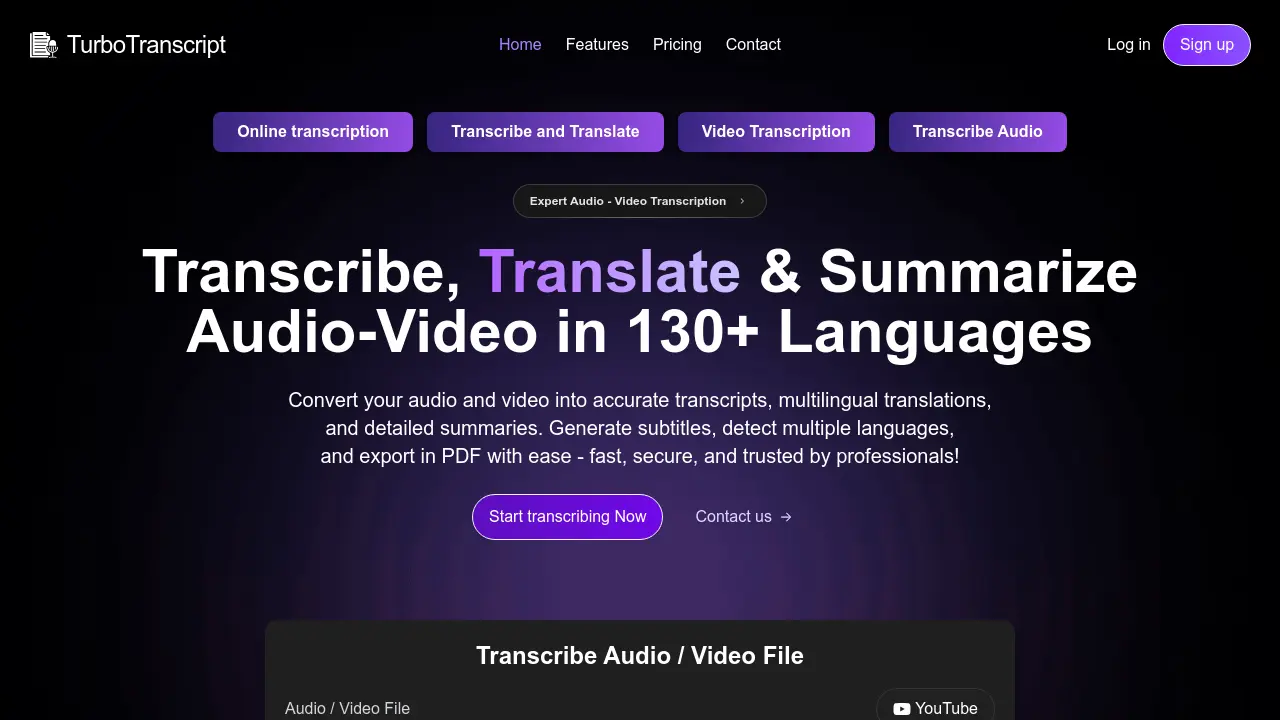
TurboTranscript
Transcribe, Translate & Summarize Audio-Video in 130+ Languages
 PaidStarting at $10/month
TurboTranscript offers expert audio and video transcription, translation into 130+ languages, detailed summarization, and subtitle generation (SRT/VTT). Features include speaker identification and toxicity detection.
Key Features:
- Advanced Speaker-Wise Transcripts: Generate accurate, speaker-specific transcripts for clear dialogue.
- Multi-Language Transcription & Translation: Supports transcription and translation across 130+ languages.
- Automatic Language Detection: Seamlessly detects multiple languages within media files.
- Real-Time Toxicity Detection: Instantly flags inappropriate or harmful content.
- Seamless Subtitle Creation: Easily generate SRT or VTT subtitle files from transcripts.
- Comprehensive Summarization: Provides automated, concise summaries of transcribed content.
- YouTube URL Transcription: Transcribe videos directly by providing their YouTube URL.
- PDF Export: Export transcripts, translations, and summaries to PDF format.
Use Cases:
- Transcribing webinars and online meetings.
- Creating subtitles for videos in multiple languages.
- Translating audio or video content for global audiences.
- Summarizing lectures, interviews, or long recordings.
- Analyzing dialogue with clear speaker identification.
- Moderating content by detecting toxic language.
- Repurposing YouTube video content into text formats.
-

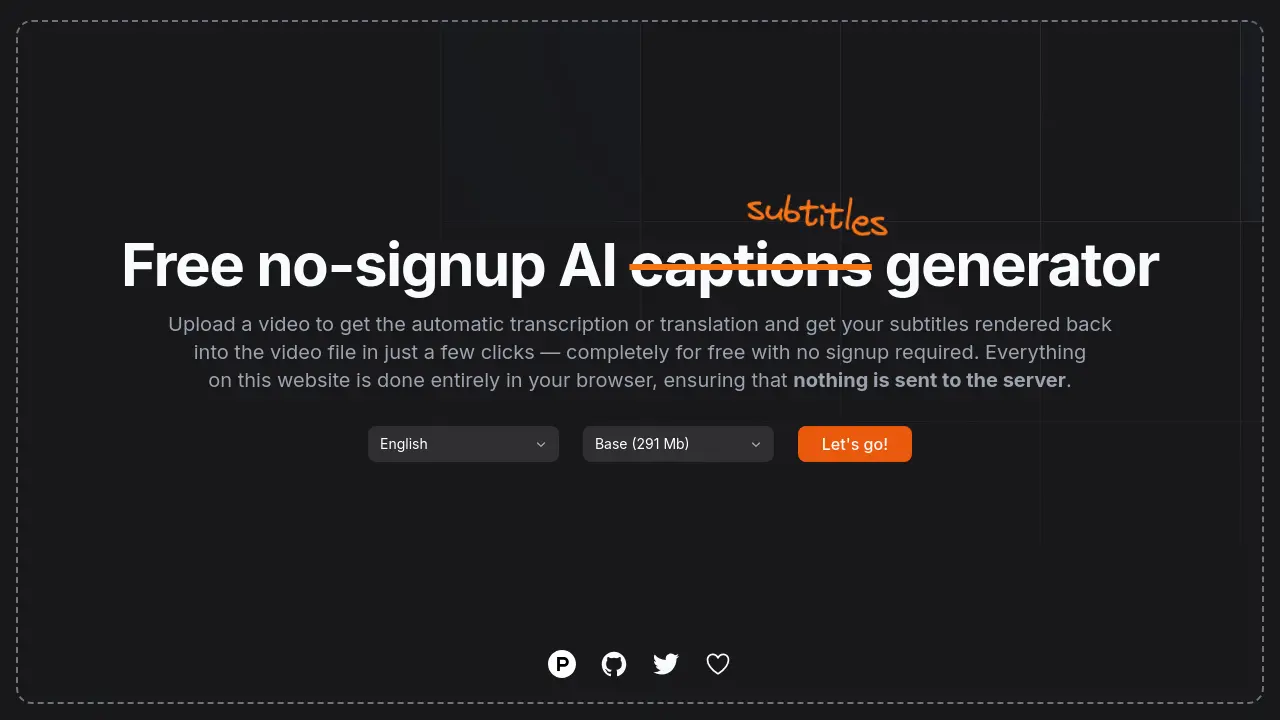
fframes subtitles
Transcribe video to subtitles with AI for free.
 Free
fframes subtitles is a free online tool that uses AI to automatically transcribe videos and generate subtitle files (SRT/VTT) in multiple languages.
Key Features:
- AI-Powered Transcription: Automatically transcribes video audio using artificial intelligence.
- Subtitle Generation: Creates downloadable subtitle files in SRT and VTT formats.
- Multi-language Support: Transcribes videos in numerous languages.
- Free Service: Offers transcription and subtitle generation at no cost.
- Simple User Interface: Easy three-step process (upload, transcribe, download).
Use Cases:
- Adding subtitles to social media videos for increased engagement and accessibility.
- Creating captions for educational or tutorial videos.
- Generating subtitles for personal video projects.
- Making video content accessible to hearing-impaired audiences.
- Quickly transcribing video interviews or lectures.
-

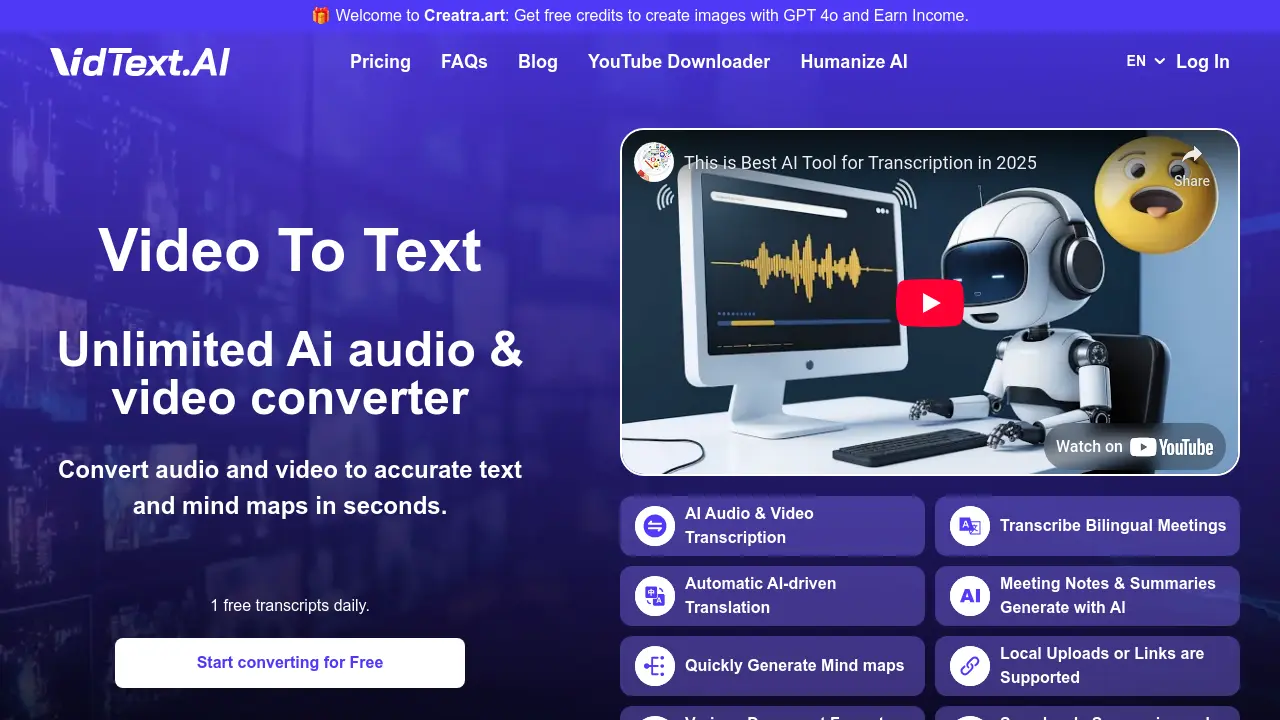
VidText AI
AI-Powered Audio & Video Transcription with Mind Maps
 PaidStarting at $9/month
VidText AI transforms audio and video files into accurate text and intuitive mind maps using advanced AI, supporting over 100 languages and rapid processing speeds.
Key Features:
- Rapid Transcription: Ultra-fast conversion of audio and video files to text.
- Multilingual Support: Transcribes content in over 100 languages.
- Mind Map Generation: Automatically creates mind maps from transcripts.
- Speaker Recognition: Identifies and distinguishes between speakers.
- Direct Recording: Allows users to record and transcribe audio directly.
- Multiple Upload Methods: Supports local uploads, links, and bulk processing.
- File Export Options: Downloads available in DOCX, PDF, TXT, SRT, VTT, SVG, and MD formats.
- Transcript Summarization: Generates concise meeting notes, summaries, blog posts, and social media content.
- Clickable Timestamps: Jump to video positions from transcript text.
- Secure & Private: Ensures data protection and robust security measures.
Use Cases:
- Automatically transcribe meetings, seminars, and interviews for documentation.
- Convert classroom lectures and online courses into searchable text and study aids.
- Generate subtitles and summaries for podcasts, interviews, and video content.
- Create mind maps from lengthy recordings for intuitive knowledge management.
- Summarize and analyze recorded conversations for research or corporate reports.
- Extract and organize information from movies and TV series for review or reference.
- Quickly locate and play back specific segments in video transcripts.
-

Task Mind
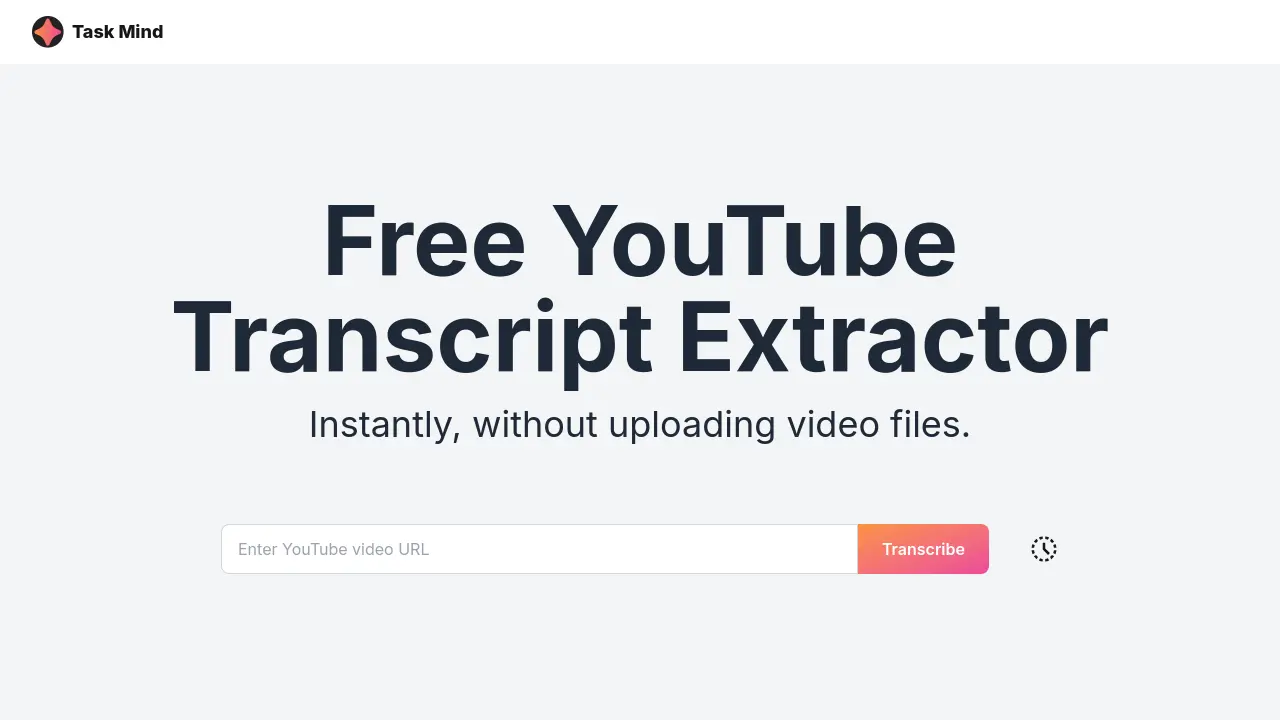
Free YouTube Transcript Extractor
 Free
Task Mind provides a free YouTube transcript extractor that instantly converts YouTube subtitles to text. This tool allows users to easily download and export transcripts without uploading video files.
Key Features:
- Automatic YouTube Transcription: Generate transcriptions of YouTube videos automatically.
- YouTube Caption Extractor: Extract captions directly from YouTube videos.
- Multiple Export Formats: Download transcripts in various formats.
- Built-in Editing Capabilities: Edit the extracted transcripts within the tool.
- Free Service: Access the YouTube transcription service at no cost.
Use Cases:
- Creating text versions of video content for accessibility
- Generating searchable transcripts for video libraries
- Extracting subtitles for translation purposes
- Producing written records of online lectures or presentations
- Improving SEO by creating text-based content from videos
-

Transcribe
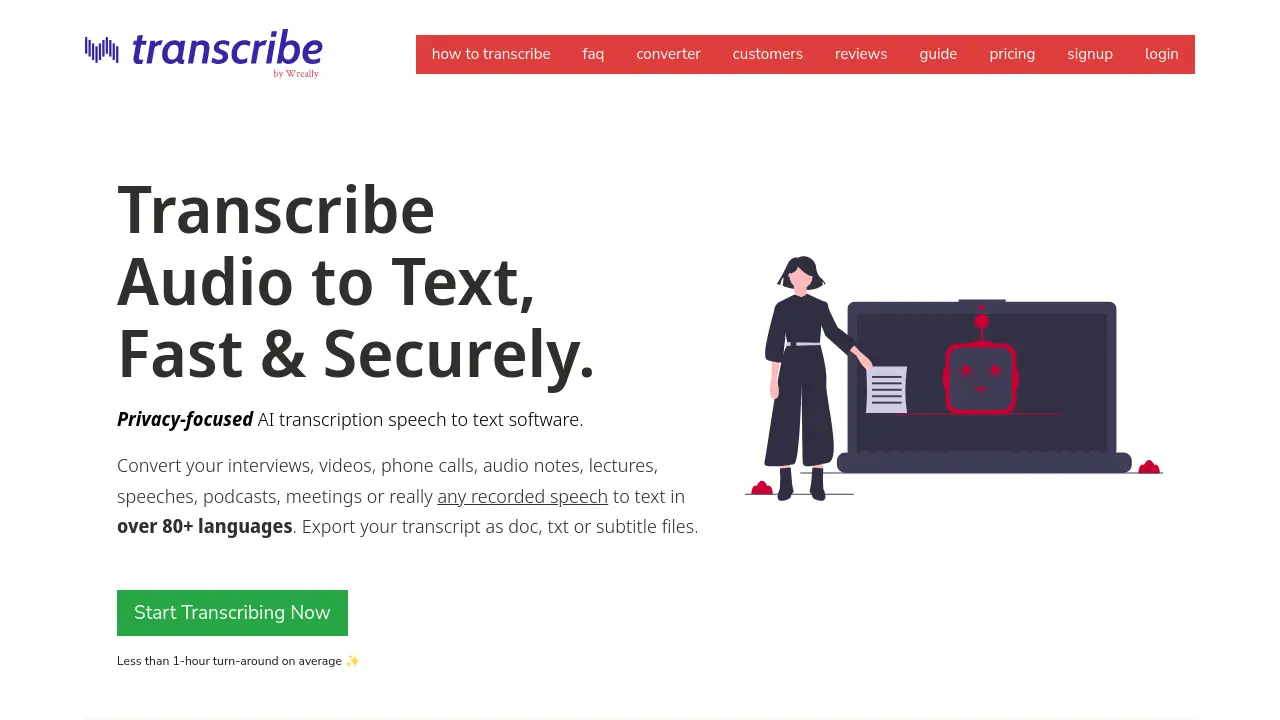
Audio to Text, Fast & Securely.
 PaidStarting at $2/month
Transcribe offers fast and secure AI-powered speech-to-text transcription for various audio and video files in over 80 languages, exporting to DOC, TXT, or subtitle formats.
Key Features:
- AI-Powered Automatic Transcription: Provides fast machine-generated transcripts for clear audio/video files.
- Voice Typing with Dictation: Allows users to dictate the audio content for quick text conversion.
- Enhanced Manual Transcription Tools: Includes slow-down playback, auto-loop, keyboard shortcuts, and text expander.
- Multi-Language Support: Transcribes speech in over 80 different languages.
- Multiple Export Options: Export transcripts as DOC, TXT, SRT, or WebVTT files.
- Foot Pedal Integration: Control audio playback hands-free using a compatible foot pedal.
- Secure & Private: Ensures text typed remains local and allows secure deletion of uploaded media.
- Subtitle Creation: Generate SRT or WebVTT subtitle files directly from transcripts.
- Speaker Identification: Automatically identifies different speakers within the audio during automatic transcription.
Use Cases:
- Transcribing interviews for journalists and researchers.
- Converting lectures and speeches into text for students and educators.
- Creating transcripts for podcasts and video content.
- Documenting business meetings and phone calls.
- Assisting legal professionals with deposition and meeting transcription.
- Generating captions and subtitles for videos.
- Quickly converting audio notes into text documents.
-

Video To Text AI
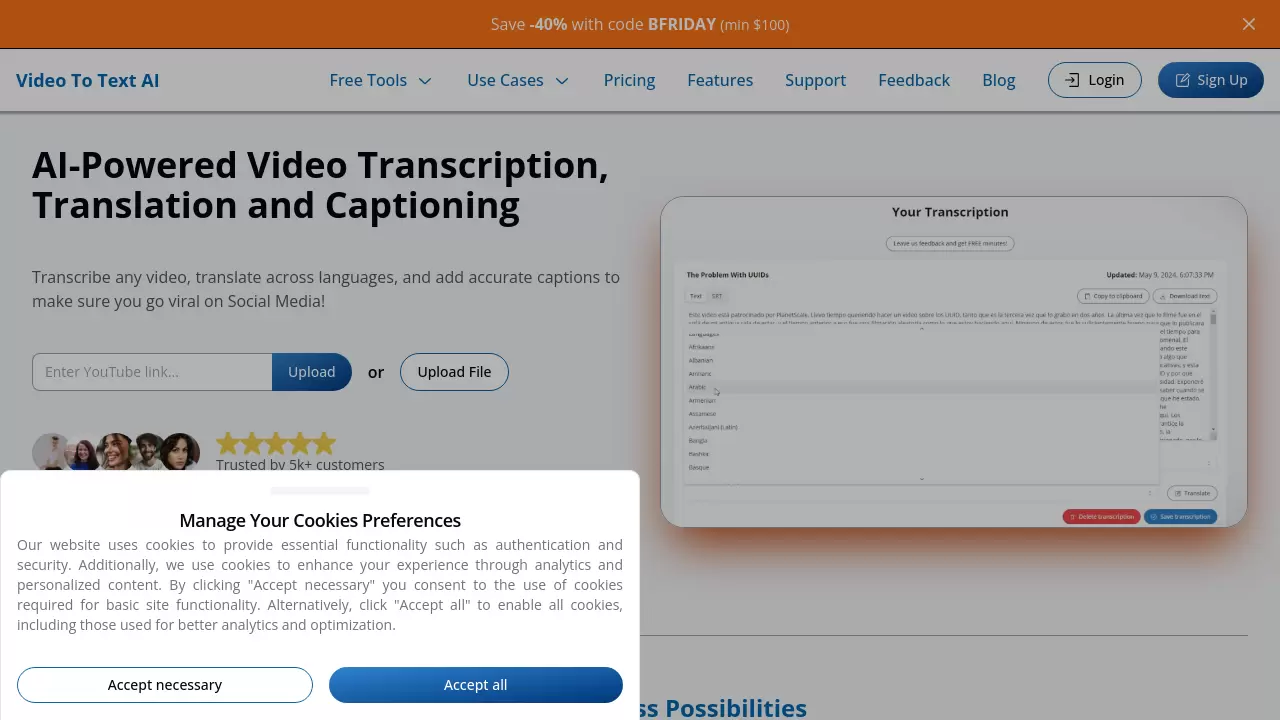
AI-Powered Video Transcription, Translation and Captioning
 FreemiumStarting at $100/month
A comprehensive AI platform that transcribes videos, translates content across 100+ languages, and generates captions for social media optimization. The service offers high-accuracy transcription with rapid turnaround times and multiple export options.
Key Features:
- Automatic Captioning: Instant creation and styling of social media-optimized captions
- Multi-Language Support: Transcription and translation in 100+ languages and dialects
- Rapid Processing: Quick turnaround for video transcription
- Multiple Export Formats: Support for TXT, SRT, and VTT file formats
- Speaker Diarization: Automatic identification and separation of different speakers
- Secure Storage: Permanent storage for transcribed content
- Platform Integration: Compatible with YouTube, Google Drive, and Dropbox
- Caption Rendering: Capability to burn captions directly into videos
Use Cases:
- Social media content creation
- Video localization
- Content accessibility enhancement
- Global audience engagement
- Video content management
- Educational content development
- Marketing material localization
-

BlaBlaScribe
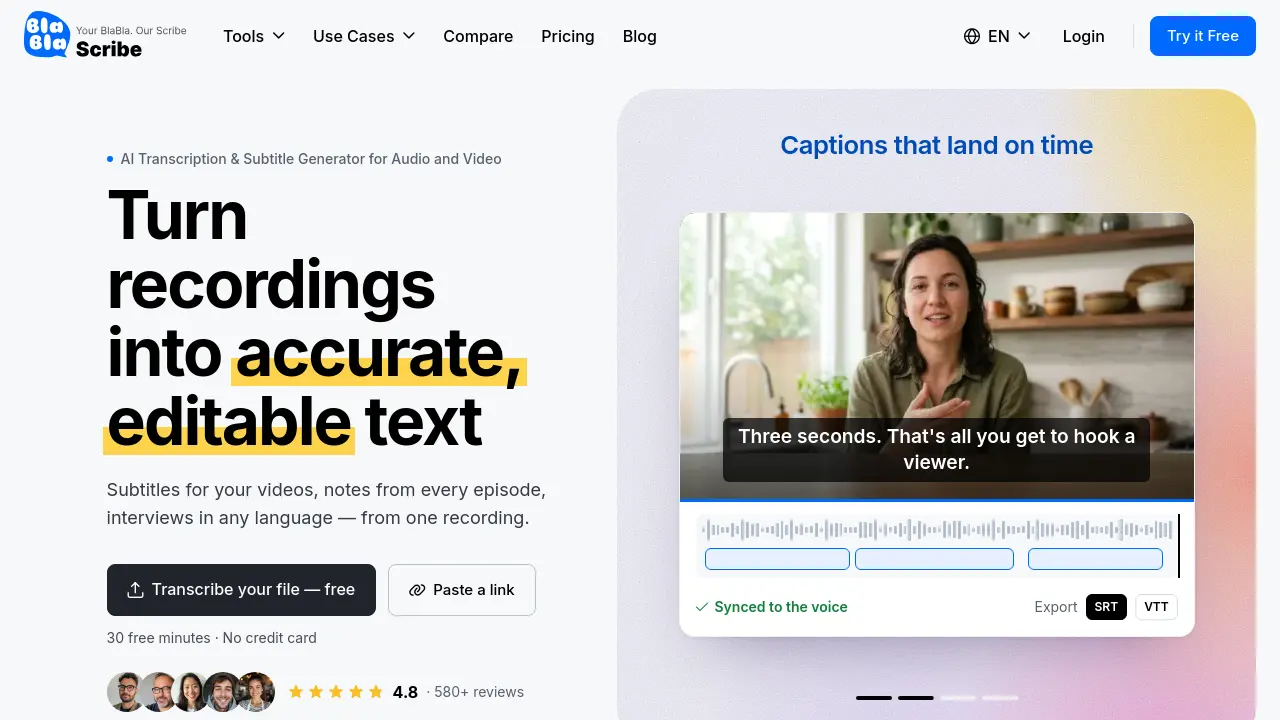
AI transcription and subtitle generation for audio and video
 FreemiumStarting at $14/month
BlaBlaScribe is an AI transcription and subtitle generator that converts audio and video into editable text, captions, translations, and dubbed voice-overs. It supports 120+ languages for transcription, speaker detection, and export in multiple subtitle and document formats.
Key Features:
- AI Transcription: Converts audio and video into time-coded text in 120+ languages with speaker labels and word-level timestamps.
- Subtitle Generation: Creates timed captions for YouTube, Reels, and online courses, ready as SRT or VTT.
- Translation: Translates transcripts and subtitles into 50+ languages while preserving original timing.
- AI Dubbing: Produces voice-overs in 27 languages with natural voices per speaker or a clone of the original voice, timed to the video.
- Transcript Summarizer: Generates AI summaries from transcripts.
- Browser-Based Editor: Lets users edit text next to audio, fix timings, and style captions.
- Multi-Format Export: Exports SRT, VTT, TXT, DOCX, PDF, CSV, XLSX, JSON, and video with burned-in subtitles.
- Privacy and Security: Files are encrypted in transit and at rest, never used for AI training, and access is limited to the user and invited team members.
Use Cases:
- Creating subtitles for YouTube videos, Reels, Shorts, and TikTok clips.
- Transcribing podcast episodes with speaker labels and timestamps.
- Adding subtitles and translations to online course libraries.
- Transcribing research interviews and focus groups for analysis.
- Preparing interview transcripts for journalism and reporting.
- Localizing marketing videos with translated subtitles and voice-overs.
- Transcribing meetings, lectures, and client calls for notes and sharing.
- Making video content accessible with captions.
-

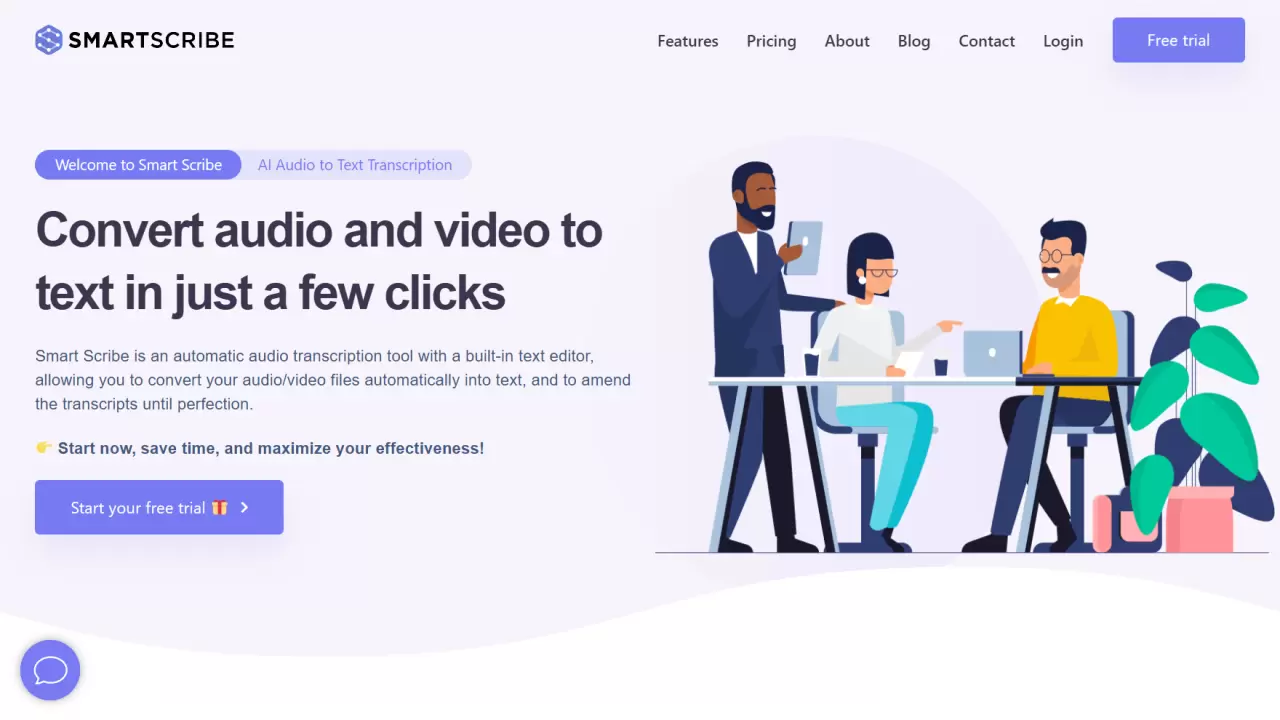
Smart Scribe
Convert audio and video to text in just a few clicks
 FreemiumStarting at $10/month
Smart Scribe is an AI-powered audio transcription tool that automatically converts audio and video files into text, featuring a built-in text editor for real-time editing and supporting over 30 languages.
Key Features:
- Quality & Accuracy: Near-perfect transcription with optimal recording quality
- Built-in Text Editor: Real-time editing and proofreading capabilities
- Export Options: Multiple format support including Word, PDF, TXT, and SRT subtitles
- Security & Privacy: Secure cloud storage with confidential data handling
- Language Support: Transcription available in 30+ languages
- Speaker Identification: Advanced audio synchronization with speaker tracking
Use Cases:
- Interview transcription
- Meeting documentation
- Podcast transcription
- Academic lecture transcription
- Conference recording conversion
- YouTube video subtitling
- Market research documentation
- Medical transcription
-

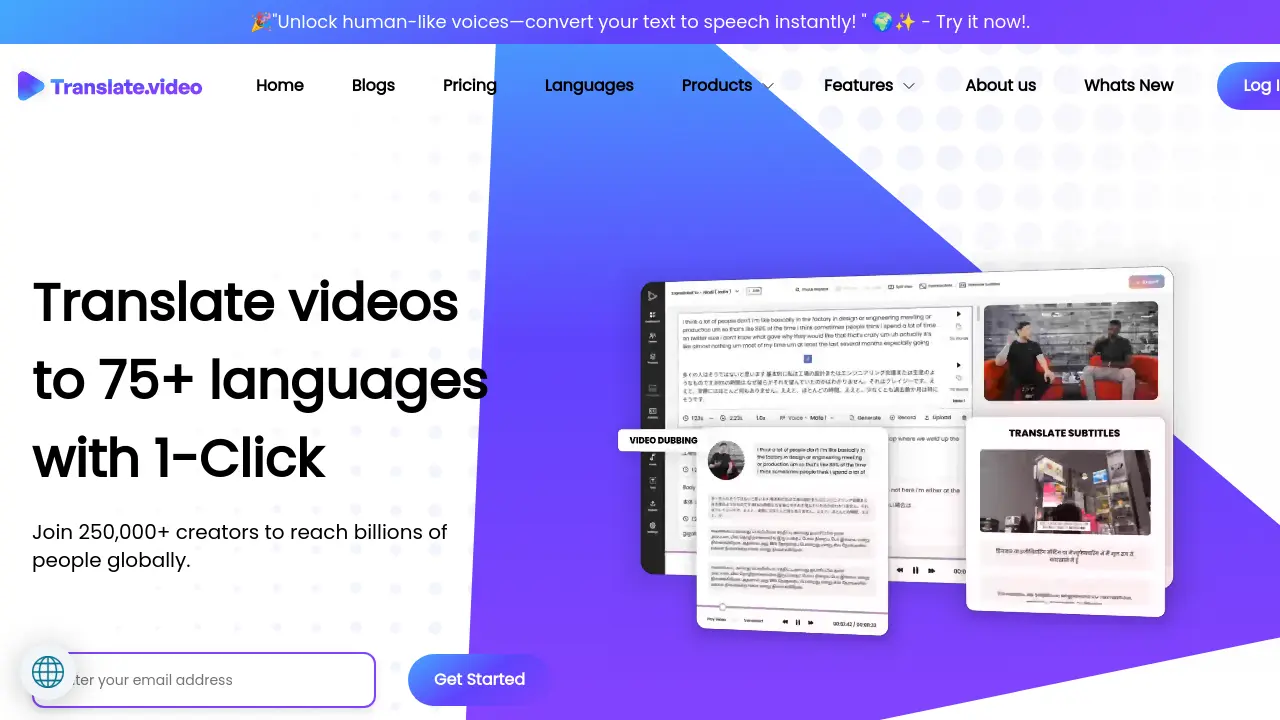
Translate.video
Translate videos to 75+ languages with 1-Click
 FreemiumStarting at $29/month
Translate.video is an AI-powered platform for translating videos into over 75 languages with features like automated captions, subtitles, dubbing, and voice cloning. Simplify global content reach with one-click translation.
Key Features:
- Video Translation: Translate videos into 75+ languages with one click.
- Automated Captions & Subtitles: Generate accurate transcripts, closed captions, and subtitles instantly.
- AI Dubbing & Voiceover: Create human-like voiceovers using AI or record your own.
- Instant Voice Cloning: Clone your own voice from a short audio sample (as little as 50 seconds) for use in multiple languages.
- Advanced Video Editor: Edit videos with styles, elements, and more within the platform.
- Multi-Format Export: Download subtitles in SRT, VTT formats and videos in MP4.
- Multi-Speaker Diarization: Identifies different speakers in the audio (currently English only).
- AI Script Generation: Assists in creating scripts.
Use Cases:
- Translating educational courses for international students.
- Making marketing videos accessible to a global audience.
- Dubbing influencer content for different language markets.
- Adding multilingual subtitles to corporate training videos.
- Creating accessible video content for viewers with hearing impairments.
- Localizing social media video campaigns.
-

Memo AI
Video to translated text, subtitles and notes made easy
 FreemiumStarting at $26/month
Memo AI is a comprehensive video and audio transcription tool that converts media into text, provides translations in 90+ languages, and offers features like speaker diarization and AI summarization, all while maintaining privacy through local processing.
Key Features:
- GPU Acceleration: Process 30-minute content in 2 minutes using NVIDIA/AMD or Apple Silicon
- Multi-language Support: Transcription and translation in 90+ languages
- Speaker Diarization: Local processing for privacy in meetings and podcasts
- Floating Notes: Pop-up key points during audio playback
- Live Subtitles: Real-time subtitle display during playback
- Local Processing: Complete offline functionality for privacy
- Media Format Support: Compatible with MP4, MP3, AAC, M4A and more
- AI Summarization: Smart transcript summaries with custom AI prompts
Use Cases:
- Converting YouTube videos to text transcripts
- Transcribing and translating podcasts
- Creating subtitles for video content
- Processing meeting recordings with speaker identification
- Generating notes from educational content
- Translating multimedia content between languages
- Creating accessible content with subtitles
-

Transkriptor
Automatically transcribe your meetings, interviews, lectures, and other conversations
 Freemium
Transkriptor is an AI-powered transcription service that converts audio and video files to text in 100+ languages with up to 99% accuracy, offering features like speaker recognition and collaboration tools.
Key Features:
- Multiple Language Support: Transcription available in 100+ languages
- Format Compatibility: Supports all audio and video file formats
- Speaker Recognition: Automatic detection and separation of different speakers
- Rich Export Options: Export as PDF, TXT, SRT, Word, or Plain Text
- Collaboration Tools: Team sharing and simultaneous editing capabilities
- Translation Service: One-click translation to 100+ languages
- AI Chat Assistant: Built-in AI for summarization and Q&A
- Real-time Recording: Direct voice recording and transcription
Use Cases:
- Interview transcription
- Lecture transcription
- Meeting documentation
- Podcast transcription
- Conference recording
- Seminar documentation
- Webinar transcription
- Research interviews
-

AI Video Summarizer
Summarize Any Video Instantly for Free Online
 Contact for Pricing
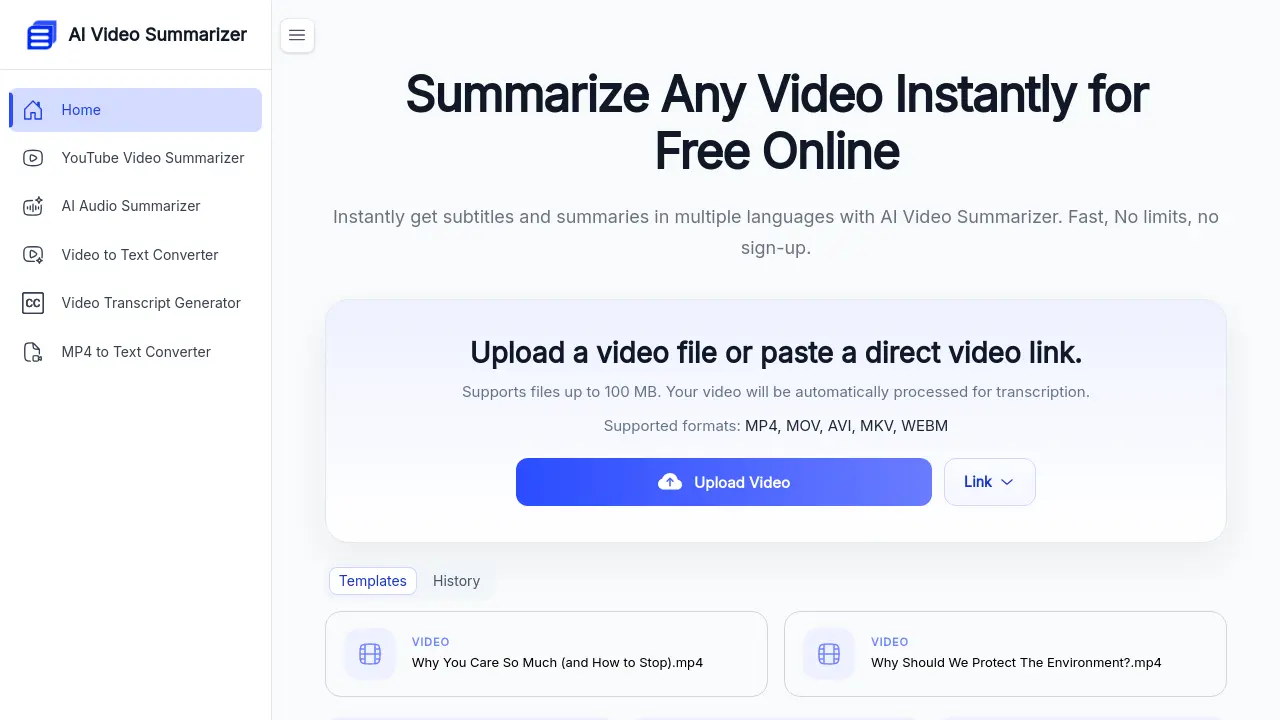
AI Video Summarizer converts videos into text transcripts and detailed summaries with 10+ customizable templates, supporting 100+ languages and processing videos up to 1GB in seconds—completely free with no sign-up required.
Key Features:
- 9 Customizable Summary Templates: Specialized templates optimized for different video types including financial analysis, course summaries, and meeting notes
- Multi-Format Video Processing: Supports MP4, MOV, AVI, MKV, WEBM formats and YouTube video links up to 1GB file size
- 10+ Summary Dimensions: Comprehensive summaries covering overview, core concepts, case studies, summary tables, and more
- 100+ Language Support: Transcribe and translate videos in virtually any language with cross-language summary generation
- Mind Map Conversion: Transform video summaries into structured, hierarchical mind maps for better comprehension
- Complete Transcript Generation: Automatically generates full transcripts with timestamps, subtitles, and chapter markers
- Multi-Speaker Recognition: Accurately identifies and distinguishes multiple speakers in videos for meetings and interviews
- Ultra-Fast Processing: Summarizes 1-2 hour videos in just 3-5 seconds with 99.8% accuracy
Use Cases:
- Summarizing 2-3 hour Zoom meeting recordings into structured notes with key points and timestamps
- Converting online course videos into organized study materials with chapter markers and mind maps
- Extracting key financial data from lengthy financial presentation videos using specialized templates
- Generating transcripts and translated subtitles for YouTube videos to reach international audiences
- Creating interview summaries from recorded journalist interviews with multi-speaker recognition
- Transforming educational lectures into structured outlines for easier student comprehension
- Converting instructional videos into step-by-step text guides for documentation purposes
-

NeuraVid
Unlock insights from your video content
 FreemiumStarting at $25/month
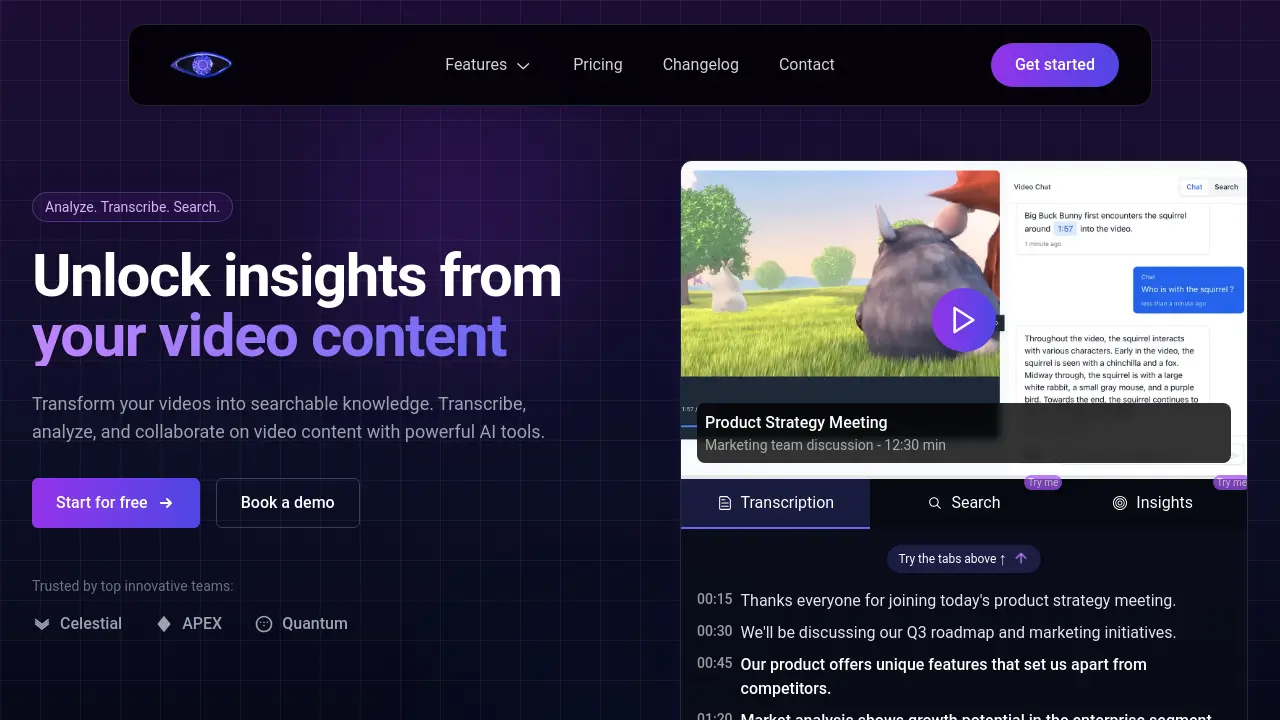
NeuraVid is an AI-powered platform designed to transform videos into searchable knowledge. It offers transcription, analysis, and collaboration tools to help users extract insights from their video content.
Key Features:
- AI Transcription: Transform videos into accurate text with up to 98% accuracy, including multilingual support and automatic speaker identification.
- Semantic Search: Find relevant moments in videos using AI-powered search that understands context beyond exact keyword matches.
- AI Video Assistant: Chat with videos to get insights, summaries, and answers about the content.
- Smart Chapters & Summaries: Automatically segment videos into chapters and generate concise summaries for easy navigation.
- Speaker Detection: Identify and label speakers within the video automatically.
- Ephemeral Mode: Analyze sensitive videos without cloud storage; files are deleted post-processing while insights are preserved (Paid plans only).
- Project-wide AI Chat: Ask questions and gain insights across multiple videos within a project (Pro plans and above).
Use Cases:
- Analyzing product strategy meetings.
- Reviewing marketing team discussions.
- Searching through investor call recordings.
- Making lecture videos searchable for students.
- Improving post-production workflows for content creators.
- Enhancing research by quickly finding information in video archives.
- Facilitating collaboration on video content within teams.