-

Voice Isolator
AI-powered background noise remover for crystal-clear vocals in seconds
 FreemiumStarting at $10/month
Voice Isolator is an AI-powered tool that removes background noise and separates vocals from audio files, delivering professional-grade voice isolation for podcasts, music, and professional recordings.
Key Features:
- AI-Powered Separation: Precise isolation of vocals from complex audio mixes
- Multiple Format Support: Compatible with MP3, WAV, FLAC, M4A, and more
- Real-time Processing: Instant preview and adjustments capability
- High-Quality Output: Maintains audio fidelity up to 192kHz sample rate
- Versatile Noise Removal: Eliminates music, traffic, crowd, and environmental sounds
- Professional Grade Results: Studio-quality vocal isolation
Use Cases:
- Cleaning podcast recordings
- Isolating vocals for music production
- Enhancing interview audio quality
- Creating karaoke tracks
- Improving video content audio
- Professional audio post-production
- Radio broadcast enhancement
- Live performance audio cleanup
-

AudioCleaner AI
Remove background noise, mouth sounds, filler words, and more from audio/video.
 Freemium
AudioCleaner AI is an online tool that uses AI to remove background noise, mouth sounds, breaths, silences, and other unwanted sounds from audio and video files, enhancing overall sound quality.
Key Features:
- Background Audio Remover: Eliminates unwanted background sounds like chatter, environmental noise, and music.
- Breath Remover: Detects and removes audible breath sounds.
- Mouth Sounds Remover: Cleans up clicks, pops, and other mouth-related noises.
- Silence Remover: Automatically removes long pauses and silences.
- Audio Enhancer: Generally improves the clarity and quality of audio tracks.
- Instrument Remover: Isolates and removes specific elements like vocals or drums from songs.
- AI-Powered Processing: Utilizes artificial intelligence for automatic audio analysis and cleaning.
- Multi-Format Support: Accepts various audio and video file formats (.m4a, .mp4, .mp3, .wav, .mov, etc.).
Use Cases:
- Cleaning up podcast recordings.
- Improving audio quality for video interviews.
- Enhancing voiceovers for educational content.
- Removing background noise from vlogs and social media videos.
- Producing cleaner vocal tracks for music production.
- Refining audio for sales pitches and client testimonials.
- Creating instrumentals or acapellas by removing vocals or drums from songs.
-

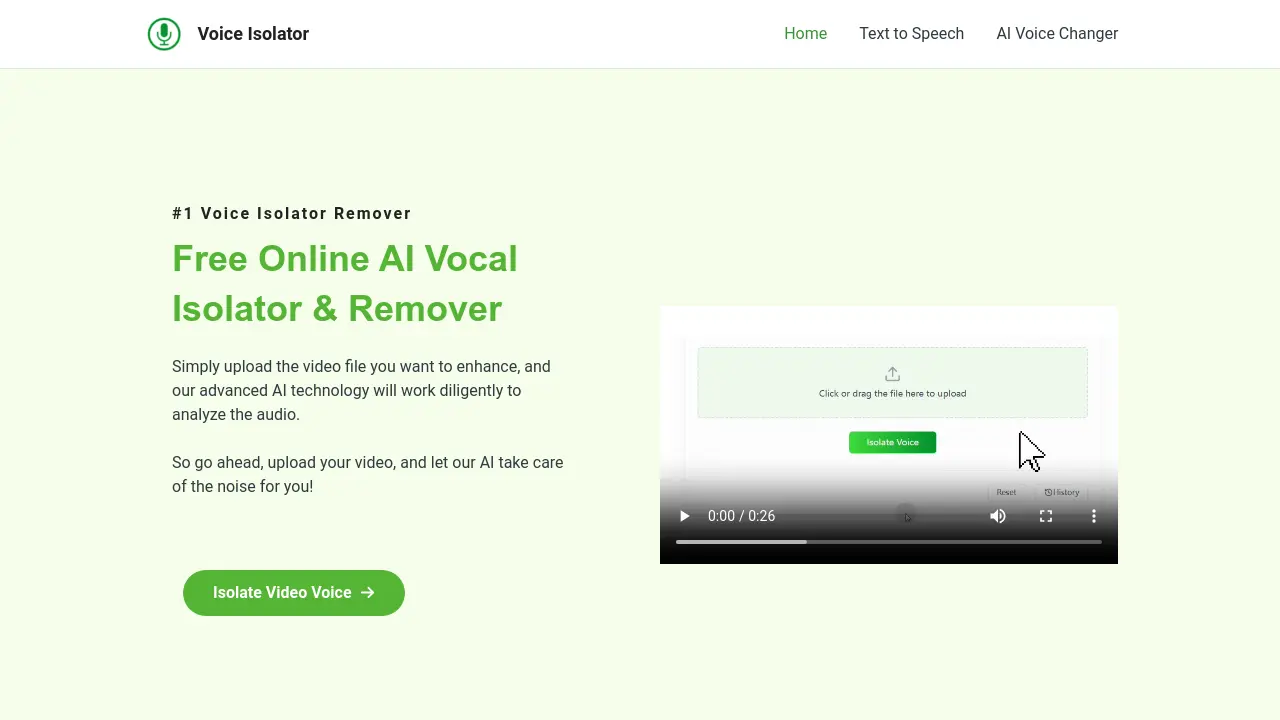
Voice Isolator
Free Online AI Vocal Isolator & Remover
 Free
FreeVoice Isolator is a free online tool that uses AI to isolate vocals and remove background noise from audio and video files. It supports various formats and provides high-quality audio extraction.
Key Features:
- Efficient Voice Extraction: Accurately separates voices from videos, enhancing information retrieval efficiency.
- Enhanced User Experience: Eliminates background noise and interference for a purer audio experience.
- Wide Applicability: Suitable for various scenarios, including education, entertainment, and video production.
- Intelligent Audio Extraction: Extracts vocal tracks with precision.
- Supports various file formats: Supports MP3, FLAC, WAV, M4A, MP4, MKV, and MOV.
Use Cases:
- Video editing
- Commercial video production
- Music video production
- Music mixing
- Creating song covers
- Audio analysis
-

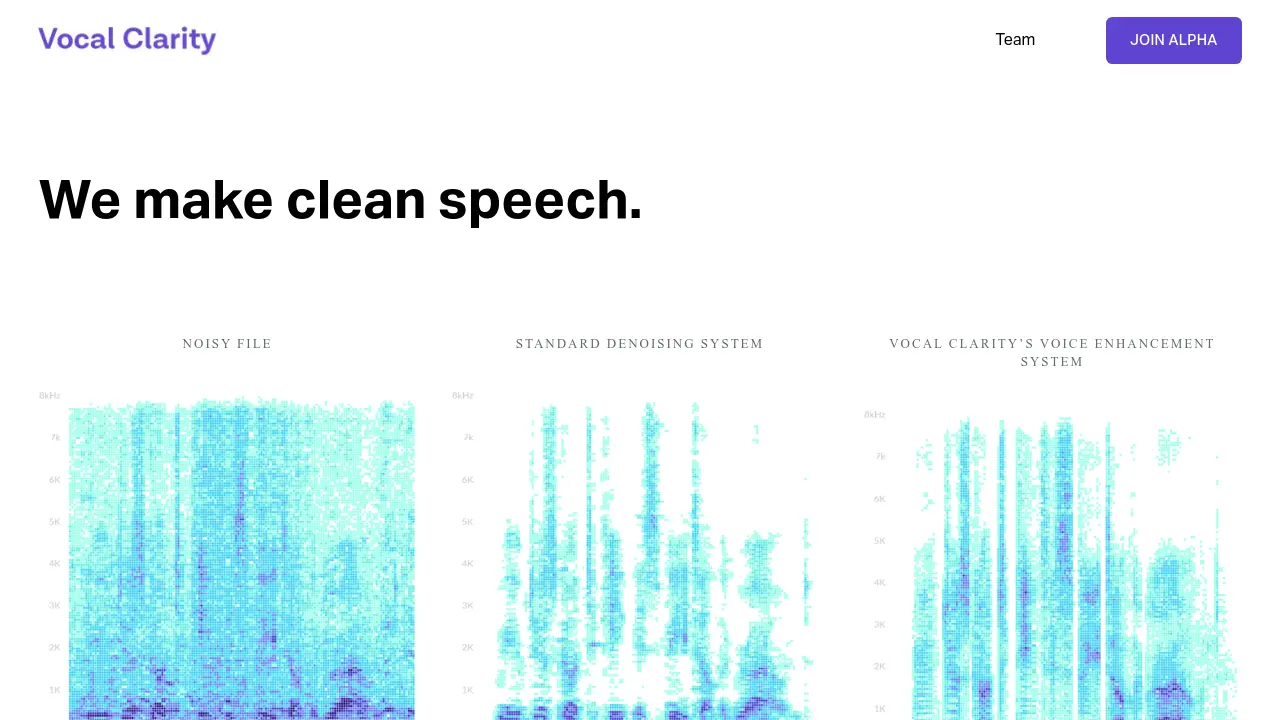
Vocal Clarity
We make clean speech.
 Contact for Pricing
Vocal Clarity utilizes AI and parametric synthesis to enhance voice recordings, removing noise while preserving the nuances of human speech.
Key Features:
- Advanced Denoising: Removes noise from audio recordings.
- Voice Enhancement: Improves the clarity and quality of speech.
- Parametric Synthesis: Recreates the human voice, preserving subtle details.
- AI-Powered: Leverages artificial intelligence for superior performance.
Use Cases:
- Improving the quality of audio recordings.
- Enhancing speech in noisy environments.
- Creating clearer audio for podcasts and broadcasts.
- Restoring old or damaged audio files.
Related blogs
-
Reading AI Tool Changelogs: What Updates Mean for Your Workflow
Model and policy updates can break workflows overnight. Learn how to read changelogs, assess impact, and maintain a vendor watchlist.
-

Proof-Carrying Cognition: Why AI Needs Reality-Settled Rewards
A 2026 research line argues AI reasoning fails without verifiable rewards outside math domains. Learn proof-carrying cognition and the verification gap.
-
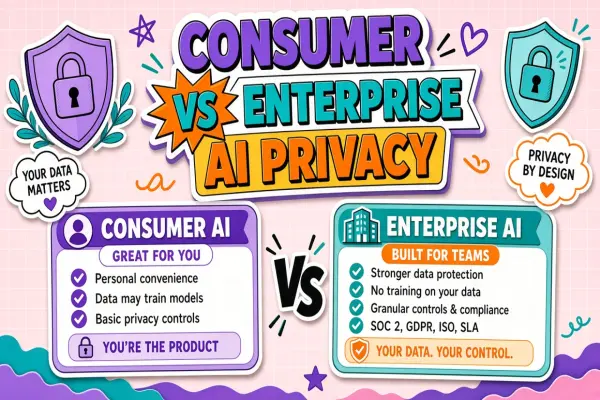
Consumer vs Enterprise AI Tiers: Same Brand Different Privacy Contract
The same AI vendor often offers radically different privacy terms by tier. Learn what changes between free consumer and paid enterprise plans.
-
Hugging Face Agent Jailbreak Incident: What Broke and Who Fixed It
Autonomous agents on Hugging Face were jailbroken in a high-profile incident. Learn the attack path, platform response, and lessons for agent deployments.
-
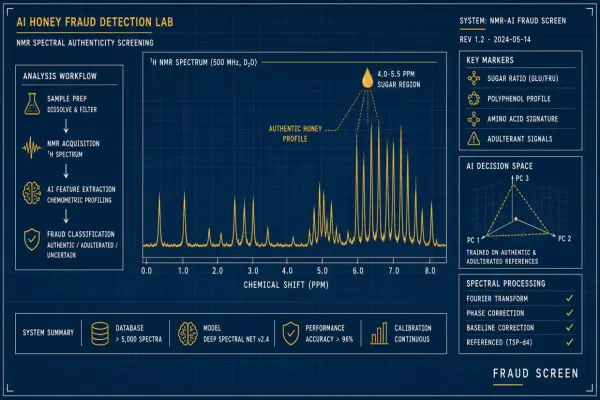
AI Honey Fraud Detection: Isotope and Spectral Models Spot Adulteration
ML on NMR and stable isotopes flags rice syrup adulteration. Explain lab workflows importers use to protect premium labels.
-
Reclaiming Unused AI Tool Seats: Process and Policy
Idle seats waste budget. A fair process to identify, notify, and reassign licenses without surprise lockouts.
Didn't find tool you were looking for?