
What is Zparse?
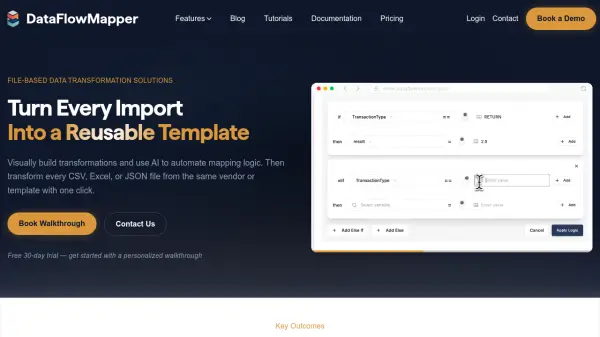
Zparse streamlines data processing by empowering teams to manage and transform complex data without relying on IT or technical skills. The platform utilizes AI technology to automate tasks such as data extraction, cleaning, formatting, and format conversion, allowing users to quickly prepare and move data between various systems.
By removing manual tasks and technical barriers, Zparse accelerates business operations, minimizes errors, and frees up IT resources. Its intuitive interface ensures that anyone on a team can upload, clean, and convert data files—improving efficiency, reducing operational costs, and enhancing overall data quality for smarter business decisions.
Features
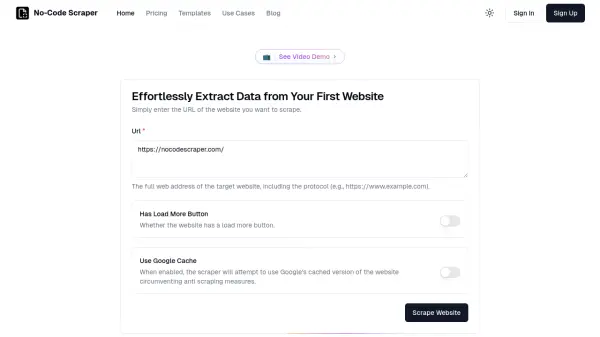
- No-Code Data Processing: Extract, clean, and transform data without any programming.
- AI-Powered Automations: Uses artificial intelligence to automate data mapping and formatting.
- Seamless Data Movement: Move data between formats and systems effortlessly.
- User-Friendly Interface: Intuitive platform for business users with minimal training required.
- Operational Scalability: Supports efficient scaling by reducing manual work and IT dependencies.
Use Cases
- Automatically reformatting and syncing large product catalogs for e-commerce teams.
- Consolidating fragmented customer data into unified, real-time dashboards.
- Reducing engineering workload by eliminating the need for custom data pipelines.
- Improving data quality and compliance by removing manual data mapping errors.
- Accelerating data onboarding and processing for SaaS companies.