What is Zilliz Cloud?
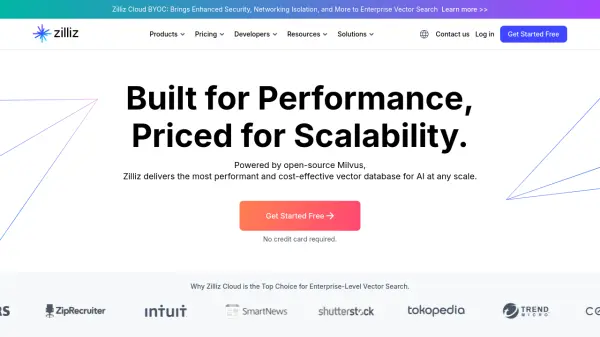
Zilliz Cloud is a fully-managed vector database service, powered by the open-source Milvus. It is designed to provide enterprise-level vector search capabilities with enhanced speed, scalability, and performance. The platform eliminates the need to construct and maintain complex infrastructure, simplifying deployment and scaling of vector search applications.
Zilliz Cloud meets SOC2 Type II and ISO27001 standards and provides robust data protection. The platform supports Role-Based Access Control (RBAC) and offers 99.95% monthly uptime. It is available on AWS, Azure, and GCP across eight regions worldwide.
Features
- Easy to Use: Establish a large-scale vector similarity search service in minutes.
- Optimized Milvus: Fully managed service built on Milvus with AUTOINDEX for enhanced efficiency.
- Blazing Fast: Enables 10x faster vector retrieval speed than Milvus.
- Highly Scalable: Easily scale the cluster to 500 CUs, serving over 100 billion items.
- High Availability: Offers 99.95% monthly uptime.
- Security & Governance: Meets SOC2 Type II and ISO27001 standards, supports RBAC.
- Built-in Embedding Pipelines: Converts unstructured data into searchable vector embeddings.
- Multi-Cloud: Available on AWS, Azure, and GCP.
- AI Integrations: Integrates with leading AI models and frameworks.
Use Cases
- Retrieval Augmented Generation (RAG)
- Recommender System
- Text/Semantic Search
- Image Similarity Search
- Audio Similarity Search
- Video Similarity Search
- Question Answering System
- Molecular Similarity Search
- Multimodal Similarity Search
FAQs
-
What is a Compute Unit (CU)?
A compute unit (CU) is a group of hardware resources for serving your indexes and search requests. You can simply consider a CU as a fully-managed physical node for deploying search service. -
What is a vCU?
A virtual compute unit (vCU) is used to measure the resources consumed by read operations (such as search and query) and write operations (such as insert, upsert, and delete). The read and write costs vary for different vCU usage. -
Which type of CU should I pick?
Select the Performance-optimized CU if you instant search results and high concurrent traffic for real-time applications. Choose the Capacity-optimized CU if you need to handle large vector datasets while maintaining reliable search speeds. Opt for the Extended-capacity CU if you need to manage massive-scale datasets where optimizing total cost is prioritized over latency. Please contact sales if you need Extended-capacity CU. -
How many CUs do I need for a given collection?
Performance-optimized CU: Supports up to 1.5 million 768-dimensional vectors. Capacity-optimized CU: Supports up to 5 million 768-dimensional vectors.Extended-capacity CU: Supports up to 20 million 768-dimensional vectors.These estimates are based on vectors with primary keys only. Additional scalar fields like IDs or labels may reduce capacity. We recommend conducting your own tests for accurate assessment. -
How can I request a new cloud region?
To request a new cloud service provider region for Zilliz Cloud, please fill out the form.