What is ZeroTabs?
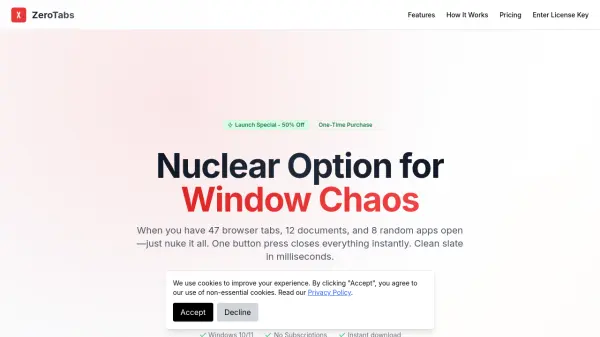
ZeroTabs is a desktop application designed for Windows 10 and 11 that addresses the common problem of having too many open windows, browser tabs, and applications. It offers a straightforward solution by allowing users to close everything instantly with one button press or a keyboard shortcut (Ctrl+Alt+X), resulting in a clean slate in under 200 milliseconds. This tool is particularly useful for individuals who frequently need to reset their workspace for presentations, screenshots, or switching between tasks.
The application runs silently in the background with minimal resource usage, consuming less RAM than a single Chrome tab. It requires no subscription, as it is available as a one-time purchase with free updates included. ZeroTabs emphasizes ease of use with no learning curve, making it accessible for users of all technical levels, from developers to casual computer users seeking to end the daily ritual of manually closing dozens of windows.
Features
- Instant Obliteration: Closes 100+ windows in under 200ms with no lag or delays
- Zero Learning Curve: Operates with one button or a simple keyboard shortcut (Ctrl+Alt+X)
- Lightweight Beast: Uses less RAM than a single Chrome tab and runs silently in the background
- No Subscriptions: Available as a one-time purchase with free updates forever
- Windows 10/11 Support: Compatible with modern Windows operating systems
Use Cases
- Cleaning desktop before screen sharing or taking screenshots for presentations
- Resetting workspace when switching between projects or debugging sessions for developers
- Ending the daily ritual of manually closing dozens of windows and tabs for general users