
What is YouTube Trimmer?
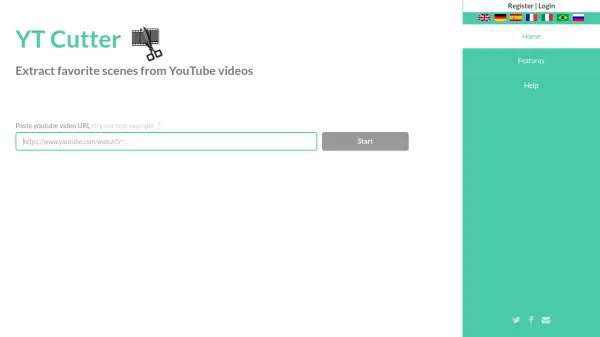
YouTube Trimmer is an online tool designed for trimming and cropping YouTube videos directly in the browser. Users can input a YouTube video URL or ID, set custom start and end times to select their desired segment, and generate a shareable link to the trimmed video. The tool supports various aspect ratios and provides options for looping, though some features may be limited by YouTube's restrictions.
This tool operates entirely online and is compatible with all devices, requiring no account creation or software installation. After trimming, users receive multiple sharing options, including direct YouTube links and embeddable links for websites, making it ideal for quick video editing and sharing needs.
Features
- Free without registration: No account or installation required
- Simple to use: Works online in the browser on all devices
- Share trimmed videos: Provides direct YouTube links and shareable links
- Custom cropping: Set start and end times to select video segments
- Aspect ratio support: Includes options like 16:9 and 4:3
Use Cases
- Creating highlight reels from YouTube videos
- Sharing specific segments of educational content
- Embedding trimmed videos on websites or blogs
- Extracting clips for presentations or social media
- Editing video tutorials to focus on key steps
FAQs
-
Does YouTube Trimmer require an account to use?
No, YouTube Trimmer is free to use and does not require any account registration or installation. -
Can I embed trimmed YouTube videos on my website?
Yes, after trimming a video, YouTube Trimmer provides links that can be embedded on websites. -
What devices are compatible with YouTube Trimmer?
YouTube Trimmer works completely online in the browser on all devices, including computers, tablets, and smartphones. -
Are there any limitations to the trimming features?
Some features, like end-time and loop functions, may not work due to YouTube limitations, as noted on the tool's interface. -
How do I share a trimmed YouTube video?
After trimming, YouTube Trimmer offers options such as a direct YouTube link or a shareable link to distribute the video.