What is XUND?
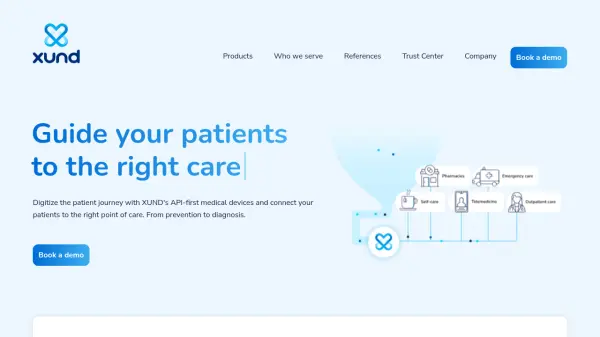
XUND provides API-first medical devices designed to digitize the entire patient journey. The platform facilitates seamless connections between patients and the appropriate healthcare providers, covering all stages from preventative measures to accurate diagnoses.
XUND's Patient Interaction Suite encompasses three core medical modules that address the complete patient lifecycle. These modules support digital interactions throughout the patient journey, enhancing clarity and informed decision-making in healthcare.
Features
- Health Check: Provides 360° risk assessments for asymptomatic patients to guide prevention.
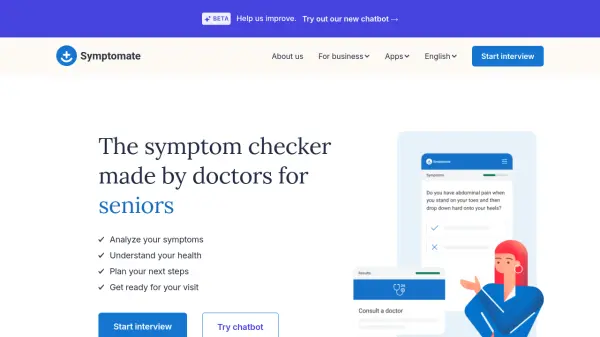
- Symptom Check: Empowers patients to understand their symptoms and find appropriate care.
- Illness Check: Helps patients understand possible underlying causes and the probability of specific conditions.
- API-first philosophy: Allows for seamless integration into existing healthcare systems.
- Certified solutions: Adheres to Medical Devices Regulation (MDR) 2017/745, EN ISO 13485:2016, and ISO 27001:2013.
Use Cases
- Digitize the patient journey.
- Navigate patients to the right health service.
- Improve capacity planning and patient navigation.
- Expand into digital treatments for prevention and monitoring.
- Enhance customer engagement and loyalty in pharmacies.
FAQs
-
What is the Patient Interaction Suite?
The Patient Interaction Suite consists of three medical modules—Health Check, Symptom Check, and Illness Check—that cover a patient's lifecycle and facilitate digital interactions from prevention to diagnosis.