What is XS Usenet?
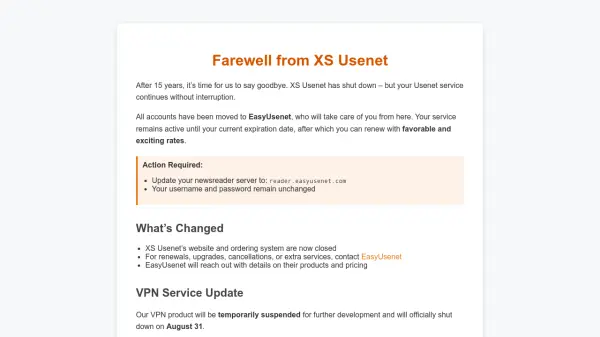
XS Usenet was a freemium Usenet provider that operated from 2009 to 2024, offering access to Usenet newsgroups and services. After 15 years of service, the company has discontinued its operations and transferred all existing customer accounts to EasyUsenet. This transition ensures that users can continue their Usenet service without interruption, maintaining their current subscription until expiration, after which they can renew with EasyUsenet under new terms.
The shutdown was driven by challenges such as staff shortages and shifting business priorities, which prevented the company from maintaining the desired level of service. Customers are required to update their newsreader server settings to reader.easyusenet.com while retaining their existing login credentials. For account management, including renewals, upgrades, or cancellations, users must now contact EasyUsenet directly, as XS Usenet's website and ordering systems are no longer available.
Features
- Usenet Access: Provides access to Usenet newsgroups and services
- Account Transition: Seamless transfer of accounts to EasyUsenet for uninterrupted service
- Server Update: Requires users to update newsreader server to reader.easyusenet.com
Use Cases
- Accessing Usenet newsgroups and discussions
- Continuing Usenet service after provider shutdown
- Managing Usenet subscriptions through a new provider