


What is xpression camera?
xpression camera is an award-winning virtual camera application that empowers users to redefine their onscreen persona. With a single photo, users can instantly transform into anyone or anything with a face, without any processing time. This transformation happens in real-time.
The software seamlessly integrates with popular applications like Zoom for video conferencing, Twitch for live streaming, and tools for creating content like YouTube videos. xpression camera offers a unique approach to online presence and content creation by focusing on real-time image manipulation, giving control and maintaining privacy.
Features
- Real-time Transformation: Instantly become anyone or anything with a face using a single photo.
- Voice2Face Technology: Animate your image on screen with your voice, allowing you to be off-camera.
- Cross-Platform Compatibility: Works with popular apps like Zoom and Twitch.
- Content Creation Tools: Supports the creation of videos, GIFs, memes, and more.
- Privacy Focused: Changes the image on the screen, preserving true identities.
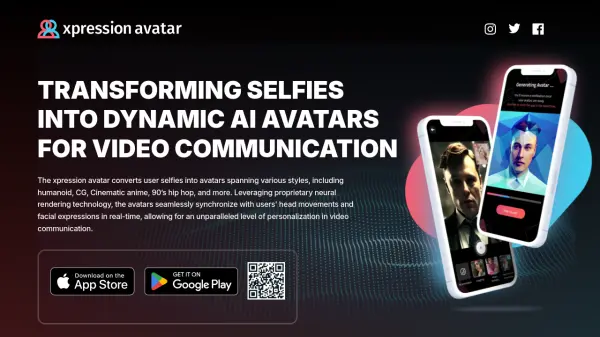
- Avatar Creation: converts user selfies into avatars spanning various styles.
Use Cases
- Enhancing video calls on platforms like Zoom.
- Live streaming on platforms like Twitch.
- Creating engaging content for YouTube.
- Generating unique GIFs and memes.
- Assuming different personas for online interactions.
- Maintain Privacy in Online meetings