
What is Magicam?
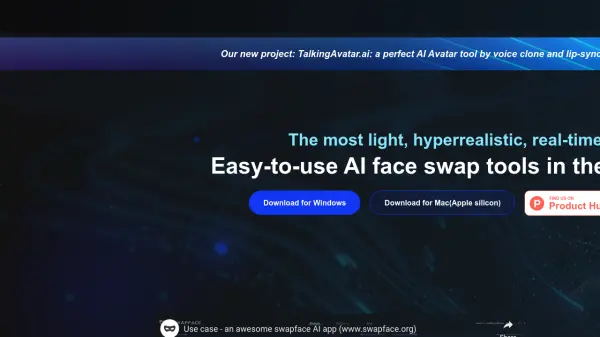
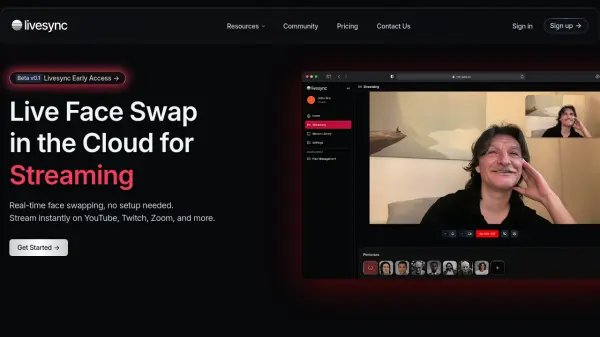
Magicam provides users with advanced tools for real-time face and voice modification. It enables simultaneous face and voice swapping, aiming for high-quality, realistic results suitable for various applications. The platform supports both live interactions, like streaming or video conferencing, and pre-recorded video editing through its video face swap feature.
Designed with a user-friendly interface, Magicam allows for one-click face swaps using a single photo, along with options for advanced adjustments. It emphasizes privacy by processing data locally on the user's computer, avoiding cloud uploads. The tool integrates as a virtual camera, making it compatible with popular platforms like Zoom and Twitch, enhancing communication and entertainment experiences.
Features
- Real-Time Face Swap: Swap faces live during streams or calls.
- Video Face Swap: Apply face swaps to pre-recorded videos.
- Real-Time Voice Change: Modify voice in real-time.
- High-Quality Output: Aims for unparalleled quality in face swaps.
- Built-In Virtual Camera: Integrates with platforms like Zoom and Twitch.
- Local Data Processing: Ensures user privacy by processing data on the user's device.
- 4K HD Video FaceSwap (Pro): Enables high-definition face swapping for videos.
- Unlimited Voice Cloning (Pro): Removes limits on voice cloning features.
- Advanced Tuning Mode (Pro): Provides finer controls for adjustments.
- No Watermark (Pro): Removes watermarks from output.
Use Cases
- Enhancing video conferences with creative or playful elements.
- Adding unique effects to live streaming content.
- Creating engaging video recordings with altered appearances or voices.
- Fostering team creativity during virtual meetings.
- Producing entertaining content for personal use.
FAQs
-
What sets Magicam apart from other face swapping products?
Magicam differentiates itself with premium features at an affordable price (real-time swapping, high resolutions, unlimited credits/uploads in Pro), a user-friendly interface, and continuous improvement with the latest technologies. -
Are there any privacy concerns with using Magicam?
No, Magicam processes all data locally on the user's computer without uploading to the cloud, ensuring user privacy remains secure. -
What are the computer requirements for using Magicam?
A dedicated graphics card, preferably RTX 2070 or higher, is recommended for optimal performance as Magicam utilizes advanced AI neural networks requiring robust hardware support.