What is Xpeacho?
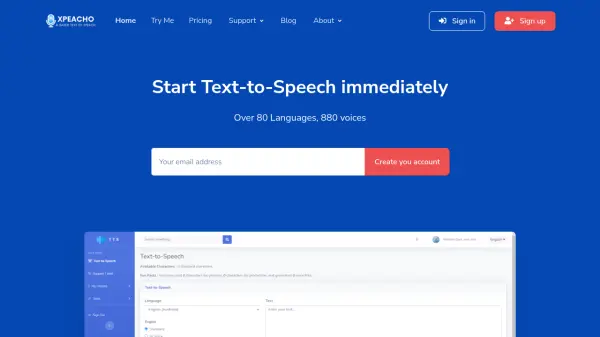
Xpeacho is a text-to-speech (TTS) service that leverages artificial intelligence to convert written text into spoken words. It offers a wide range of voices, totaling over 880, across more than 80 languages. This diverse selection allows users to find the perfect voice for their specific needs. The platform is suitable for personal and professional use.
Xpeacho provides both standard and AI (Neural) voices. Standard voices offer a cost-effective solution, while AI voices deliver more natural and fluent speech. Users can choose between Pay-As-You-Go, Package, or Subscription pricing models and have the flexibility to pay via PayPal or credit card.
Features
- Multiple Languages and Voices: Over 80 languages and 880 voices available, with continuous additions.
- Standard and AI Voices: Choose between cost-effective standard voices or fluent AI (Neural) voices.
- Flexible Pricing: Offers Pay-As-You-Go, Package, and Subscription models.
- SSML Voice Effects: Various SSML voice effects available for use.
- Sound Studio: Access available with some plans
Use Cases
- YouTube Narration
- Marketing Content Creation
- Tutorial Content Creation
- News Narration
- Audiobook Creation
- Podcast Creation
- Presentation Narration
- Business Content Creation
- Customer Support Audio Creation
- Call Center Audio Creation
- Voice Assistant Development
- Documentary Narration
FAQs
-
What payment methods are accepted?
Xpeacho accepts payments through PayPal and credit cards. -
What kind of pricing models are offered?
Xpeacho offers Pay-As-You-Go, Package, and Subscription pricing models.