What is xPassportPhoto?
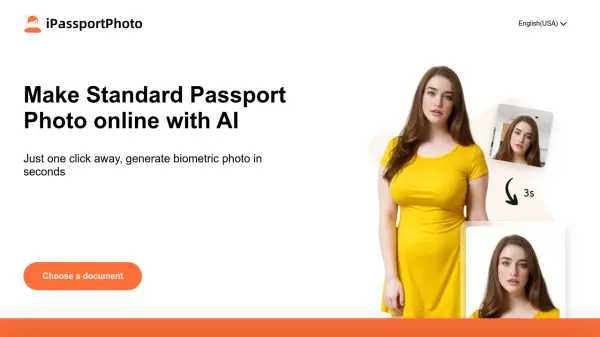
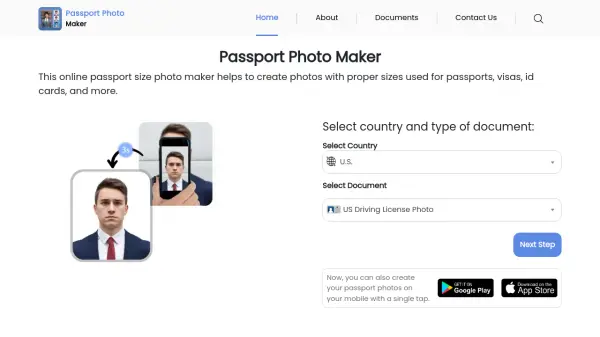
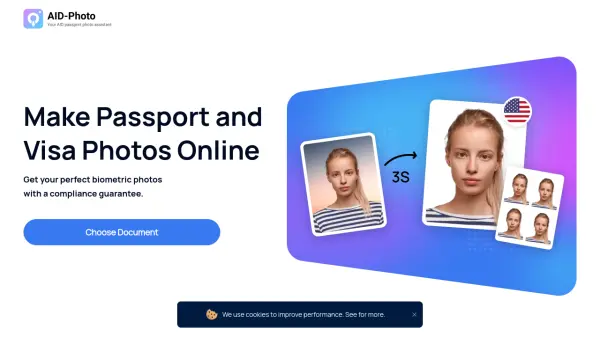
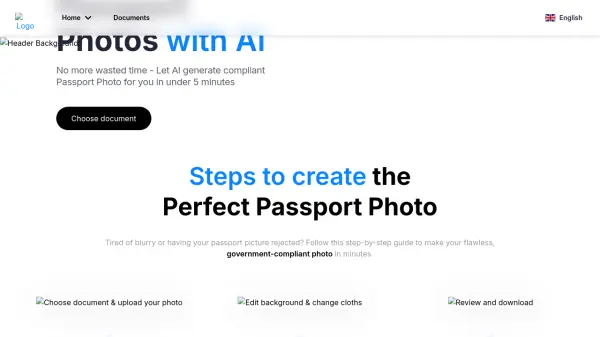
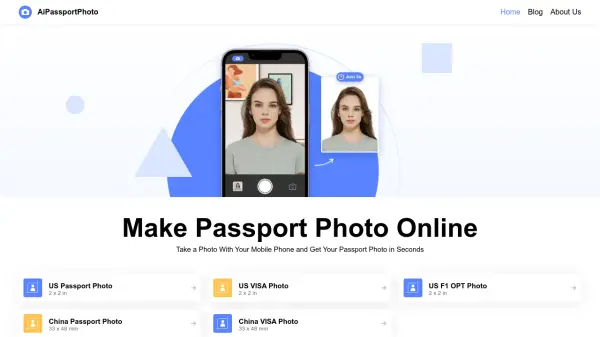
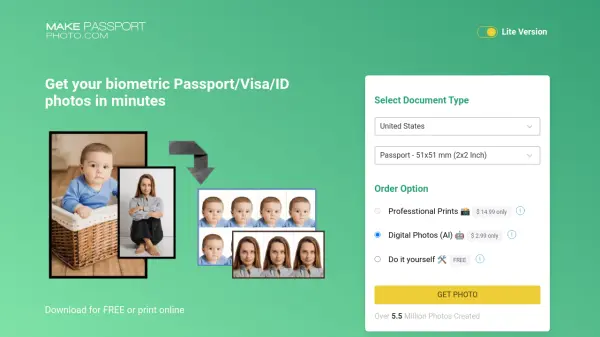
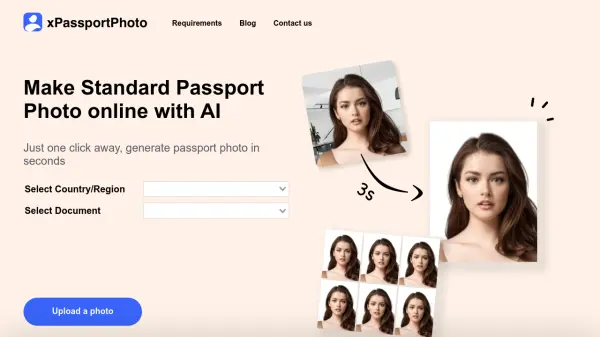
xPassportPhoto utilizes artificial intelligence to simplify the process of obtaining compliant passport photos. Users can upload an existing photo or take a new one directly through the platform after selecting the specific country and document type needed.
The AI system then automatically processes the uploaded image. It handles cropping to precise dimensions, background adjustments (cutout), and resizing to ensure the final photo meets the strict biometric standards required for official documents. Upon successful processing, users can instantly download the compliant digital photo along with a printable template.
Features
- AI-Powered Photo Processing: Automatically crops, cuts out, resizes, and adapts photos to meet biometric standards.
- Country/Document Specific Requirements: Select specific country and document type for tailored photo generation.
- Instant Download: Provides digital photo and printable template immediately after processing.
- Photo Upload Flexibility: Accepts existing photos or allows taking new ones.
- Automated Compliance Checks: Ensures photos meet the necessary criteria for the selected document.
Use Cases
- Creating passport photos
- Generating visa photos
- Making ID card photos
- Preparing photos for official documents online