

What is Passport Maker?
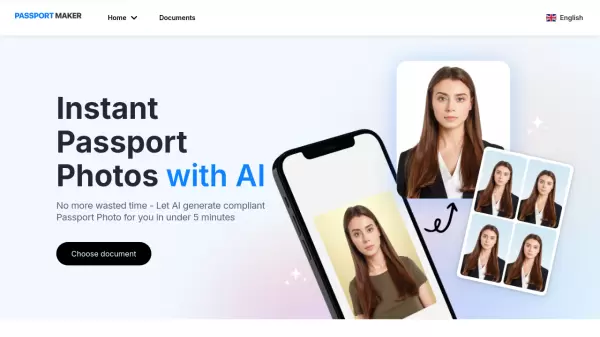
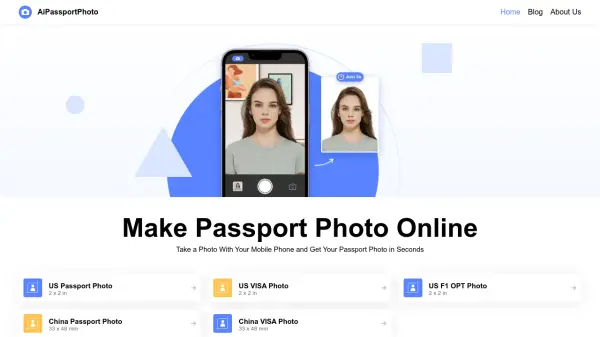
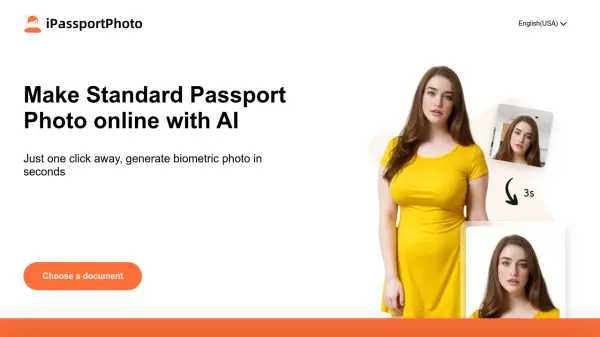
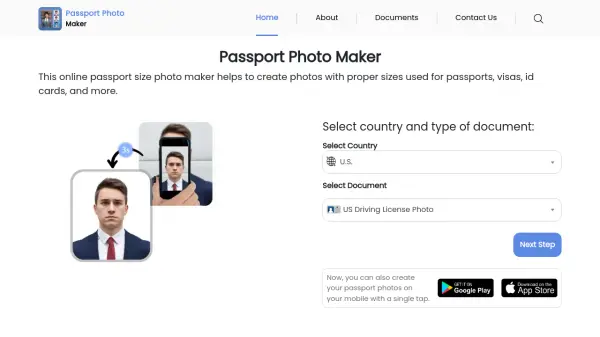
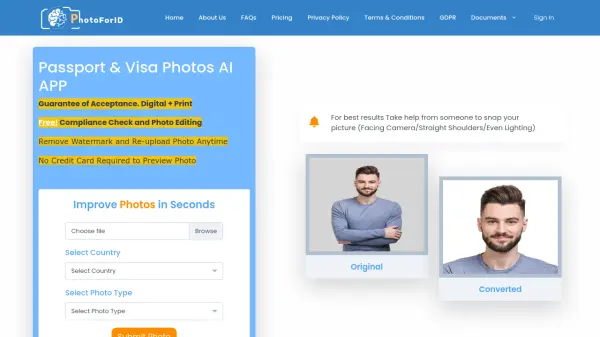
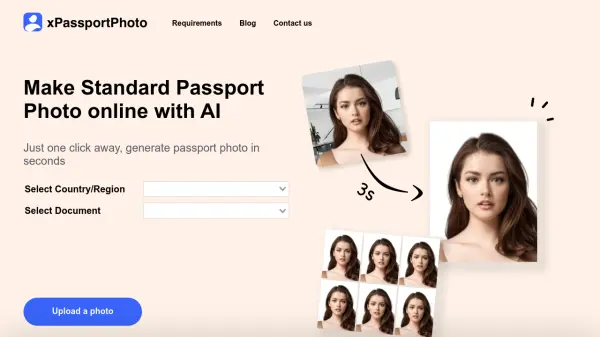
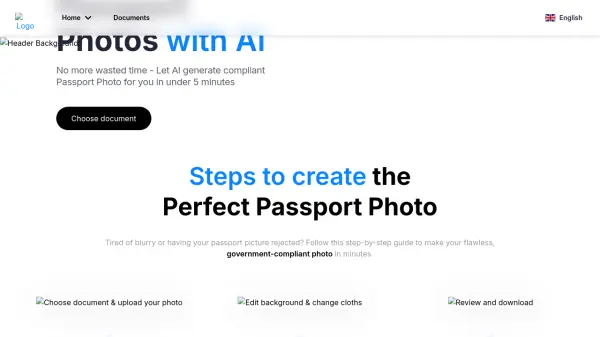
Passport Maker is an AI-powered tool designed to simplify the creation of government-compliant passport, visa, and ID photos. Users can upload their picture, and the AI automatically processes it to meet the specific size and dimension requirements for the selected document type, covering various countries like the US, UK, and Indonesia.
The tool offers features like automatic head detection, cropping, centering, background removal, and lighting adjustment. It also provides options for manual edits, such as changing the background color or adding virtual clothing like suits or shirts, ensuring the final photo meets official standards and looks professional without the need for traditional photo booths or complex editing software.
Features
- AI Document Compliance: Automatically formats photos to meet specific size and dimension requirements for various documents (passports, visas, licenses).
- Automatic Editing: AI detects head position, crops, centers, removes background, and adjusts lighting.
- Background Customization: Allows users to change the background color.
- Virtual Wardrobe: Enables adding virtual suits or shirts to the photo.
- Blurry Photo Enhancement: Improves the clarity of blurry images.
- Multi-Country Support: Caters to requirements for different countries (e.g., US, UK, Indonesia).
Use Cases
- Creating compliant passport photos at home.
- Generating visa photos meeting specific country standards.
- Making official ID photos without visiting a photo booth.
- Quickly editing photos for official document applications.
- Adjusting photo backgrounds and attire for formal identification.
FAQs
-
What is an AI passport photo tool?
An AI passport photo tool, like Passport Maker, uses artificial intelligence to automatically edit and format your photo to meet the specific requirements for official documents like passports or visas, handling tasks like resizing, background adjustment, and compliance checks. -
Can I customize the background color of my passport photo?
Yes, the tool allows you to edit the background color of your passport picture. -
Can I upload a selfie to create my passport photo?
Yes, you can upload a selfie. The tool will process the uploaded image using AI, but for best compliance results, following the provided shooting tips (e.g., plain background, proper lighting) is recommended. -
What countries' passport photo requirements are supported?
The tool supports requirements for various documents and countries, including US passports, UK visas, and Indonesian driving licenses, among others. Select your document, and the AI applies the correct format. -
Will these photos be accepted in applications?
Passport Maker is designed to generate government-compliant photos by automatically formatting them to the correct size and dimensions based on the selected document, aiming for acceptance in official applications.