What is WindowsGSM?
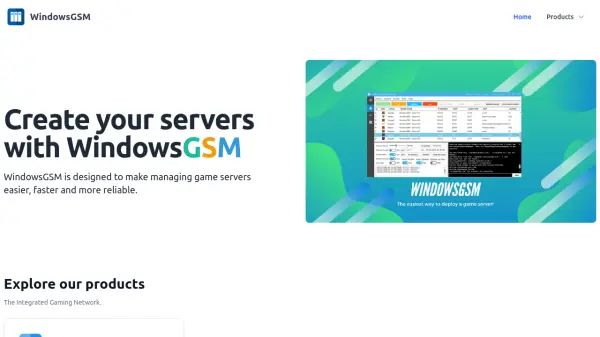
WindowsGSM offers a comprehensive platform for game server administrators seeking to efficiently manage multiple game servers on Windows systems. Featuring a graphical user interface, it enables users to effortlessly install, import, start, stop, restart, and update servers with just a click. The platform is designed with reliability and speed in mind, supporting automation and providing compatibility for community-developed plugins to enhance server capabilities.
This solution supports 46 different game server types, making it highly versatile for gaming communities and hosting providers. With intuitive controls and robust automation options, managing and scaling game server operations becomes significantly easier and more reliable for both beginners and experienced administrators.
Features
- Graphical User Interface: Easy-to-use control panel for managing servers.
- Multi-Server Management: Handle multiple servers simultaneously from a single interface.
- Automated Tasks: Automate server installation, updates, start, stop, and restart operations.
- Community Plugin Support: Expand functionality with community-developed plugins.
- Support for 46 Games: Compatible with a wide variety of popular game servers.
Use Cases
- Quickly launching and managing multiple game servers for a gaming community.
- Automating regular updates and restarts to ensure server reliability.
- Simplifying server administration for game hosting businesses.
- Centralizing plugin management for enhancing game servers.
- Streamlining server import and setup for tournaments or LAN parties.