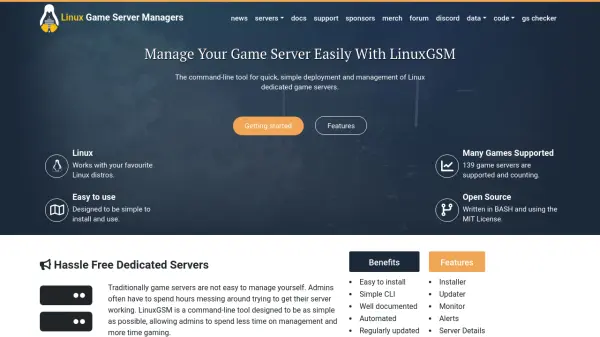
What is LinuxGSM?
LinuxGSM provides a streamlined command-line utility designed for quickly deploying and managing dedicated game servers on a wide variety of Linux distributions. Users can leverage its simple installer for hassle-free setup, as well as its robust toolkit for configuring, controlling, monitoring, and updating game servers. Compatible with over 139 popular games, LinuxGSM ensures fast server preparation and easy administration via command-line commands.
Offering features such as automated updates, dependency checks, crash monitoring with alerts, and backup capabilities, LinuxGSM supports efficient server management without deep technical expertise. The tool also provides detailed server information, supports custom scheduling via cronjobs, and integrates with communication platforms for real-time status alerts. As an open-source solution under the MIT License and written in BASH, LinuxGSM is supported by a well-documented and active open-source community.
Features
- Easy Installer: Automates server deployment with dependency checks and default configuration loading.
- Server Monitor: Detects crashes and restarts servers automatically to maintain uptime.
- Automated Updates: Keeps the game server and LinuxGSM up-to-date using developer-approved methods.
- Custom Alerts: Sends server status updates and crash notifications through multiple platforms.
- Backup Functionality: Provides basic server backup to safeguard game data.
- Documented CLI Commands: Well-documented command-line interface for all management tasks.
- Open Source: Freely available under MIT License and developed in BASH.
- Support for Multiple Games: Compatible with over 139 different dedicated game servers.
- Console Access: Enables viewing live server operations using tmux.
- Debug Mode: Offers direct debugging to quickly diagnose server problems.
Use Cases
- Deploying dedicated game servers for popular multiplayer games on Linux.
- Automating regular updates and server maintenance for gaming communities.
- Monitoring server health and receiving real-time status or crash alerts.
- Configuring and customizing server settings for individual or community needs.
- Creating reliable backup archives before making server changes.