What is Wideo?
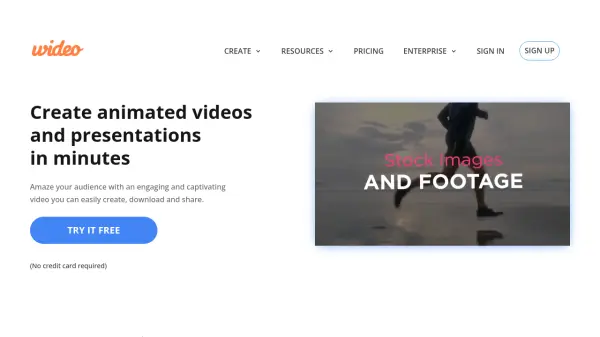
Wideo is an online platform designed to simplify the process of video creation. It offers a user-friendly interface with a drag-and-drop functionality, making it accessible to users without prior video editing experience.
Users can choose from hundreds of pre-designed templates or customize their own videos with Wideo's extensive free library of stock footage and graphics. With Wideo, sharing is made easy with one-click exports to MP4 format and direct sharing options to Facebook and YouTube.
Features
- Templates: Hundreds of templates for various video needs.
- Drag-and-drop editor: Easy to add graphics and customize your video.
- Free Video Library: Thousands of stock footage and graphics.
- One-Click Sharing: Direct export to MP4, Facebook, and YouTube.
- Video Automation: Solutions for various industries like Car Dealership, Non-Profit Organizations, Airlines and Marketing.
- Text to Speech: Convert Text to speech and add into the video.
Use Cases
- Marketing videos
- Internal communications videos
- Social media videos
- Explainer videos
- Tutorial videos
- Promo videos
- Presentation videos
- Video ads
FAQs
-
How much does video editing cost?
The cost of editing a video can be free and it can also go as high as one can imagine! With Wideo you can edit your videos for free or for a very minimal cost. -
What is the best video maker for beginners?
The best simple video maker completely depends upon the skill level and the knowledge you have regarding video editing. If you are just a beginner, Wideo is your best option because of its all-in-one animation maker that requires no editing skills at all. -
Why use a video maker with templates?
The main benefits of using video templates are many! It’s faster than without them, easy, fun, affordable and you can choose between hundreds of professional ready-to-use templates. -
How to add text to video?
Simply open the Wideo editor. Upload your video or choose a video template. Add text to the video with the editor’s drag-and-drop tool. Customize it and animate it in just one click.