WhenX favicon

WhenX
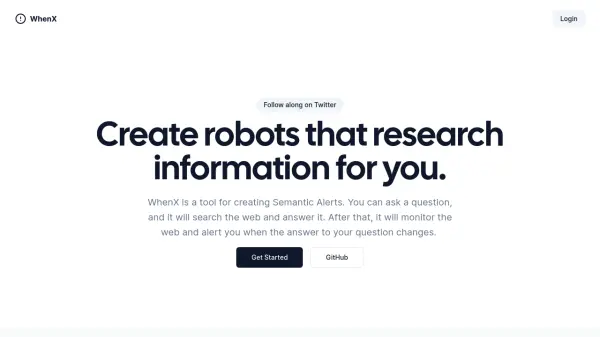
Create robots that research information for you.

What is WhenX?

WhenX is a tool designed for creating Semantic Alerts. It enables users to pose questions, and the system subsequently searches the web to find answers.

Beyond the initial search, WhenX continuously monitors the web and alerts the user if the answer to their original question changes. This functionality is beneficial for tracking updates on a variety of topics, from new publications by favorite authors to job postings or product releases.

Features

  • Semantic Alerts: Create alerts based on specific questions.
  • Web Monitoring: Continuously monitors the web for changes to the answers.
  • Change Notifications: Get notified when the answer to your question changes.
  • Question-Based Search: Performs web searches based on user-defined questions.

Use Cases

  • Tracking new book releases from specific authors.
  • Monitoring job postings matching specific criteria.
  • Receiving alerts for new product releases.
  • Staying updated on any information that changes over time.

Related Tools:

Blogs:

  • Chat with PDF AI Tools

    Chat with PDF AI Tools

    Easily interact with your PDF documents using our advanced AI-powered tool. Whether you're reading lengthy reports, research papers, contracts, or eBooks, our platform lets you chat directly with your PDF files, ask questions, extract insights, and get summaries in real-time.

  • Top 6 AI note-taking tools for 2026: in-person, online, and hybrid use cases

    Top 6 AI note-taking tools for 2026: in-person, online, and hybrid use cases

    Most AI note-taking lists are really lists of meeting bots, which join your video call and transcribe it. That's useful, but it's half the picture. Decisions happen in hallway conversations, client dinners, on-site visits, and hybrid rooms where nobody is on a video link. This guide covers different parts of the note-taking workflow: hardware capture for in-person settings, platform-native tools for online calls, and AI layers for organizing and synthesizing what you've captured. It compares six tools by capture context, workflow fit, pricing, and limitations.

Didn't find tool you were looking for?

Be as detailed as possible for better results