What is VVK?
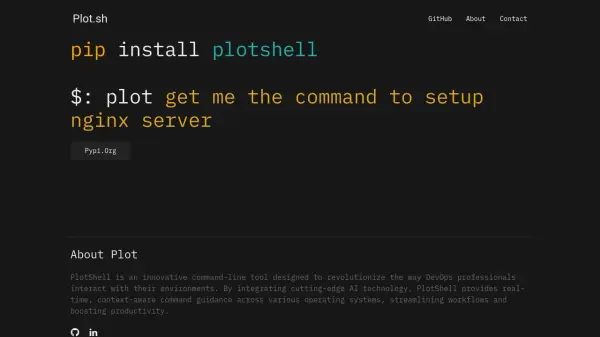
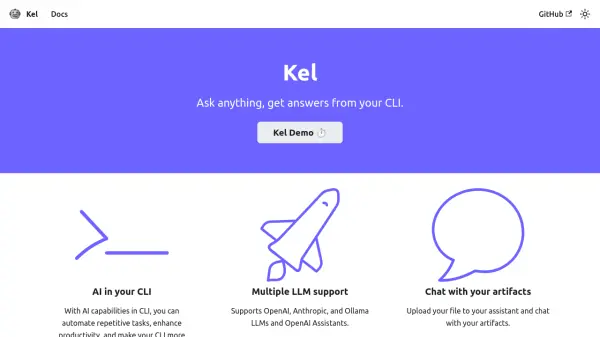
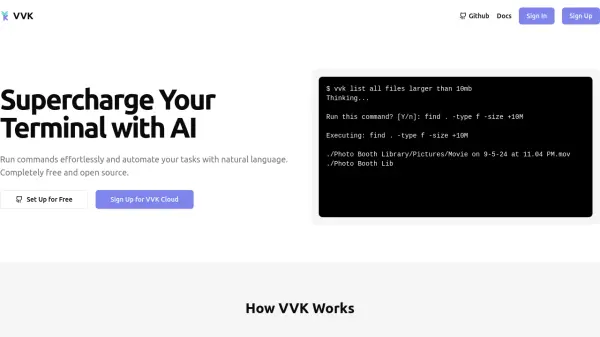
VVK empowers users to interact with their terminal more intuitively by translating natural language prompts into executable commands. This tool leverages the capabilities of GPT-4 to understand user intent and generate the appropriate command-line instructions within seconds, streamlining workflows and reducing the need to memorize complex syntax.
Available as a free and open-source solution, VVK can be configured with a user's own OpenAI API key or Ollama setup. For those seeking a more managed experience, VVK Cloud provides an alternative with instant setup, professional support, and usage statistics, allowing users to focus on productivity rather than initial configuration.
Features
- Natural Language to Command Translation: Uses GPT-4 to convert plain English into appropriate terminal commands.
- Task Automation: Automate complex tasks by describing them in natural language.
- Open Source: Freely available for use with personal OpenAI API key or Ollama configuration.
- VVK Cloud Option: Offers a hassle-free, managed cloud service with support, daily command limits, and usage statistics.
- Full Customizability: Allows for complete customization when self-hosting the open-source version.
Use Cases
- Executing file system operations like listing all files in the current directory.
- Finding specific files, such as all JavaScript files containing a particular word.
- Initializing new software projects with specific configurations, e.g., creating a Next.js project with TypeScript, Tailwind, and ESLint.
- Setting up complex development environments, like Docker containers for a Node.js app with PostgreSQL and Redis.
- Simplifying command-line interactions for users less familiar with terminal syntax.
- Speeding up workflows for experienced developers by generating complex commands quickly.
FAQs
-
How does VVK understand natural language?
VVK uses GPT-4 to understand your natural language input and generate the appropriate command within seconds. -
Is VVK free to use?
Yes, every feature of VVK is available for free when using your own OpenAI API key or Ollama configuration as it is open source. There is also a VVK Cloud paid option. -
What is VVK Cloud?
VVK Cloud offers a hassle-free alternative for users who prefer to avoid OpenAI development environment setup. It provides instant access to all features with professional support, 200 commands/day, and usage statistics for $8/month. -
What are the benefits of using the open-source version?
The open-source version allows full customizability and community support. You can use it for free with your own OpenAI API key or Ollama configuration.