What is NavamAI?
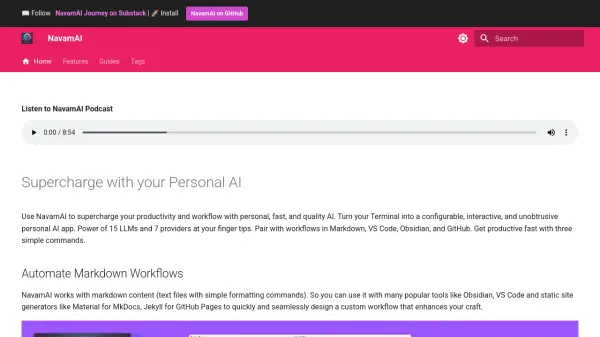
NavamAI is a powerful tool designed to supercharge your productivity and workflow by providing a personalized AI experience directly within your terminal. It seamlessly integrates with popular tools like Markdown, VS Code, Obsidian, and GitHub, offering the power of 15 Large Language Models (LLMs) and 7 providers at your fingertips.
This configurable and interactive AI tool enables you to automate markdown workflows, generate situational apps, and much more without the need for a browser or external applications. With NavamAI, you maintain full control over your AI interactions, ensuring privacy and efficiency.
Features
- Automate Markdown Workflows: Seamlessly integrate with tools like Obsidian, VS Code, and static site generators.
- Generate Situational Apps: Create, install, and run fully functional web apps directly from your command line.
- Command Line Interface: Access 15 commands to customize your personal AI workflow directly from the terminal.
- Multiple Models and Providers: Choose from 15 models and 7 providers to optimize for quality, context size, or speed.
- Prompt Templates: Utilize pre-built templates for various tasks, including app creation and image generation.
- Privacy Controls: Maintain complete control over your data and workflow with no behavioral marketing or tracking.
- Vision Models: Analyze images using vision models directly from local paths, URLs, or cameras.
- Analyze Personal AI: Gather insightful command line dashboards to analyze your usage.
Use Cases
- Automating content creation and management in Markdown.
- Rapid prototyping and development of web applications.
- Integrating AI capabilities into existing workflows without context switching.
- Analyzing personal AI usage patterns to optimize workflow.
- Generating images for content or development.
- Scraping and processing web content for analysis or summarization.
- Testing and comparing different LLMs for specific tasks.
FAQs
-
How to upgrade or install latest NavamAI?
Run `pip install -U navamai` command in your terminal. -
How to initialize NavamAI?
Run `navamai init` in any folder you want to initialize NavamAI. -
How do I start prompting the model?
Use the command `ask "Your prompt here"` to prompt the LLM. -
How can I identify the active provider and model?
Use the command `navamai id` to identify the current provider and model. -
How to test navamai command using all providers and models?
Run `navamai test ask` command.