What is VTRL?
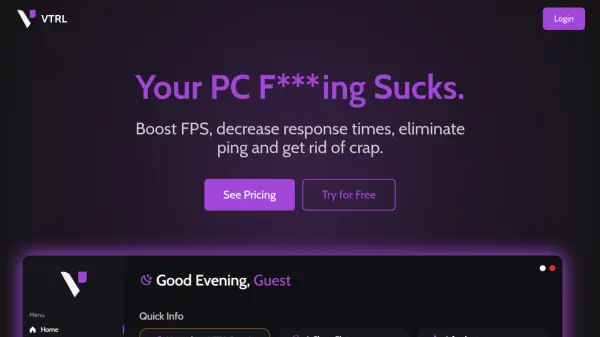
VTRL is a comprehensive system optimization tool focused on delivering enhanced PC performance, particularly for gamers and power users. It offers a suite of utilities to boost frames per second (FPS), minimize input lag, and optimize network settings for lower ping and better connectivity. The platform addresses core performance issues by providing accessible features such as a power plan configurator, system cleaner, and startup manager.
With VTRL, users can efficiently remove unnecessary files, eliminate unwanted bloatware, and streamline system processes for faster boot times and smoother operation. By leveraging multiple optimization strategies, it helps users achieve peak system responsiveness for both gaming and everyday tasks.
Features
- General Tweaks: Dozens of system optimizations to boost overall performance
- Latency Optimization: Reduces input lag and improves response times
- Network Enhancements: Optimizes network settings for lower ping and improved gaming connectivity
- Power Plan Configurator: Enables creation and application of custom power plans to balance performance with energy use
- System Cleaner: Removes unnecessary files to optimize storage and responsiveness
- Debloat Utility: Eliminates unwanted bloatware to streamline system operations
- Startup Configurator: Manages and optimizes program startup for faster boot times
Use Cases
- Improving gaming performance by increasing FPS
- Reducing online game latency and network ping
- Cleaning up systems to enhance responsiveness and storage efficiency
- Removing bloatware to streamline performance
- Optimizing boot times for quicker system startups