What is VizDiff?
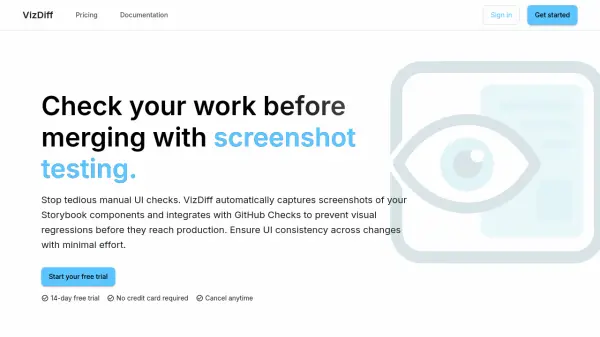
VizDiff is an AI-powered screenshot testing tool designed to streamline UI quality assurance for development teams. It automatically captures screenshots of Storybook components on every commit via GitHub Actions, then visually compares changes to detect visual regressions before they reach production.
The platform integrates directly with GitHub Checks, allowing developers to review and approve visual changes within their pull requests. With pixel-perfect diffing that clearly highlights visual differences and team collaboration features for sharing baselines, VizDiff helps maintain UI consistency across code changes while eliminating tedious manual UI checks.
Features
- Storybook Integration: Seamlessly tests components from your existing Storybook setup
- GitHub Checks: Review and approve visual changes directly in your Pull Requests
- Pixel-Perfect Diffing: Clearly highlights visual differences for quick identification
- Team Collaboration: Share baselines and review results easily across your team
- Automated Screenshots: Captures screenshots automatically on every commit via GitHub Action
Use Cases
- Preventing visual regressions in UI components before deployment
- Automating visual testing for Storybook component libraries
- Streamlining UI review processes in development workflows
- Maintaining design consistency across codebase changes
- Reducing manual visual testing efforts in software development
FAQs
-
How long does the free trial last?
VizDiff offers a 14-day free trial with no credit card required. -
What happens after the free trial ends?
After the free trial, you can choose from paid plans starting at $49/month for continued access to VizDiff's features. -
Does VizDiff require credit card information for the free trial?
No, VizDiff's free trial does not require credit card information. -
How does VizDiff integrate with development workflows?
VizDiff integrates with GitHub via GitHub Actions to automatically capture screenshots on every commit and provides visual diff reviews directly in pull requests through GitHub Checks. -
What types of components does VizDiff test?
VizDiff tests components from Storybook setups, capturing screenshots of UI components to detect visual changes and regressions.