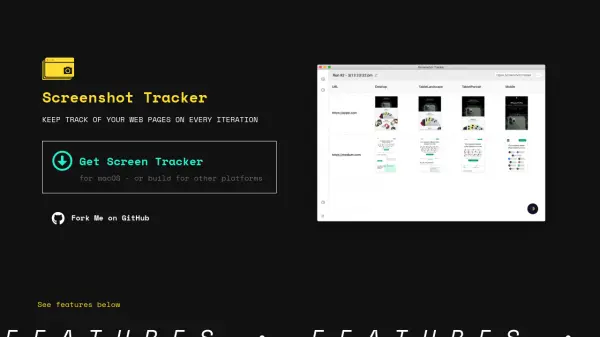
What is Screenshot Tracker?
Screenshot Tracker enables users to automatically capture screenshots of multiple web pages by providing a list of URLs. The tool offers customization options for selecting various screen resolutions, making it efficient for web developers and designers to monitor how pages appear across devices and track visual changes between iterations.
The platform features an intuitive preview window for reviewing results and supports easy navigation of output folders using your preferred tools. With an added dark mode for comfortable nighttime use and open-source flexibility, Screenshot Tracker is a practical solution for modern web page monitoring and documentation.
Features
- Bulk URL Screenshot: Capture screenshots for multiple web pages by supplying a list of URLs
- Custom Screen Resolutions: Select from different resolutions for tailored output
- Preview Interface: Instantly view screenshot results within the application
- Run Folder Navigation: Access and explore screenshot files easily using any tool
- Dark Mode: Nighttime-friendly interface for comfortable use
- Open Source: Free to use, modify, and customize
Use Cases
- Monitor website design changes across development iterations
- Perform visual QA for responsive layouts on various screen sizes
- Document website states for client presentations or internal reviews
- Archive web page appearances over time
- Streamline bug reporting with visual evidence