
What is PeekShot?
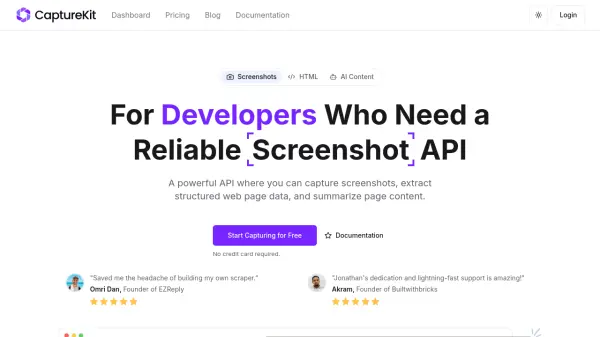
PeekShot is a website screenshot automation platform designed to replace manual screenshot work with reliable, scalable automation. It enables users to capture screenshots from live URLs or raw HTML without requiring any hosting infrastructure, providing consistent results across different devices and viewports.
The platform offers built-in scheduling for automated captures on daily, weekly, or monthly intervals, along with project organization features to keep screenshots sorted by client, environment, or use case. With webhooks and API access, PeekShot integrates seamlessly into existing workflows, triggering downstream processes and supporting programmatic screenshot generation for various applications.
Features
- URL & HTML Screenshots: Capture screenshots from live URLs or raw HTML without hosting requirements
- Device & Viewport Control: Emulate real devices and control screen sizes for consistent visual outputs
- Scheduled Screenshots: Automate captures on daily, weekly, or monthly schedules without manual reminders
- Projects & Organization: Organize screenshots by client, environment, or use case for better management
- Webhooks & Automation: Receive notifications and trigger downstream workflows when screenshots are ready
Use Cases
- Generate automated screenshots and OG images for marketing reports and social sharing
- Schedule recurring screenshots to track UI changes and visual regressions for product and QA teams
- Automate recurring captures for client deliverables and organize them by project in agencies
- Generate screenshots programmatically using API and webhooks for integration into products
- Maintain a history of screenshots for reliable visual documentation in SaaS and operations workflows
FAQs
-
What types of screenshots can PeekShot capture?
PeekShot can capture screenshots from live URLs or raw HTML, supporting various device emulations and viewport settings. -
How does PeekShot handle large-scale screenshot automation?
PeekShot is built to scale reliably to thousands of screenshots, with features like scheduling, API access, and webhooks for high-volume usage. -
Can I use PeekShot without any coding knowledge?
Yes, PeekShot offers a no-code dashboard for capturing and scheduling screenshots, making it accessible to non-technical users. -
What integrations does PeekShot support?
PeekShot supports integrations via REST API and webhooks, allowing it to work with internal tools, CI/CD systems, dashboards, and reporting platforms. -
Are there any limitations on the free plan?
The free plan offers 100 one-time credits with no expiration, API and dashboard access, all screenshot types, and webhook delivery, but lacks advanced features like device emulation and project organization available in paid plans.