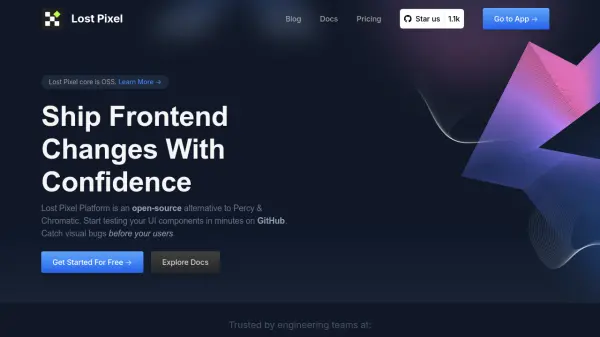
What is Lost Pixel?
Lost Pixel is a modern open-source visual regression testing tool focused on helping engineering teams detect visual discrepancies in UI components before they reach end users. By integrating directly with GitHub and leveraging popular frameworks like Storybook, Next.js, and Playwright, Lost Pixel enables developers to automate and streamline their visual testing workflows.
The platform offers powerful composition capabilities, customizable thresholds, and support for multiple browsers and device breakpoints. Its intuitive approval flow allows for easy management of detected regressions, while anti-flakiness measures further enhance reliability. Lost Pixel is suitable for projects of all sizes and is free for open-source use, with scalable paid options for businesses.
Features
- GitHub Integration: Seamless setup with automatic GitHub status checks.
- Framework Support: Compatible with Storybook, Next.js, and Playwright.
- Masking Elements: Ignore unneeded elements during visual comparison.
- Custom Thresholds: Set screenshot-specific or global image difference thresholds.
- Multiple Browser Support: Run tests in various browsers for broad coverage.
- Device Breakpoints: Test across multiple device widths for responsive design validation.
- Parallel Execution: Speeds up visual test suites by running tests concurrently.
- Approval Workflow: Approve, reject, and comment on screenshots in an organized review flow.
- Anti-Flakiness Tools: Retries, wait times, and network utilities to fight flaky tests.
- Open Source Core: Free for open source projects and customizable.
Use Cases
- Automated visual testing for frontend code changes.
- End-to-end UI regression testing in design systems.
- Continuous integration visual reviews via GitHub Actions.
- QA workflows for marketing and landing pages.
- Monitoring application UI for unintended styling or layout changes.
- Responsive design validation across device widths.
- Agile development processes requiring fast and reliable visual feedback.
FAQs
-
How is Lost Pixel different from Percy or Chromatic?
Lost Pixel is open-source at its core, allowing you to build your own visual testing workflow or use it completely for free, while offering similar capabilities for visual regression testing. -
Does Lost Pixel support integrations with Git providers other than GitHub?
Currently, Lost Pixel is focused on seamless integration with GitHub and does not support other Git providers in its first release. -
What are the common use cases for Lost Pixel’s visual regression testing?
Lost Pixel is commonly used for design systems, marketing pages, and application UI—any area where visually rendering UI to users is critical. -
Is Lost Pixel suitable for large projects?
Yes, Lost Pixel is designed for projects of varying sizes and can be composed to test components, application pages, and custom workflows for comprehensive coverage. -
Why does Lost Pixel request GitHub permissions?
GitHub permissions are necessary for CI/CD workflows; Lost Pixel uses them to integrate as a GitHub App and create GitHub Check Runs but does not store data or access repositories.