What is Visflow?
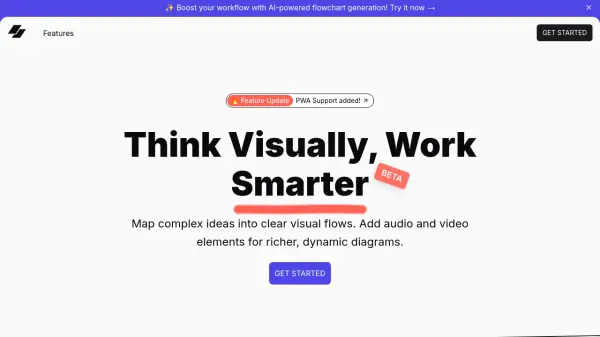
Visflow reimagines flowcharting by enabling users to create visually rich diagrams with multimedia-rich nodes. It goes beyond traditional text-based flowcharts by supporting the integration of video clips, voice notes, and images directly within the flowchart, enhancing the overall workflow.
The platform is designed for visual thinkers, providing a unique way to represent ideas interactively. Visflow prioritizes user privacy, ensuring all data remains on the user's device through local storage, eliminating cloud storage and tracking.
Features
- Multimedia Nodes: Add images, videos, and audio inside flowcharts.
- Drag & Drop Editing: Move, resize, and connect nodes effortlessly.
- Privacy-First: Data stays on your device with local storage.
- Visual Documentation: Create interactive, visual stories with embedded multimedia.
- URL Linking: Connect nodes with external links, documents, or references.
- Custom Node Types: Utilize various node types for diverse workflows.
- Canvas & Freeform Drawing: Sketch freely on an interactive canvas.
- Embedded Video & Audio: Add recorded explanations or relevant video clips to flowcharts.
Use Cases
- Brainstorming visually with multimedia nodes.
- Creating interactive visual documentation.
- Mapping complex ideas into clear visual flows.
- Developing structured workflows with multimedia elements.
- Collaborating on flowcharts and mind maps in real-time.